
Mastodon API: How to Post to Mastodon via API
Mastodon's own API is open, free and even supports scheduling. Here is how it works, and when a single Publora integration for Mastodon plus nine other networks is the better fit.
Mastodon has one of the friendliest posting APIs of any social network. You register an app on your server, get an OAuth token with the write:statuses scope, and send POST /api/v1/statuses. There is no review, no fee, and the endpoint accepts a scheduled_at time, so the server itself can hold a post until later. For a bot or a script that posts to one Mastodon account, use the official API.
The trade-off is that everything is per instance. Apps are registered separately on each server, character limits depend on the server, and your code only covers Mastodon. Most teams that post to Mastodon also post to LinkedIn, Bluesky or Threads, and each of those needs its own integration.
Publora is one API for ten networks. For Mastodon it adds cross-network posting in one request, a single scheduler for everything, engagement stats and an MCP server for AI agents. It also has a limit worth knowing first: Publora currently connects mastodon.social accounts only.
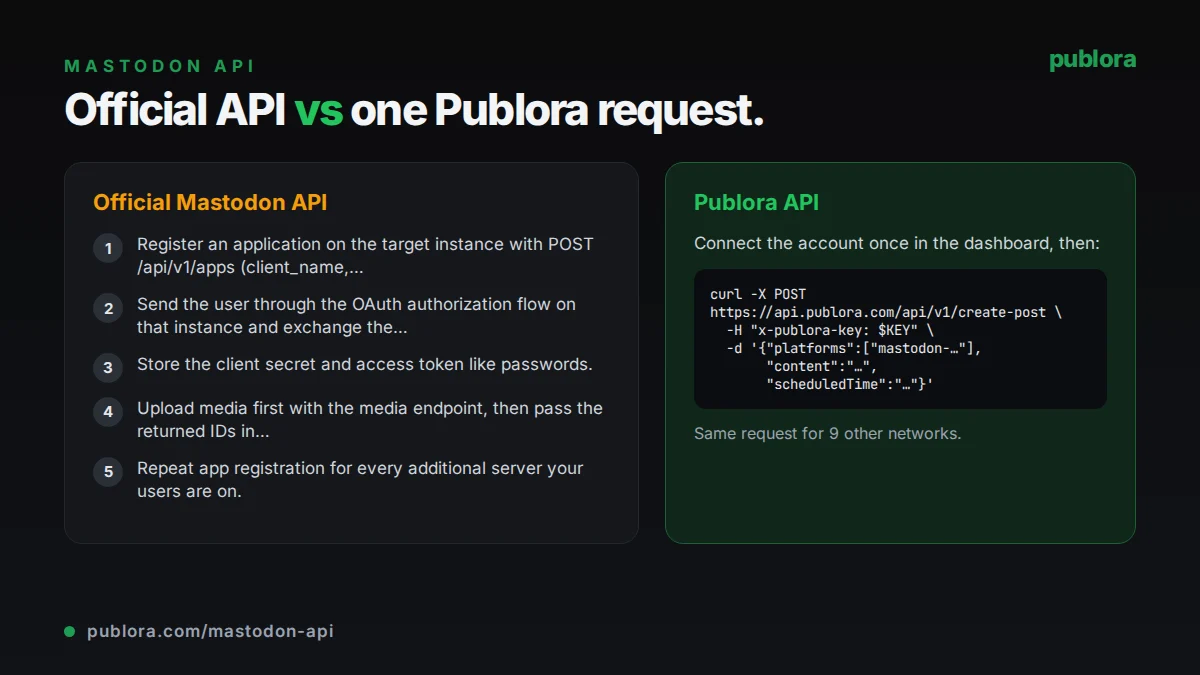
The official Mastodon API
Posts (statuses) are created with POST /api/v1/statuses on the account's own server, using a user token with the write:statuses scope. The request takes status text, media_ids[] for attachments uploaded beforehand, visibility (public, unlisted, private or direct), spoiler_text for a content warning, and an optional scheduled_at at least 5 minutes in the future. An Idempotency-Key header prevents duplicate posts on retries.
What posting requires
- Register an application on the target instance with POST /api/v1/apps (client_name, redirect_uris, scopes). Apps are registered per instance.
- Send the user through the OAuth authorization flow on that instance and exchange the code at /oauth/token for an access token.
- Store the client secret and access token like passwords.
- Upload media first with the media endpoint, then pass the returned IDs in media_ids[] when you create the status.
- Repeat app registration for every additional server your users are on.
Cost: Free. The Mastodon API has no fee or review process; each server applies its own rate limits.
Official limits
| All endpoints (per account) | 300 requests per 5 minutes |
|---|---|
| All endpoints (per IP) | 300 requests per 5 minutes |
| Media uploads | 30 per 30 minutes |
| Status deletes and unboosts | 30 per 30 minutes |
| scheduled_at | At least 5 minutes in the future |
| Idempotency-Key | Remembered for 1 hour |
| Characters | Set by each instance (500 on mastodon.social) |
Common gotchas
- There is no single Mastodon API host. Every user's server is a separate API with its own app registration and tokens.
- Character limits and media limits vary by instance, so a post that fits on one server can be rejected on another.
- Media uploads are limited to 30 per 30 minutes, which a bulk import can hit quickly.
- Deleting and re-posting to fix a mistake counts against the 30 deletes per 30 minutes limit.
- Retries without an Idempotency-Key can create duplicate toots.
Posting to Mastodon through Publora
One request for Mastodon and nine more networks
List mastodon-, bluesky-, linkedin- or any other connection IDs in platforms and the same POST /create-post publishes to all of them.
Sign in once, no app registration
Connect your mastodon.social account from Publora Channels with Mastodon's own OAuth screen. Publora requests read, write and push access.
Media by URL
Pass up to 10 public https URLs in mediaUrls; Publora downloads them and attaches up to 4 images or one video to the toot. MP4 is the reliable video format.
Stats your agent can read
On Pro, get favourites, replies, boosts and quotes (Mastodon 4.5+) for posts Publora published, plus follower counts, through the API or the post_stats and profile_stats MCP tools.
Built-in duplicate protection
Publora's create-post accepts its own Idempotency-Key header, so a retried request replays the original response instead of creating a second post.
| Official Mastodon API | Publora API | |
|---|---|---|
| Access | Open; register an app per instance | Publora account and API key |
| Price | Free | Free Starter plan; Pro $5.99 per account per month |
| Instances | Any Mastodon server | mastodon.social only |
| Scheduling | Native scheduled_at (5+ minutes ahead) | scheduledTime in UTC, same queue for all networks |
| Visibility and content warnings | visibility and spoiler_text | Public only; no content warnings |
| Alt text | Media descriptions supported | Not settable through the REST API yet |
| Other networks | Mastodon only | 10 networks in one request |
| AI agents | Write your own tool wrapper | MCP server at mcp.publora.com |
Post to Mastodon via API
curl -X POST https://api.publora.com/api/v1/create-post \
  -H "Content-Type: application/json" \
  -H "x-publora-key: sk_YOUR_API_KEY" \
  -d '{
    "content": "Version 2.4 is out: faster search, CSV export and a dark mode that follows your system setting. #OpenSource #ReleaseNotes",
    "platforms": ["mastodon-109876543210"],
    "scheduledTime": "2026-10-08T15:30:00.000Z"
  }'
# { "success": true, "postGroupId": "...", "scheduledTime": "2026-10-08T15:30:00.000Z" }
import uuid
import requests
response = requests.post(
"https://api.publora.com/api/v1/create-post",
headers={
"Content-Type": "application/json",
"x-publora-key": "sk_YOUR_API_KEY",
# Reuse the same key if you retry this exact request.
"Idempotency-Key": str(uuid.uuid4()),
},
json={
"content": "Version 2.4 is out: faster search and CSV export. #OpenSource",
"platforms": ["mastodon-109876543210", "bluesky-did:plc:abc123xyz"],
"scheduledTime": "2026-10-08T15:30:00.000Z",
},
)
print(response.json()) # {'success': True, 'postGroupId': '...', 'scheduledTime': '...'}Or let an AI agent post
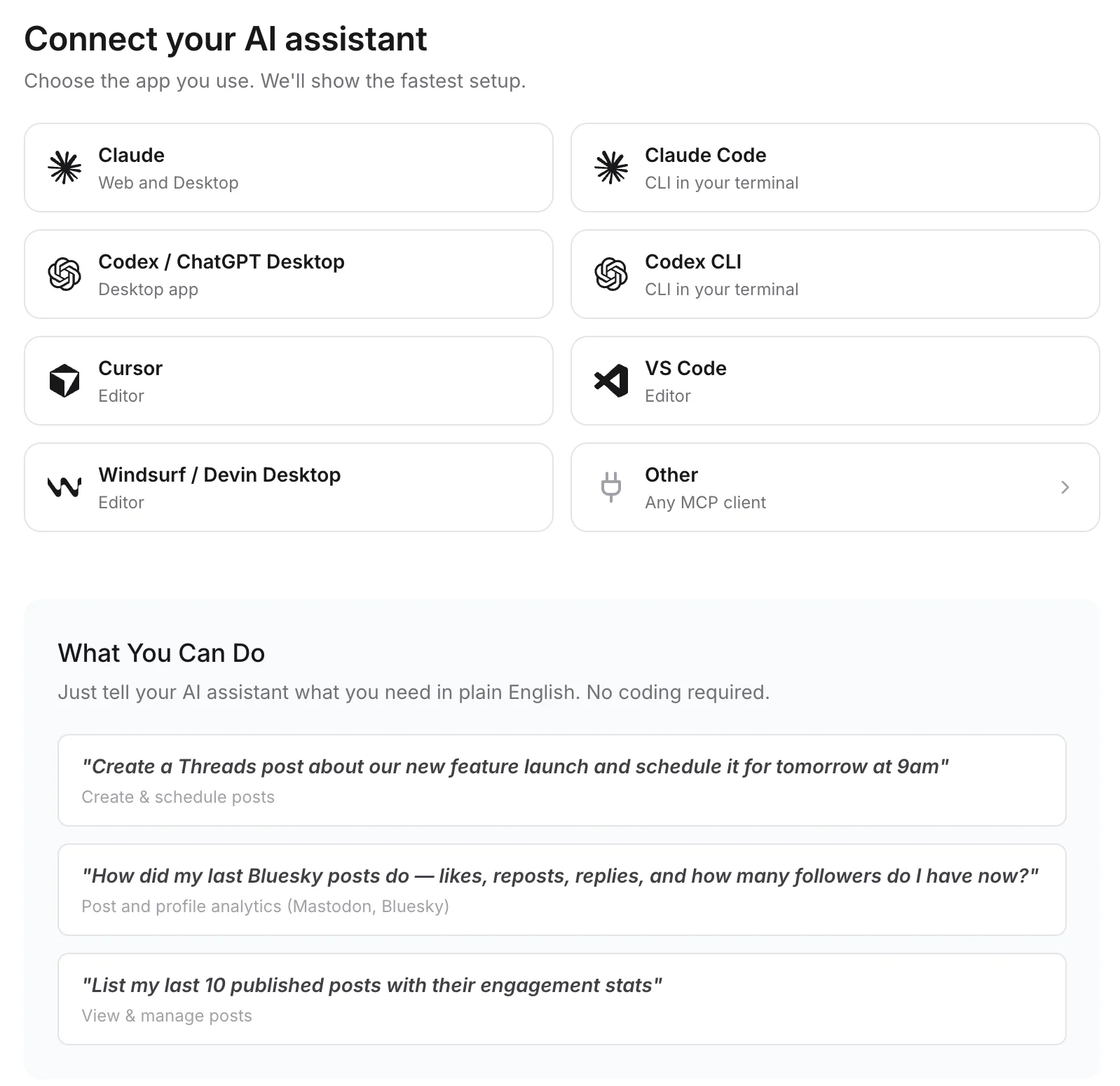
Connect any MCP client to mcp.publora.com:
- “Write a Mastodon post under 480 characters announcing our 2.4 release with CamelCase hashtags, and schedule it for Wednesday at 15:30 UTC.”
- “Check post stats for my Mastodon toots from the last two weeks and list the three with the most boosts.”
- “Post the same release note to my Mastodon and Bluesky accounts tomorrow at 09:00 UTC, trimmed to fit Bluesky's 300 characters.”
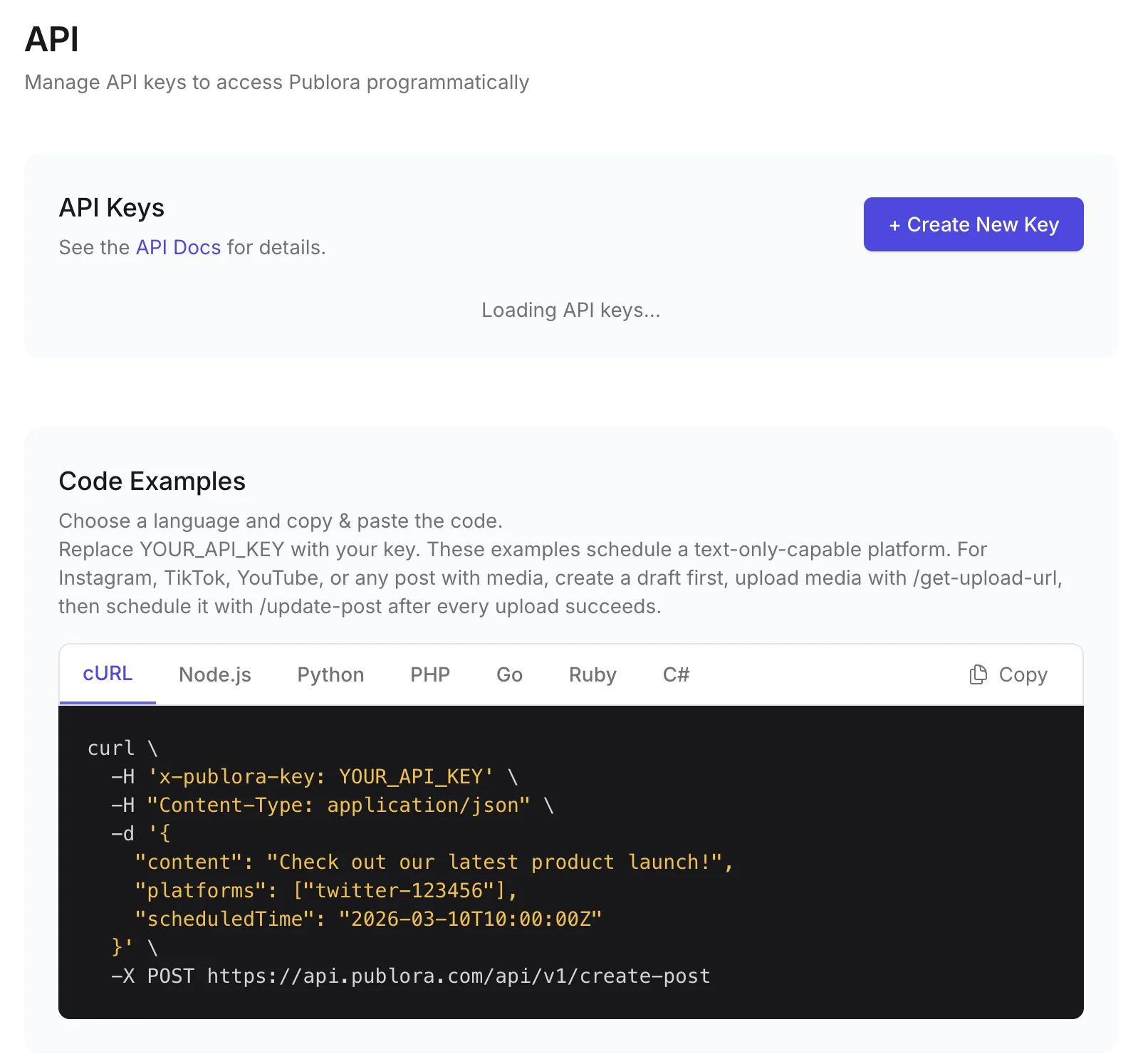
Where you get the key and connect agents
Mastodon API FAQ
Is the Mastodon API free?
Yes. Mastodon has no API fee or review. You register an app on the instance, authorize it with OAuth and stay within the server's rate limits, which default to 300 requests per 5 minutes.
Should I use the Mastodon API directly or Publora?
If you post only to Mastodon, or to accounts on several instances, the official API is the better tool. Publora makes sense when Mastodon is one of several networks you publish to, or when an AI agent should post through MCP.
Can the Mastodon API schedule posts?
Yes. POST /api/v1/statuses accepts scheduled_at, which must be at least 5 minutes in the future. Publora schedules through its own queue, so the same scheduledTime works for every network.
Which Mastodon instances does Publora support?
Currently mastodon.social only. Accounts on other servers cannot be connected yet.
Can I use content warnings or other visibilities through Publora?
No. Publora publishes Mastodon posts with public visibility and does not set content warnings. Use the official API if you need spoiler_text or unlisted posts.
What does Publora cost for Mastodon?
The free Starter plan includes the API and MCP: 3 connected accounts, 15 posts per month, up to 3 scheduled posts at a time, scheduling up to 7 days ahead. Stats need Pro at $5.99 per account per month ($3.99 billed yearly).
Guides
- Cross-Platform Posting: One API Call to Publish Everywhere
- How to Connect All 18 Publora MCP Tools: Complete Guide
- How to Automate Social Media Posts with Python and the Publora API
- Social Media API: How to Post Programmatically
Sources
- Mastodon docs: statuses API methods
- Mastodon docs: Obtaining client app access
- Mastodon docs: Rate limits
Post to Mastodon and 9 more networks with one API
API and MCP access are included on every plan, including the free Starter plan (posting to X requires Pro).