
Mastodon Scheduler for mastodon.social
Schedule posts to your mastodon.social account from a calendar, the REST API or an AI agent, and see how each one was received.
Mastodon scheduling is included in the free Starter plan: 3 connected accounts, 15 posts per month, scheduling up to 7 days ahead, with the API and MCP server. Post and profile statistics require Pro at $5.99 per account per month ($3.99 billed yearly), which also removes the post cap (fair use) and raises uploads to 250 MB.
Publora schedules and publishes posts to Mastodon. Connect your account once through Mastodon's own sign-in, write your post, and Publora publishes it at the time you chose. Posts go out with public visibility, so they appear on your profile, in followers' home timelines and on the federated timeline.
One thing to know before you sign up: Publora currently connects to accounts on the mastodon.social instance only. If your account lives on another server, it cannot be connected yet.
Mastodon is also one of the two networks where Publora reads engagement back. For posts it published, you can pull favourites, replies and boosts (and quotes on Mastodon 4.5 and later), plus follower, following and post counts. The post_stats and profile_stats MCP tools give AI agents the same data, so Claude or Cursor can review last week before scheduling the next.
What you can publish to Mastodon
- Text posts. Up to 500 characters, hashtags included. Hashtags become clickable and searchable once published.
- Image posts. Up to 4 images per post, 16 MB each. JPEG, PNG, GIF, WebP, HEIF, HEIC and AVIF are accepted.
- Video posts. One video per post, up to about 99 MB. MP4 is the reliable choice.
- Post and profile statistics. Favourites, replies, boosts and quotes for published posts; followers, following and post count for the account (Pro plan).
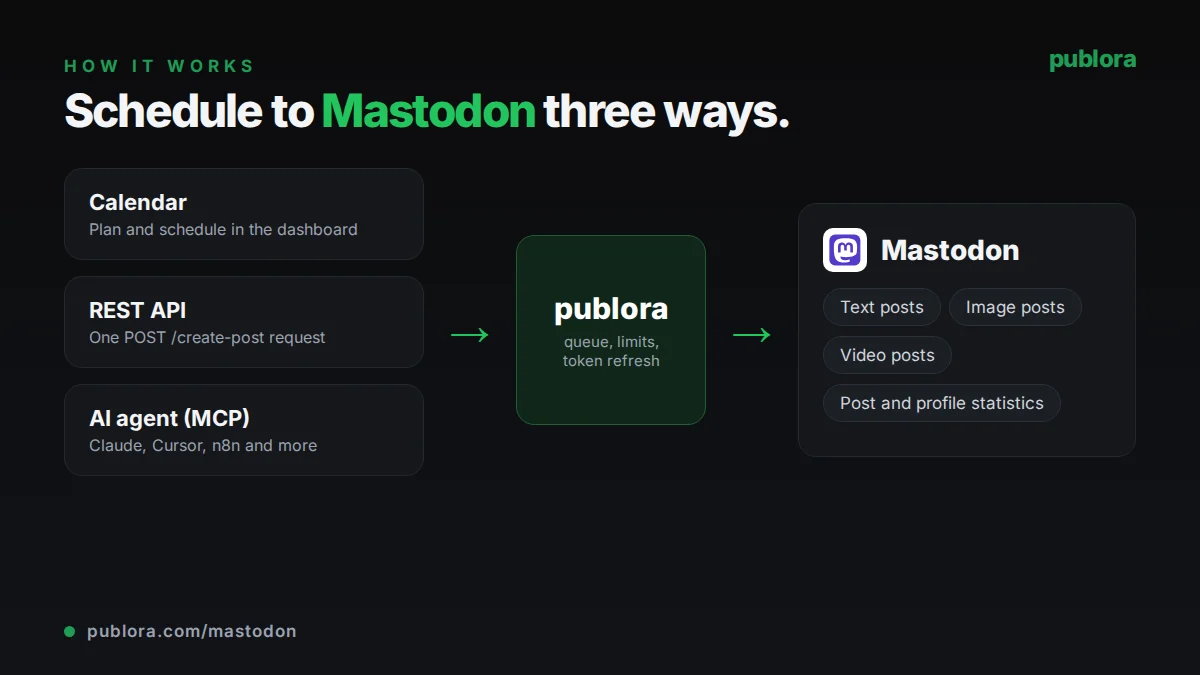
How to schedule Mastodon posts with Publora
- 1
Connect your mastodon.social account
Open Channels in Publora, choose Mastodon and authorize Publora on mastodon.social. It asks for read, write and push access.
- 2
Write the post
Keep the text within 500 characters, including hashtags, and attach up to four images or one video.
- 3
Schedule it
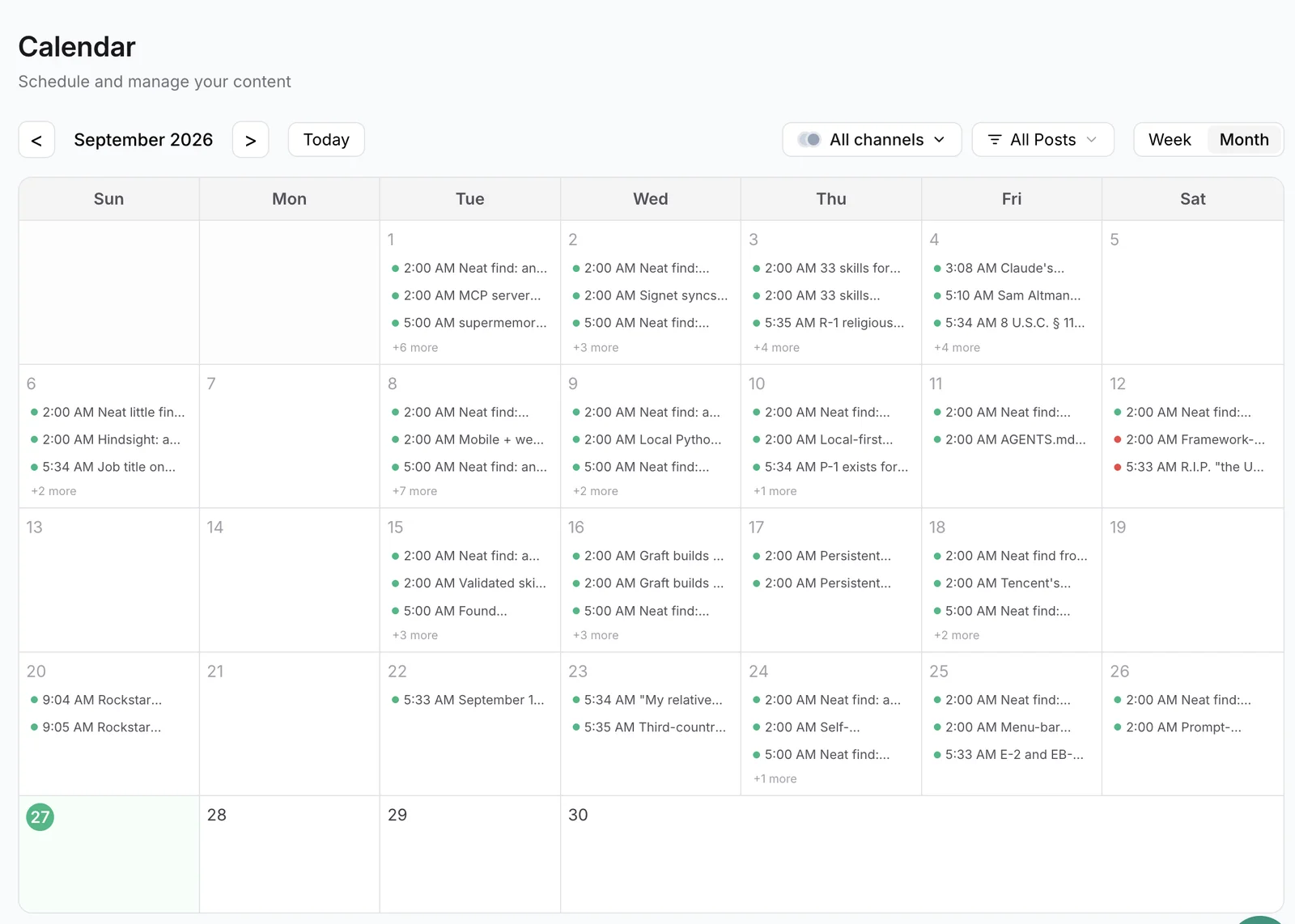
Pick a date and time on the calendar or send scheduledTime in UTC through the API or MCP. Publora publishes publicly at that time.
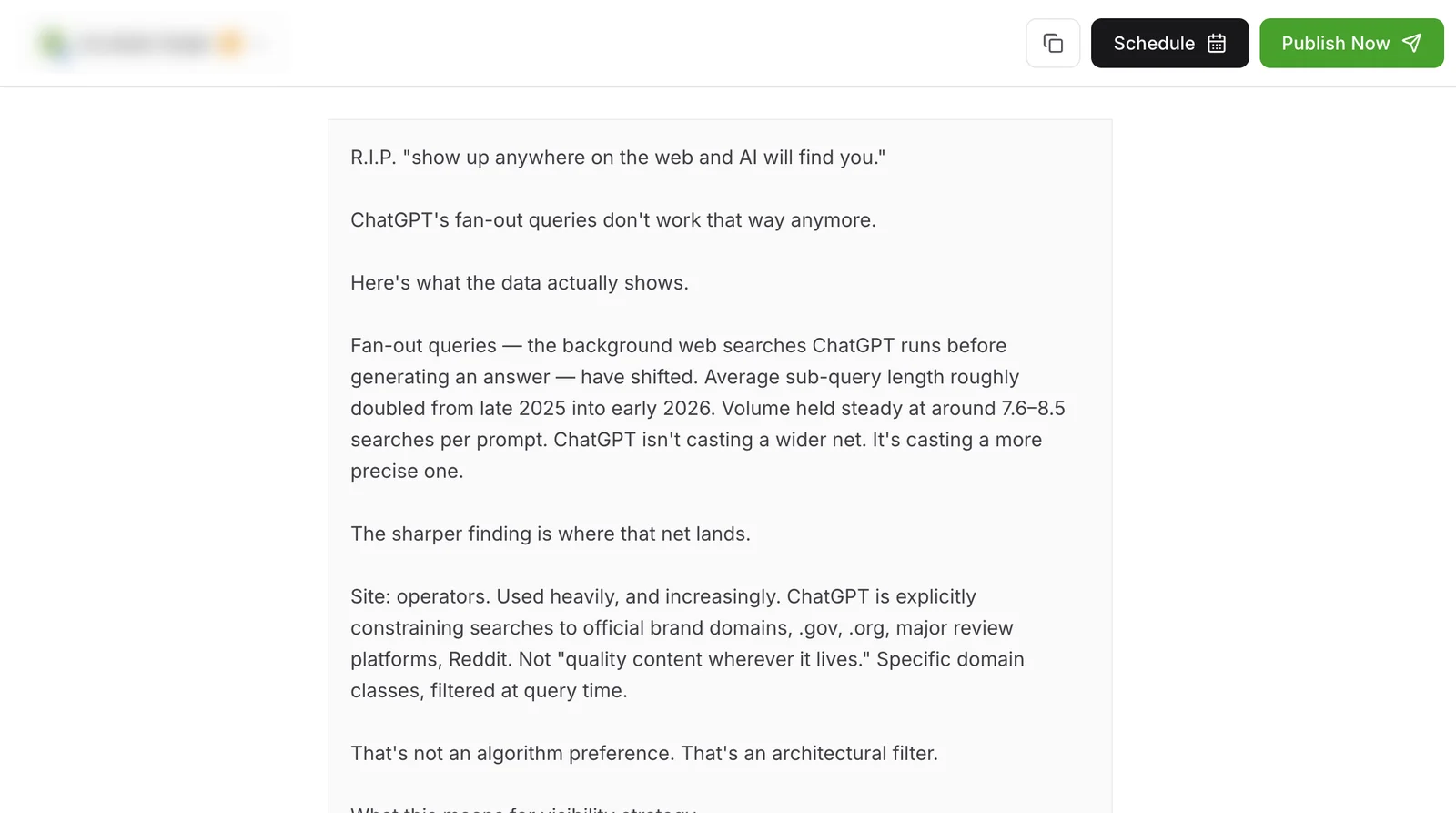
Inside Publora
Post to Mastodon with one API call
The same request schedules to any connected network. Your API key is available on every plan, including free.
curl -X POST https://api.publora.com/api/v1/create-post \
  -H "Content-Type: application/json" \
  -H "x-publora-key: YOUR_API_KEY" \
  -d '{
    "content": "Version 2.4 of our open-source CLI is out: faster installs and a new --dry-run flag. Changelog: https://example.com/changelog #opensource #cli",
    "platforms": ["mastodon-109876543210"],
    "scheduledTime": "2026-10-08T15:30:00.000Z"
  }'
# { "success": true, "postGroupId": "...", "scheduledTime": "2026-10-08T15:30:00.000Z" }
Or ask your AI agent
Connect Claude, Cursor or any MCP client to mcp.publora.com and schedule in plain English:
- “Turn our release notes into a Mastodon post under 500 characters with two relevant hashtags and schedule it for Thursday at 14:00 UTC.”
- “Pull stats for my last ten Mastodon posts and rank them by boosts plus replies.”
- “Check my Mastodon follower count, then list what I have scheduled on Mastodon for the next seven days.”
Mastodon limits Publora checks for you
| Instance | mastodon.social accounts only |
|---|---|
| Characters | 500 per post, hashtags included |
| Images | Up to 4 per post, 16 MB each |
| Image formats | JPEG, PNG, GIF, WebP, HEIF, HEIC, AVIF |
| Video | 1 per post, about 99 MB; MP4 recommended |
| Visibility | Public |
| Threads, content warnings, alt text | Not available through Publora yet |
Mastodon scheduling tips
Upload video as MP4
Publora accepts WebM and MOV, but it currently reports every video to Mastodon as MP4, so other formats can fail processing. Convert to MP4 first.
Use CamelCase hashtags
Mastodon discovery relies on hashtags. Writing #OpenSource instead of #opensource makes tags readable for screen-reader users too.
Leave room for federation
Posts can take a few seconds to reach other servers. Avoid scheduling two related posts in the same minute if order matters.
Check boosts, not just favourites
Boosts are how posts travel across the fediverse. Compare them in post_stats to see which topics spread beyond your followers.
Mastodon scheduling FAQ
Can you schedule posts on Mastodon?
Yes, with Publora. Connect your mastodon.social account, write the post and choose a time. You can also schedule through the REST API or an AI agent using the MCP server.
Does Publora work with any Mastodon instance?
Not yet. Publora currently connects to accounts on mastodon.social only. Other instances cannot be connected at the moment.
Is there a free Mastodon scheduler?
Publora's Starter plan is free and includes Mastodon: 3 connected accounts, 15 posts per month, scheduling up to 7 days ahead, with API and MCP access.
Can I schedule a Mastodon thread or use content warnings?
No. Posts must fit in 500 characters, since Publora chains posts only on X and Threads. Content warnings are not available through Publora yet.
What visibility do scheduled Mastodon posts use?
Public. Posts appear on your profile, your followers' home timelines and the federated timeline.
Can I add image descriptions (alt text) to scheduled Mastodon posts?
Not through the API yet. Mastodon supports descriptions of up to 1,500 characters, but Publora's REST upload flows do not store them for Mastodon today. If alt text is required for a post, add it in Mastodon after publishing or post that one manually.
Can I see favourites and boosts for scheduled posts?
On Pro, yes. For posts Publora published, you get favourites, replies, boosts and, on Mastodon 4.5 or later, quotes. Mastodon does not report impressions or clicks.
Mastodon guides
- Best Social Media Scheduling Tools 2026
- Cross-Platform Posting: One API Call to Publish Everywhere
- How to Connect Publora MCP Tools: Complete Guide
- How to Automate Social Media Posts with Python and the Publora API
Start scheduling Mastodon posts
Mastodon scheduling is included in the free Starter plan: 3 connected accounts, 15 posts per month, scheduling up to 7 days ahead, with the API and MCP server. Post and profile statistics require Pro at $5.99 per account per month ($3.99 billed yearly), which also removes the post cap (fair use) and raises uploads to 250 MB.