
Telegram Channel Scheduler
Schedule formatted posts, photo albums and videos to Telegram channels and supergroups through your own bot, from a calendar, the API or an AI agent.
Telegram is included in the free Starter plan: 3 connected accounts, 15 posts per month, scheduling up to 7 days ahead, with the API and MCP server. Pro is $5.99 per account per month ($3.99 billed yearly), with graduated discounts from the 6th account and unlimited posts (fair use). Telegram's own 50 MB bot limit applies to video on either plan.
Publora schedules and publishes posts to Telegram channels and supergroups using a bot you create with @BotFather. You add the bot as an admin, give Publora its token and the channel name, and from then on every post you schedule is sent by that bot at the time you set.
Telegram posts support real formatting. Write *bold*, _italic_, `code`, [links](https://example.com) and > quotes in the editor and they arrive formatted. Per post you can also send silently, turn off link previews, or protect the content from forwarding and saving.
The same scheduling is available through the REST API and the MCP server. A newsletter script, a CMS webhook or an AI agent like Claude can queue channel posts with one API key, next to your posts for the other nine networks Publora supports.
What you can publish to Telegram
- Text messages. Up to 4,096 characters, with bold, italic, inline code, code blocks, links and blockquotes.
- Photo posts and albums. Up to 10 images per post, 10 MB each. JPEG, PNG, GIF, BMP and WebP (WebP is converted to JPEG).
- Video posts. One video per post, up to 50 MB (the Telegram Bot API limit). MP4, MOV, AVI, MKV and WebM.
- Long captions. Telegram limits media captions to 1,024 characters. When your text is longer, Publora posts the media and sends the full text as a reply to it.
- Post options. Silent notification, disabled link preview and protected content, set per post.
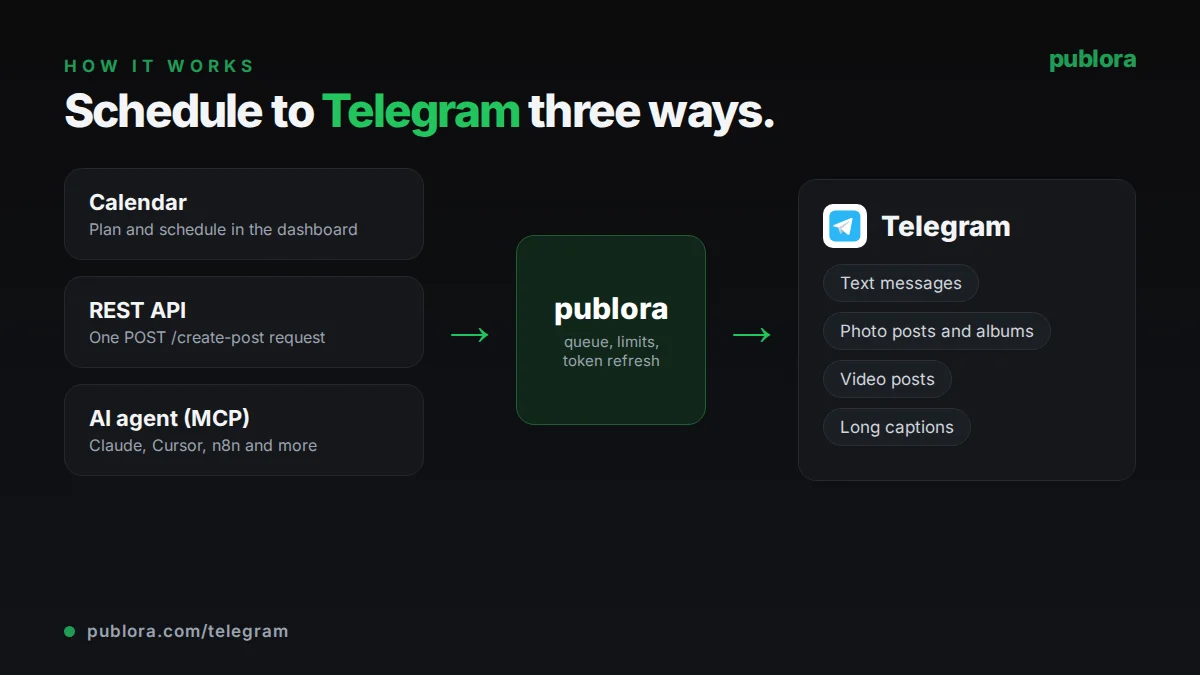
How to schedule Telegram posts with Publora
- 1
Create a bot and make it an admin
Create a bot with @BotFather and copy its token. Add the bot as an administrator of your channel with permission to post messages, or as an admin of your supergroup.
- 2
Connect the channel in Publora
In Channels, paste the bot token and the channel name (like @mychannel) or the numeric chat ID for a private channel. Publora checks the bot's rights before saving the connection.
- 3
Write and schedule
Format the text, attach photos or a video, choose any post options, and pick a time on the calendar or send scheduledTime in UTC through the API or MCP.
Inside Publora
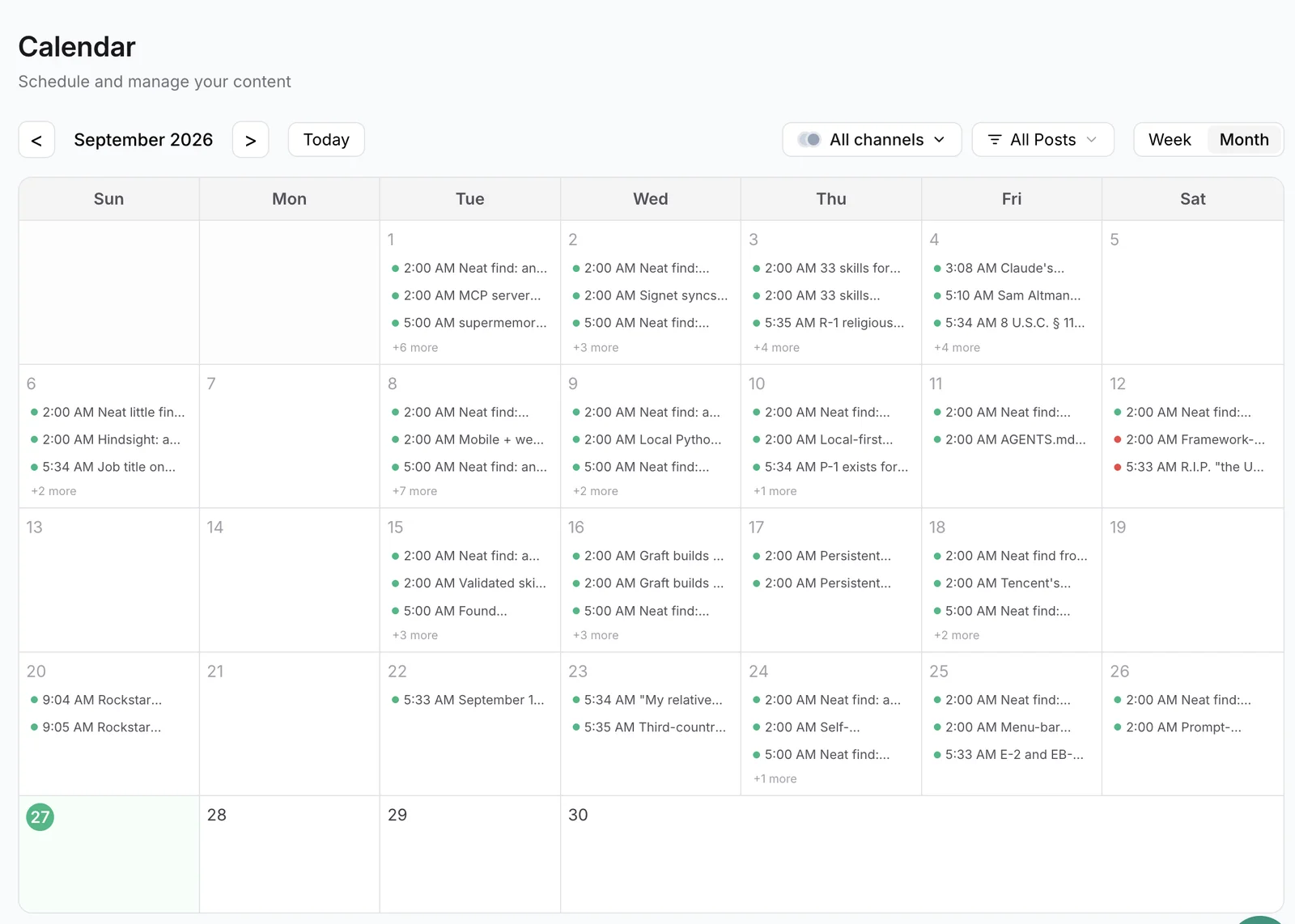
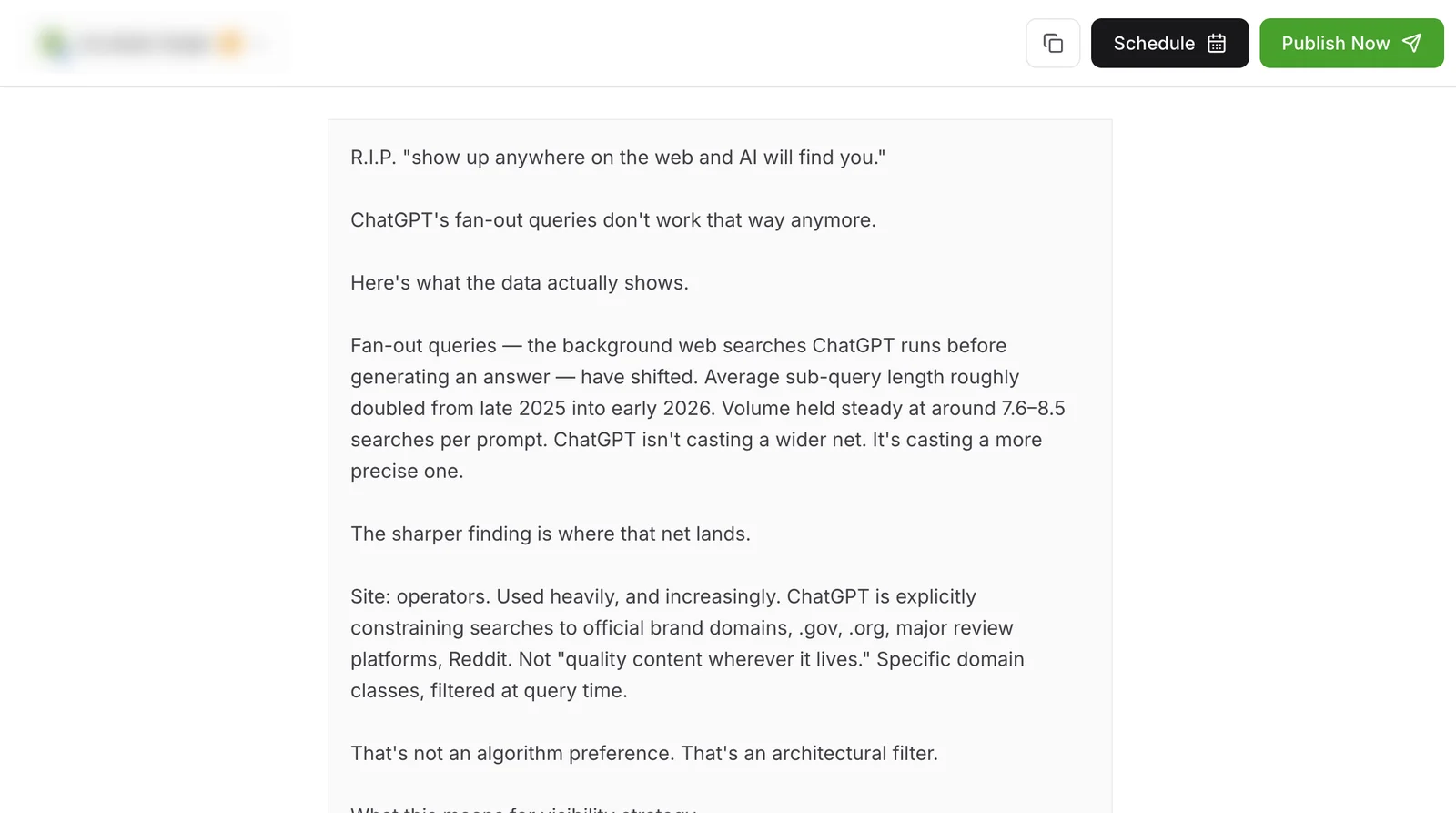
Post to Telegram with one API call
The same request schedules to any connected network. Your API key is available on every plan, including free.
curl -X POST https://api.publora.com/api/v1/create-post \
  -H "Content-Type: application/json" \
  -H "x-publora-key: YOUR_API_KEY" \
  -d '{
    "content": "*Weekly digest #42*\n\n- _New:_ export to CSV\n- Faster search\n\nRead more: [changelog](https://example.com/changelog)",
    "platforms": ["telegram-1001234567890"],
    "scheduledTime": "2026-10-09T08:00:00.000Z",
    "platformSettings": {
      "telegram": {
        "disableNotification": true,
        "disableWebPagePreview": true,
        "protectContent": false
      }
    }
  }'
# { "success": true, "postGroupId": "...", "scheduledTime": "2026-10-09T08:00:00.000Z" }
Or ask your AI agent
Connect Claude, Cursor or any MCP client to mcp.publora.com and schedule in plain English:
- “Format this week's product updates as a Telegram post with a bold title and bullet points, and schedule it to my channel for Monday at 08:00 UTC as a silent message.”
- “Schedule these four image URLs as one album in my Telegram channel tomorrow at 18:00 UTC with a short caption.”
- “List everything scheduled for my Telegram channel this month and delete the duplicate post on the 14th.”
Telegram limits Publora checks for you
| Text-only message | 4,096 characters |
|---|---|
| Caption on media | 1,024 characters (longer text is sent as a reply) |
| Images | Up to 10 per post, 10 MB each |
| Video | 1 per post, up to 50 MB |
| Mixed media | Photos or one video per post, not both |
| Destinations | Channels and supergroups; regular groups are not supported |
| Bot rights | Admin; in channels, the post messages permission is required |
Telegram scheduling tips
Use single asterisks for bold
Telegram formatting uses *bold*, not **bold**. Headers written with # are not rendered as headers, so use a bold first line instead.
Send routine posts silently
Turn on silent notification for digests and off-hours posts. Subscribers still see the unread badge, but their phones stay quiet.
Keep media captions short
Captions over 1,024 characters are split into a separate reply message. For long announcements, post the text on its own or keep the caption brief.
Convert groups to supergroups
Publora rejects regular Telegram groups. Converting the group to a supergroup, or posting to a channel instead, fixes the connection.
Telegram scheduling FAQ
How do I schedule posts in a Telegram channel?
Add a bot you created with @BotFather as an admin of the channel, connect it in Publora with the bot token and channel name, then write your post and pick a time. You can also schedule through the REST API or an AI agent over MCP.
Can Publora post to Telegram groups?
It can post to supergroups where the bot is an admin. Regular groups are not supported; convert the group to a supergroup or use a channel.
Why do I need my own Telegram bot?
Publora publishes through the Telegram Bot API, so posts are sent by a bot you own. You keep control: remove its admin rights or revoke the token in @BotFather at any time.
Can I schedule posts to a private Telegram channel?
Yes. Private channels have no @username, so connect them with the numeric chat ID instead of the channel name.
What happens if my caption is longer than 1,024 characters?
Publora sends the photo or video first, then posts the full text as a reply to it, so nothing is cut off.
Is there a free Telegram post scheduler?
Publora's Starter plan is free and includes Telegram, with 3 connected accounts and 15 posts per month, scheduled up to 7 days ahead.
Telegram guides
- Social Media Scheduling API: Post to 10 Platforms with One Call (2026)
- Connect Publora to 8,000+ apps with Zapier
- Claude Code for Social Media: Schedule Posts from Your Terminal
- How to Schedule Posts Across Multiple Social Platforms
Start scheduling Telegram posts
Telegram is included in the free Starter plan: 3 connected accounts, 15 posts per month, scheduling up to 7 days ahead, with the API and MCP server. Pro is $5.99 per account per month ($3.99 billed yearly), with graduated discounts from the 6th account and unlimited posts (fair use). Telegram's own 50 MB bot limit applies to video on either plan.