
LinkedIn Post Scheduler
Plan and publish LinkedIn posts for your profile or company page from a calendar, a REST API, or an AI agent over MCP.
LinkedIn is included on the free Starter plan: 3 connected accounts, 15 posts per month, up to 3 posts in the queue at a time, scheduling up to 7 days ahead, with API and MCP access. Pro costs $5.99 per account per month ($3.99 billed yearly), with graduated discounts from the 6th account, unlimited posts under fair use, no scheduling horizon, and LinkedIn analytics.
Publora is a LinkedIn post scheduler for people who post from more than one place. Write in the calendar, send posts from your own code through the REST API, or let an AI agent like Claude or Cursor schedule them through the Publora MCP server. All three use the same queue, so you can see every scheduled post in one view.
Connect a personal LinkedIn profile or a company page you administer. Each connection gets its own platform ID, so one person can run a founder profile and a company page side by side, and a team can manage several pages from one workspace.
Beyond publishing, Publora covers the parts of LinkedIn that usually need a separate tool: @mentions of people and companies, scheduled reposts with commentary, comments and reactions through the API, and post statistics such as impressions and members reached.
What you can publish to LinkedIn
- Text posts. Up to 3,000 characters. Hashtags and line breaks are kept as written. LinkedIn does not accept bold or italic formatting through its API, so any emphasis has to come from plain text or Unicode characters.
- Image posts. Up to 10 images per post, shown as a multi-image grid. JPEG, PNG and GIF are sent as-is; WebP is converted to JPEG for you.
- Video posts. One MP4 video per post, up to 30 minutes and 500 MB on LinkedIn's side.
- PDF document posts. Attach one PDF per post. LinkedIn shows it as a page-by-page document, which is the organic alternative to carousels. Documents cannot be combined with images or video.
- @mentions. Tag people and organizations with their LinkedIn URN. The mention becomes a clickable link and the tagged person or company is notified.
- Scheduled reposts. Reshare an existing LinkedIn post at a future time, with your own commentary on top. Works for both personal profiles and company pages.
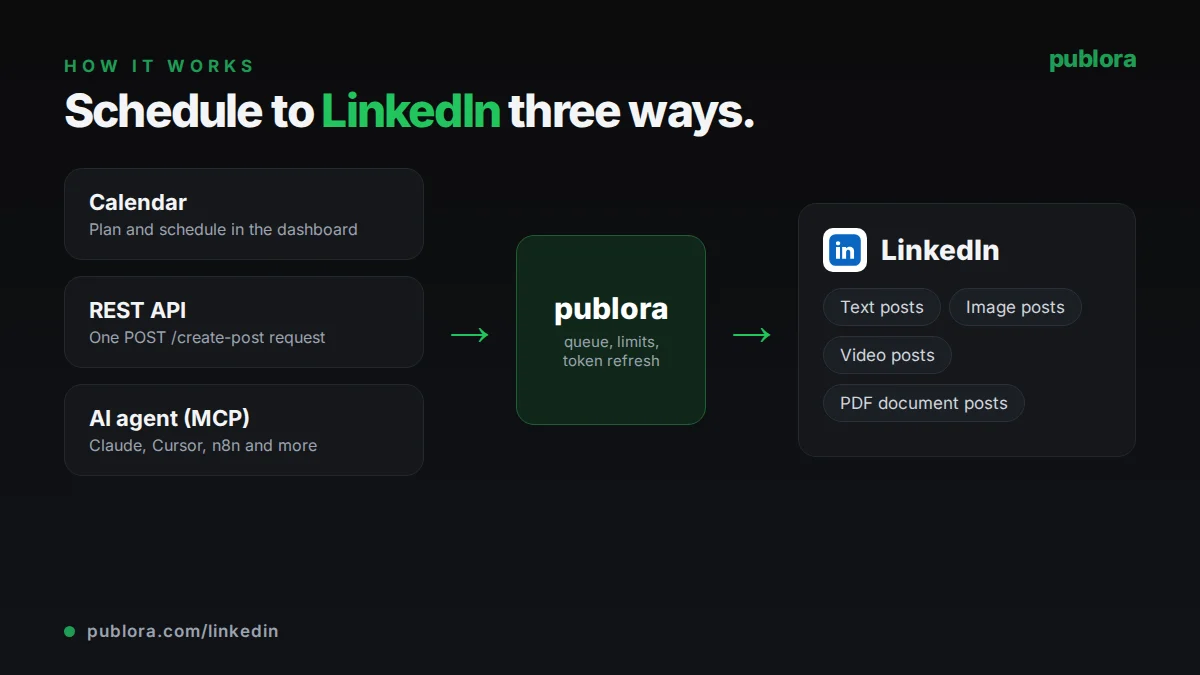
How to schedule LinkedIn posts with Publora
- 1
Connect your LinkedIn account
Sign in with LinkedIn from the Publora dashboard and pick your personal profile or a company page you are an admin of. Publora stores the connection and gives it a platform ID like linkedin-{profileId}.
- 2
Write the post
Draft in the calendar editor, send a create-post request from your code, or ask your AI agent to write and queue it. Attach images, a video or a PDF, and add @mentions if you need them.
- 3
Schedule or publish
Pick a time and Publora publishes at that moment. Leave the time empty to save a draft. You can reschedule, edit or delete the post until it goes out, and check its status afterwards.
Inside Publora
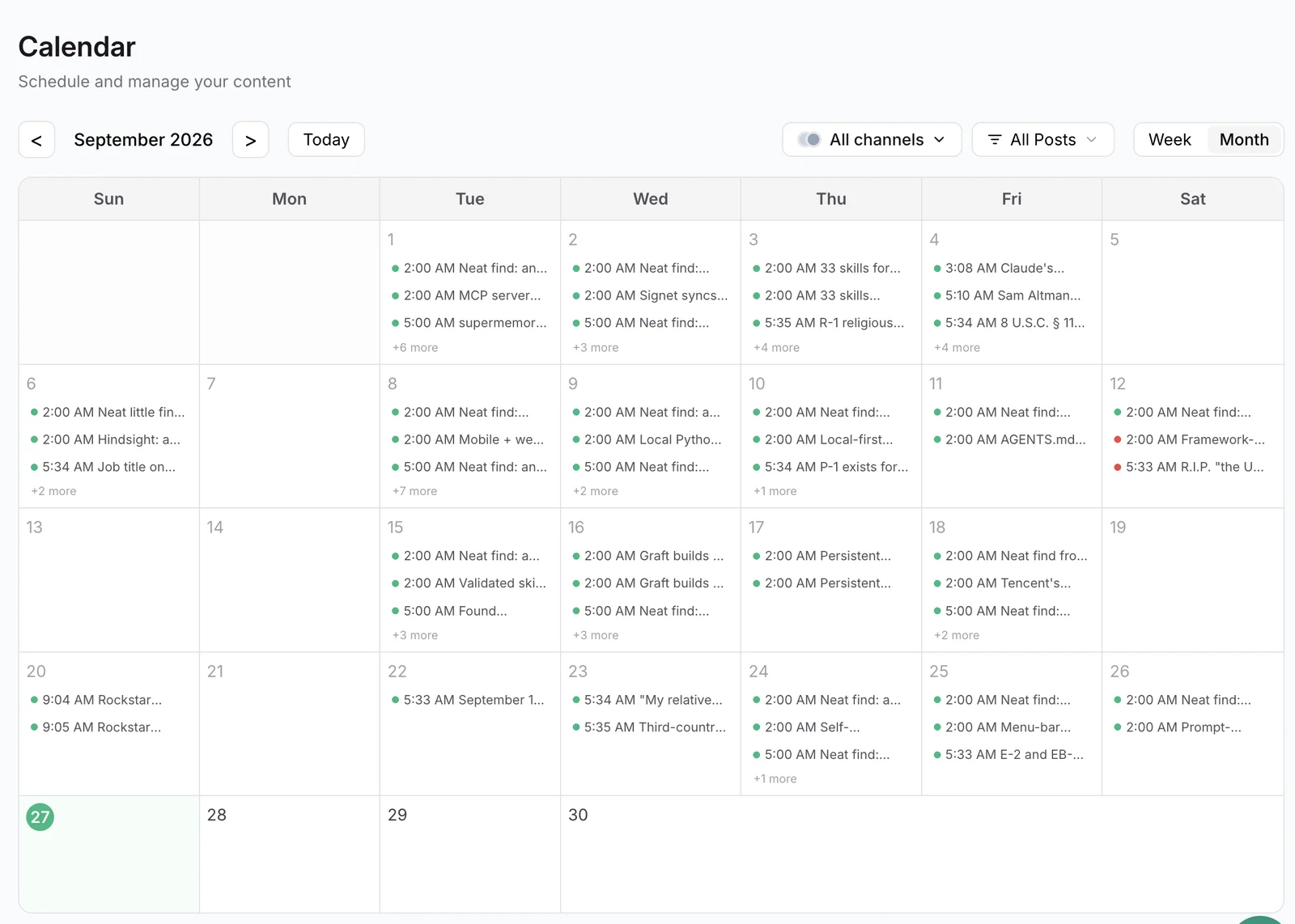
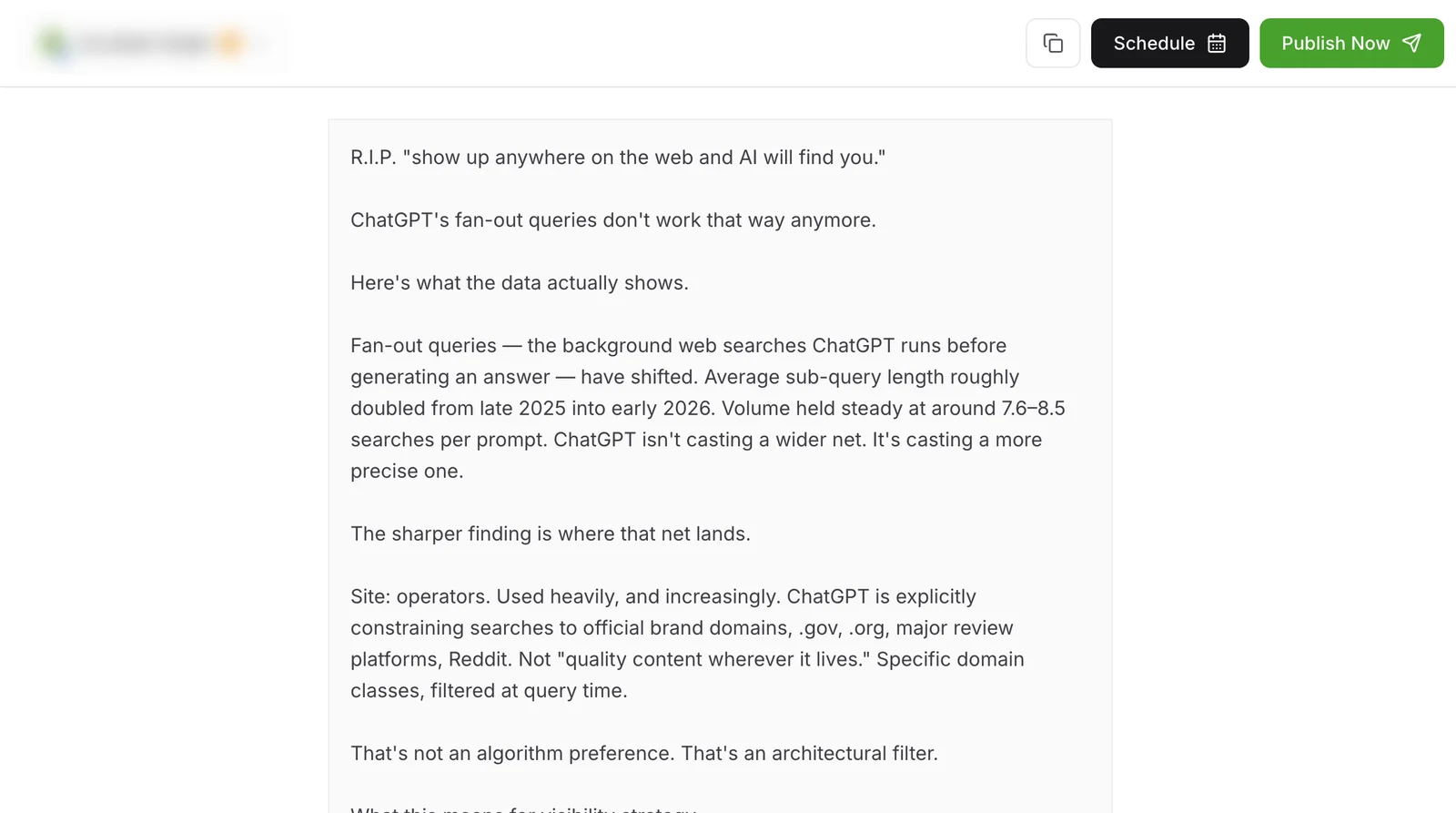
Post to LinkedIn with one API call
The same request schedules to any connected network. Your API key is available on every plan, including free.
curl -X POST https://api.publora.com/api/v1/create-post \
  -H "Content-Type: application/json" \
  -H "x-publora-key: YOUR_API_KEY" \
  -d '{
    "content": "We just shipped scheduled reposts. Here is what changed and why.",
    "platforms": ["linkedin-YOUR_PROFILE_ID"],
    "scheduledTime": "2026-10-06T14:00:00Z",
    "mediaUrls": ["https://example.com/release-screenshot.png"]
  }'
Or ask your AI agent
Connect Claude, Cursor or any MCP client to mcp.publora.com and schedule in plain English:
- “List my connected accounts, then schedule this announcement to our LinkedIn company page for Tuesday at 14:00 UTC.”
- “Show my scheduled LinkedIn posts for next week and move the Thursday post to Friday at 10:00 UTC.”
- “Comment "Thanks for sharing this" on LinkedIn post urn:li:share:7434685316856377344 from my profile and react with Insightful.”
LinkedIn limits Publora checks for you
| Post text | 3,000 characters (about the first 210 show before "see more") |
|---|---|
| Images | Up to 10 per post; JPEG, PNG, GIF, WebP (WebP converted to JPEG) |
| Video | 1 MP4 per post, up to 30 minutes and 500 MB |
| PDF documents | 1 per post, up to 100 MB and 300 pages |
| Mixing media | Images, video and PDFs cannot be combined in one post |
| Comments via API | 1,250 characters after mention processing |
| Repost commentary | 3,000 characters |
LinkedIn scheduling tips
Put the point in the first two lines
LinkedIn cuts the post at roughly 210 characters and shows "see more". Write the opening so it makes sense on its own, then check the preview before you schedule.
Use PDFs for multi-slide content
Swipeable image carousels are only available to LinkedIn ads. If you want an organic post people can page through, export your slides as a PDF and schedule it as a document post.
Copy mention names exactly
A mention only turns into a link when the display name matches LinkedIn exactly, including capitalization and suffixes like "Inc". If it does not match, it posts as plain text.
Give each profile its own slot
When a founder profile and a company page share the same news, schedule them a few hours apart, or use a scheduled repost from the page so the second post adds commentary instead of repeating the first.
LinkedIn scheduling FAQ
Can I schedule LinkedIn posts for a company page?
Yes. When you connect LinkedIn, you can choose a company page you are an admin of. Company pages get their own platform ID and can be scheduled, reposted from and commented as, just like a personal profile. Reposts from a company page have to be public.
Is there a free LinkedIn scheduler?
Publora's Starter plan is free and includes LinkedIn. It covers 3 connected accounts and 15 posts a month, with up to 3 posts queued at once, scheduled up to 7 days ahead. The REST API and MCP server are included on the free plan too.
Can I schedule LinkedIn carousels?
LinkedIn's API does not support organic swipeable image carousels; those are limited to sponsored content. You can schedule up to 10 images as a grid, or upload a PDF, which LinkedIn displays as a document people can page through.
Can Publora post a first comment automatically?
Yes. Add a first comment when you write the post, in the editor or with the API's firstComment field. It is posted under your post right after it publishes, from your profile or as your company Page, up to 1,250 characters. The comment is tried once; if LinkedIn rejects it, the post stays published.
Can an AI agent post to LinkedIn for me?
Yes. Connect Claude, Cursor or any MCP client to https://mcp.publora.com with your API key. The agent can list your accounts, create and schedule posts, edit drafts, react to posts, and add or delete comments.
Does LinkedIn limit how often I can post through the API?
LinkedIn applies its own rate limits to API calls. If a request is rejected for rate limiting, Publora reports the error on the post so you can reschedule it.
LinkedIn guides
- How to Schedule LinkedIn Posts in 2026 (Step-by-Step Guide)
- 7 Top LinkedIn Post Scheduler Tools
- Best Time to Post on LinkedIn in 2026 (Data From 2M+ Posts)
- How to Like and Comment on LinkedIn Posts via API: A Developer's Guide
- LinkedIn Algorithm 2026: How It Ranks Posts (and Why AI Search Cites Them)
Start scheduling LinkedIn posts
LinkedIn is included on the free Starter plan: 3 connected accounts, 15 posts per month, up to 3 posts in the queue at a time, scheduling up to 7 days ahead, with API and MCP access. Pro costs $5.99 per account per month ($3.99 billed yearly), with graduated discounts from the 6th account, unlimited posts under fair use, no scheduling horizon, and LinkedIn analytics.