
Threads Scheduler for People and AI Agents
Plan single posts, carousels and multi-part chains for Threads, then publish them from the calendar, the REST API or an AI agent over MCP.
Threads is available on the free Starter plan: 3 connected accounts, 15 posts per month, scheduling up to 7 days ahead, with the API and MCP server included. Pro costs $5.99 per account per month ($3.99 billed yearly) and adds unlimited posts (fair use), no scheduling horizon and 250 MB uploads.
Publora schedules posts to Threads (by Meta) the same way it schedules to the other nine networks it supports. You write once in the calendar, or send one API request, and Publora publishes at the time you picked. Text, images, video and carousels of up to 20 items are supported.
Long posts are where Threads scheduling usually gets awkward. In Publora you put the whole text in one content field. Anything over 500 characters becomes a chain of connected replies, split at paragraph breaks where possible and numbered (1/3), (2/3) and so on. If you want to decide the breaks yourself, put --- on its own line between parts and they are published exactly as written.
Publora is built with AI agents in mind. The MCP server lets Claude, Cursor or any MCP client draft, schedule and reschedule your Threads posts in plain English, and the REST API gives scripts and automations the same access with a single API key.
What you can publish to Threads
- Text posts. Up to 500 characters per post, with up to 5 links. Threads recognizes one hashtag (topic) per post.
- Multi-part chains. Content over 500 characters is split into a connected chain of replies. Use --- between paragraphs to set the breaks yourself. Media goes on the first part only.
- Image and video carousels. Carousels of 2 to 20 items. JPEG, PNG and WebP images (WebP is converted to JPEG automatically).
- Single video posts. One MP4 or MOV video per post, up to 5 minutes and 1 GB.
- Reply control. Choose who can reply: everyone, only accounts you follow, or only accounts mentioned in the post.
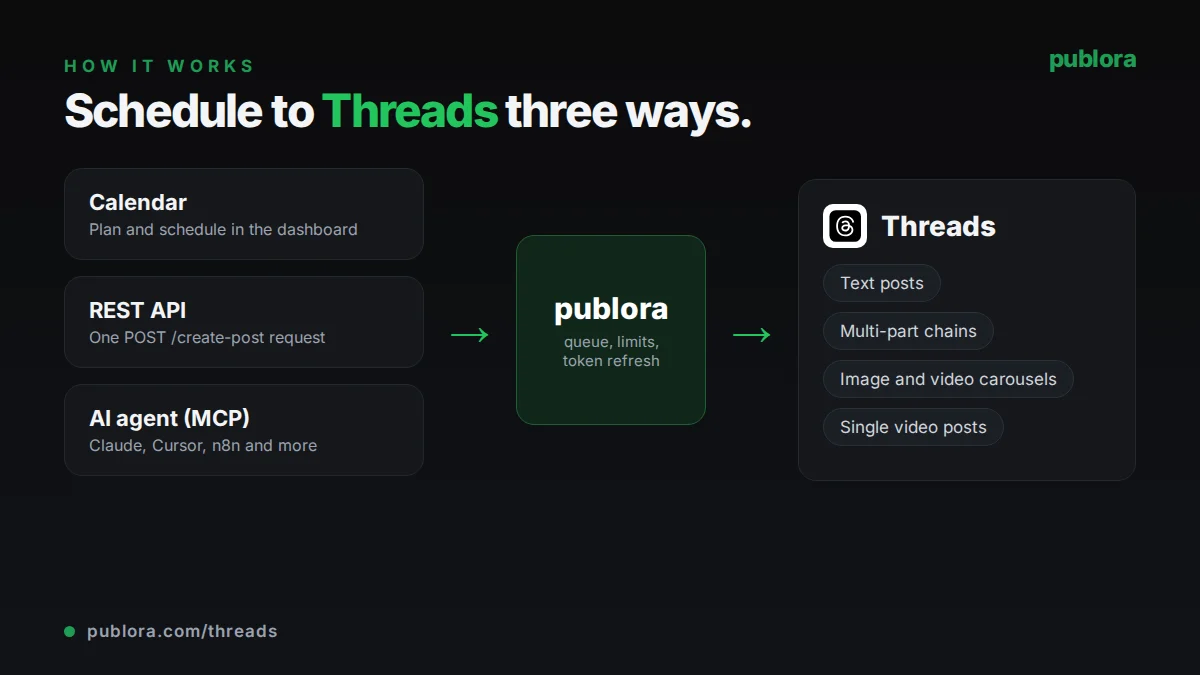
How to schedule Threads posts with Publora
- 1
Connect your Threads account
Sign in with Meta from the Channels page and approve the requested permissions. Chains need the threads_manage_replies permission, which the current connection flow requests automatically.
- 2
Write the post or the whole chain
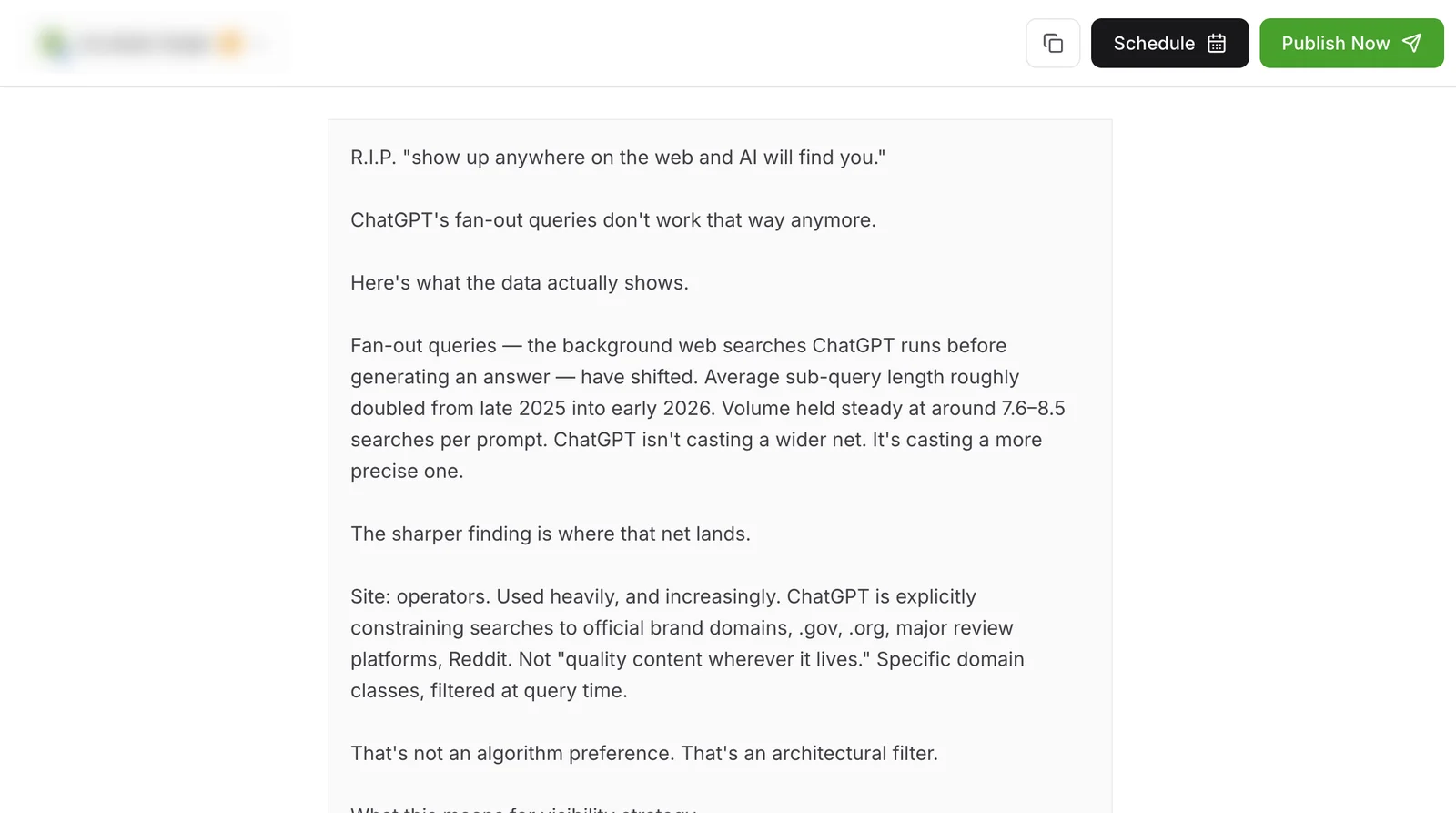
Type your text in the editor, add images or a video, and put --- on its own line wherever you want a new part to start. Without it, Publora splits long text for you.
- 3
Schedule or publish
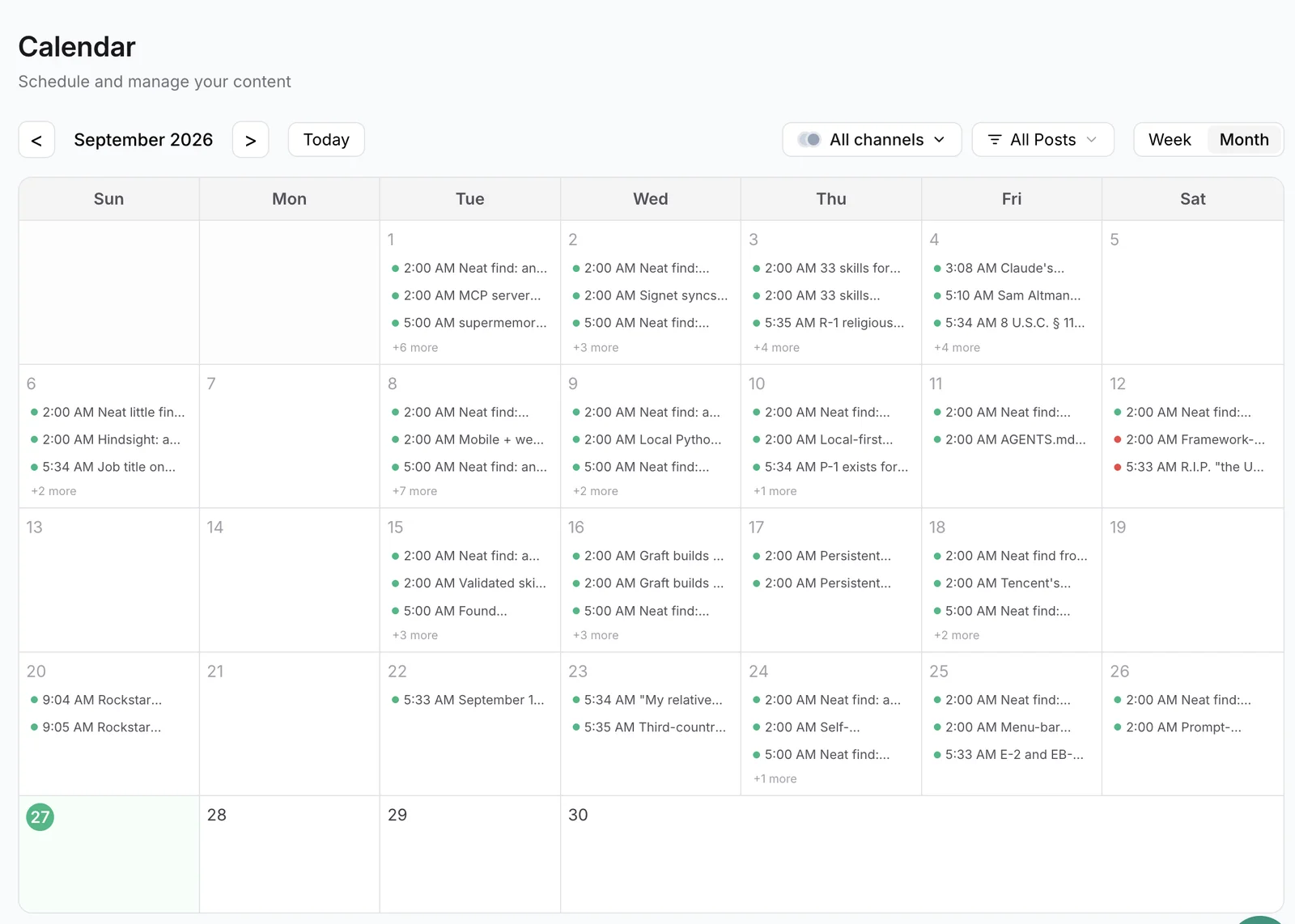
Pick a date and time on the calendar, or send scheduledTime in UTC through the API or MCP. Publora posts the first part and replies to it with each following part.
Inside Publora
Post to Threads with one API call
The same request schedules to any connected network. Your API key is available on every plan, including free.
curl -X POST https://api.publora.com/api/v1/create-post \
  -H "Content-Type: application/json" \
  -H "x-publora-key: YOUR_API_KEY" \
  -d '{
    "content": "We moved our API to a new region last week. Here is what we learned.\n\n---\n\nFirst, map every dependency before you touch anything.\n\n---\n\nSecond, run both systems in parallel and compare outputs.",
    "platforms": ["threads-55667788"],
    "scheduledTime": "2026-10-06T14:00:00.000Z",
    "platformSettings": {
      "threads": { "replyControl": "accounts_you_follow" }
    }
  }'
# { "success": true, "postGroupId": "...", "scheduledTime": "2026-10-06T14:00:00.000Z" }
Or ask your AI agent
Connect Claude, Cursor or any MCP client to mcp.publora.com and schedule in plain English:
- “Turn this blog post into a Threads chain of 4 to 6 parts, keep each part under 480 characters, and schedule it for Tuesday at 9:00 New York time.”
- “List my scheduled Threads posts for next week and move anything set before 8 a.m. to 12:30 p.m. the same day.”
- “Create a Threads carousel draft from these three image URLs with a one-line caption, and only let people I follow reply.”
Threads limits Publora checks for you
| Characters per post or chain part | 500 (about 490 of your text when Publora adds numbering) |
|---|---|
| Hashtags | 1 per post |
| Links | 5 per post |
| Carousel items | 2 to 20 |
| Image size and formats | 8 MB; JPEG, PNG, WebP |
| Video | 1 per post; MP4 or MOV; up to 5 minutes and 1 GB |
| Media in chains | First part only; replies are text-only |
Threads scheduling tips
Set chain breaks yourself when the order matters
Automatic splitting prefers paragraph breaks, but a line with --- guarantees each part starts where you want and skips the (1/N) numbering.
Put the image on the opening post
Media can only attach to the first part of a chain, so make the first part the one that carries the visual and the hook.
Pick one topic tag
Threads recognizes a single hashtag per post. Choose the most specific one rather than stacking several.
Reconnect older accounts before scheduling chains
If a chain is rejected with THREADS_PERMISSION_REQUIRED, reconnect the account in Channels and approve all permissions. Nothing is published until the check passes.
Threads scheduling FAQ
Can I schedule Threads posts for free?
Yes. Threads is included in the free Starter plan, which allows 3 connected accounts and 15 posts per month, scheduled up to 7 days ahead. The REST API and MCP server are included as well.
How do I schedule a multi-part thread on Threads?
Write the full text in one post. Over 500 characters, Publora splits it into a chain of replies and numbers the parts. To control the split, place --- on its own line between parts; those parts are posted as written, without numbering.
Can I add images to every part of a Threads chain?
No. Images, carousels and video attach to the first part only. The following parts are text-only.
Can I edit a Threads post after it is published?
Not through Publora. Drafts and scheduled posts can be edited at any time, but once a post is live on Threads it has to be deleted and reposted to change it.
Can I limit who replies to a scheduled Threads post?
Yes. Set reply control to everyone, accounts you follow, or mentioned accounts only, in the editor or through platformSettings.threads.replyControl in the API.
Can an AI agent post to Threads for me?
Yes. Connect the Publora MCP server to Claude, Cursor or another MCP client. The agent can list your connections, create or update posts and schedule them, using your Publora API key.
Threads guides
- The Best Time to Post on Threads in 2026
- How to Post Carousels to Threads via API: Complete Guide with Code Examples
- Best Social Media API for AI Agents 2026 (LinkedIn, X, Threads)
- How to Connect Publora MCP to Claude Code in 60 Seconds
Start scheduling Threads posts
Threads is available on the free Starter plan: 3 connected accounts, 15 posts per month, scheduling up to 7 days ahead, with the API and MCP server included. Pro costs $5.99 per account per month ($3.99 billed yearly) and adds unlimited posts (fair use), no scheduling horizon and 250 MB uploads.