
Instagram Scheduler
Schedule photos, carousels, Reels and Stories to Instagram from a calendar, your own code, or an AI agent.
Instagram is included on the free Starter plan: 3 connected accounts, 15 posts a month, up to 3 queued posts, scheduling up to 7 days ahead, and API and MCP access, with video uploads up to 50 MB. Pro costs $5.99 per account per month ($3.99 billed yearly), with graduated discounts from the 6th account, unlimited posts under fair use, no scheduling horizon, and video uploads up to 250 MB.
Publora schedules Instagram content from a calendar, a REST API, and an MCP server that AI agents like Claude or Cursor can use. Upload your media once, write the caption, pick a time, and Publora publishes it through Instagram's official publishing API.
Instagram connects directly through Instagram Login for Business, so you do not need a linked Facebook Page. You do need a professional account: Business accounts work, and Creator accounts work when Meta accepts them in that login flow. Personal accounts cannot be connected, because Instagram does not allow third-party publishing to them.
Every Instagram post needs at least one image or video. Publora checks media before scheduling, including the image aspect ratio, so problems show up when you schedule instead of at publish time.
What you can publish to Instagram
- Photo posts. A single JPEG, PNG or WebP image up to 8 MB, with an aspect ratio between 4:5 and 1.91:1. WebP is converted to JPEG before publishing.
- Carousels. Between 2 and 10 images in one post. The Instagram API does not allow images and videos in the same carousel.
- Reels. Videos publish as Reels by default. MP4 or MOV, 3 seconds to 15 minutes, up to 300 MB. You can set a custom cover image.
- Stories. Set the post type to Stories to publish an image or video as a Story. Stories disappear after 24 hours, and Instagram does not show a caption on them.
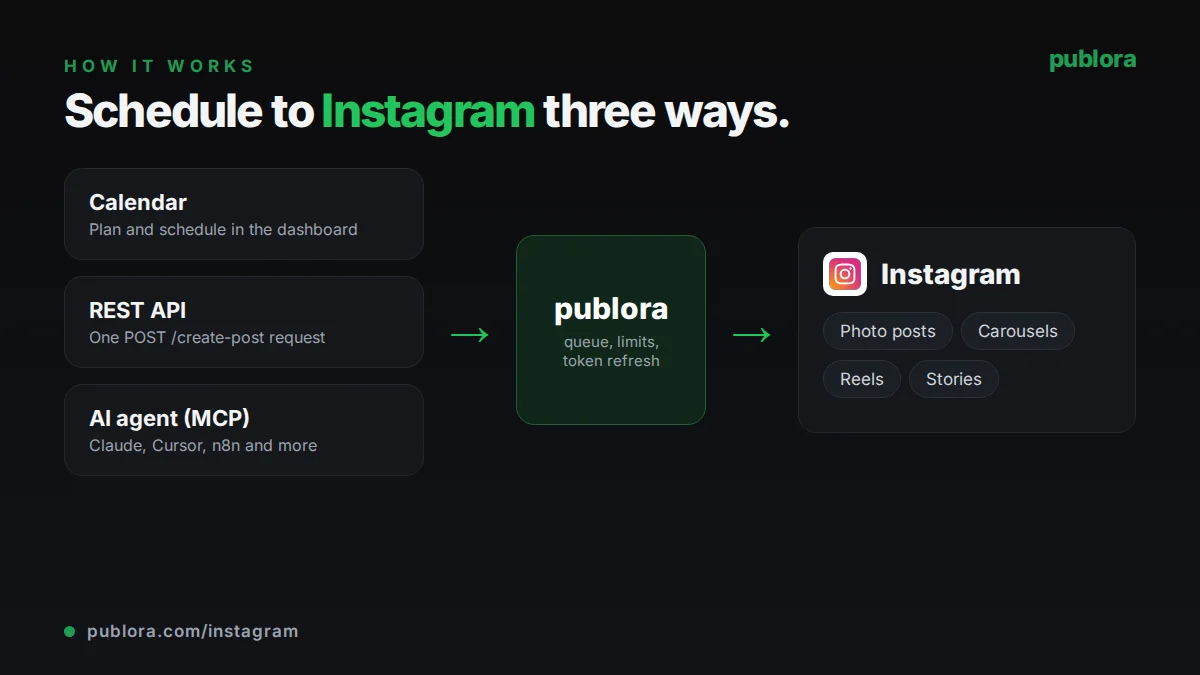
How to schedule Instagram posts with Publora
- 1
Connect your Instagram professional account
Sign in with Instagram from the Publora dashboard using Instagram Login for Business. The account gets a platform ID like instagram-{accountId}.
- 2
Add media and a caption
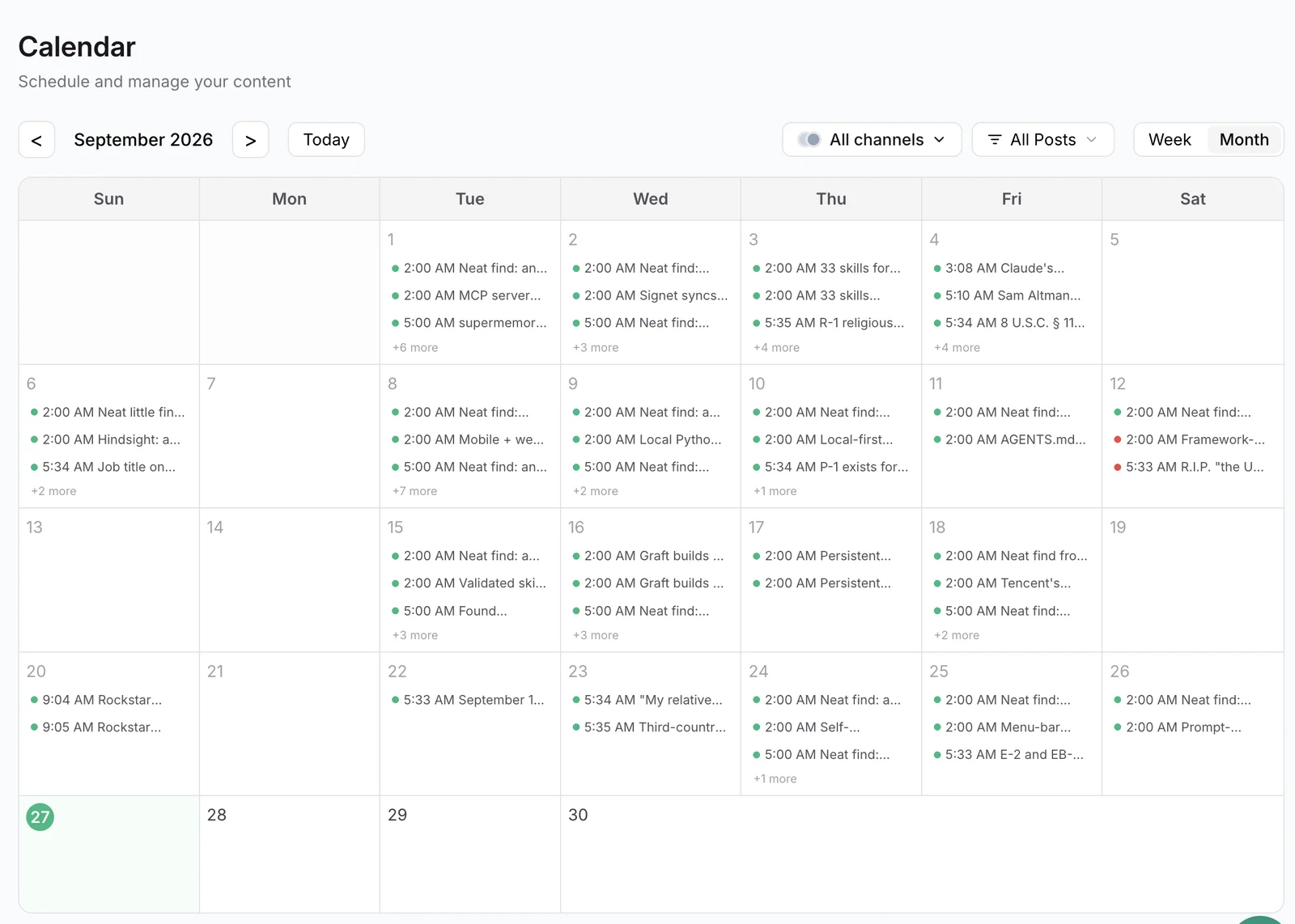
Upload images or a video in the calendar editor, pass public https URLs in an API request, or give them to your AI agent. Write up to 2,200 characters of caption with hashtags inline.
- 3
Schedule the post
Choose a time and Publora publishes the photo, carousel, Reel or Story at that moment. Without media the post stays a draft until you attach some.
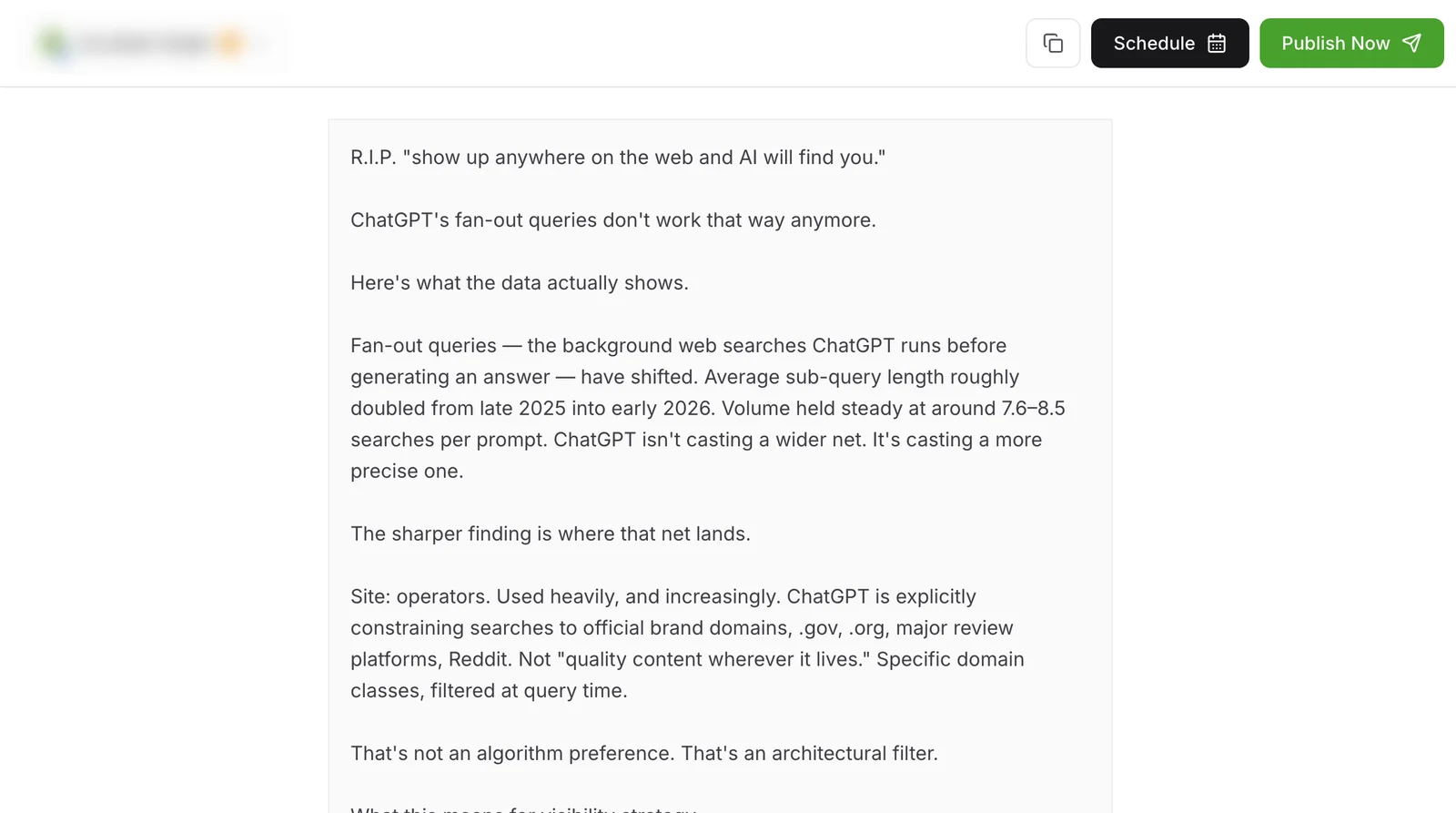
Inside Publora
Post to Instagram with one API call
The same request schedules to any connected network. Your API key is available on every plan, including free.
curl -X POST https://api.publora.com/api/v1/create-post \
  -H "Content-Type: application/json" \
  -H "x-publora-key: YOUR_API_KEY" \
  -d '{
    "content": "Behind the scenes of our launch week. #buildinpublic",
    "platforms": ["instagram-YOUR_ACCOUNT_ID"],
    "scheduledTime": "2026-10-09T17:00:00Z",
    "mediaUrls": ["https://example.com/launch-reel.mp4"],
    "platformSettings": {
      "instagram": {
        "videoType": "REELS",
        "coverUrl": "https://example.com/launch-cover.jpg"
      }
    }
  }'
Or ask your AI agent
Connect Claude, Cursor or any MCP client to mcp.publora.com and schedule in plain English:
- “Schedule these three image URLs as an Instagram carousel for Friday at 17:00 UTC with this caption.”
- “Post this video URL to my Instagram as a Story tomorrow at 08:00 UTC.”
- “Schedule this Reel for Sunday at 12:00 UTC and use https://example.com/cover.jpg as the cover image.”
Instagram limits Publora checks for you
| Caption | 2,200 characters (about the first 125 show before "more") |
|---|---|
| Hashtags | 30 per post, written inside the caption |
| Images | JPEG, PNG or WebP, up to 8 MB each, aspect ratio 4:5 to 1.91:1 |
| Carousel | 2 to 10 items, no mixing of images and videos |
| Reels | MP4 or MOV, 3 seconds to 15 minutes, up to 300 MB |
| Reel cover | Publicly reachable JPEG URL, or a JPEG/PNG/WebP upload up to 8 MB |
| Text-only posts | Not supported; every post needs an image or video |
Instagram scheduling tips
Check the aspect ratio before you upload
Publora does not crop images. A photo taller than 4:5 or wider than 1.91:1 is rejected at scheduling, so crop it in your editor first.
Choose a Reel cover on purpose
Without a cover, Instagram uses a frame from the video. Pass a JPEG cover image that reads well as a small square in your grid. The cover URL has to stay public until the Reel is published.
Keep carousels to one media type
Carousels through the API are all images. If you want a mix of photos and clips, post the clip as a Reel and the photos as a separate carousel.
Move text out of Stories captions
Instagram drops captions on Stories published through the API. Put any text you need into the image or video itself before you schedule the Story.
Instagram scheduling FAQ
Can I schedule Instagram Reels?
Yes. Any video you attach to an Instagram post publishes as a Reel unless you choose Stories. Reels can be 3 seconds to 15 minutes long and up to 300 MB, and you can set a custom cover image.
Can I schedule Instagram Stories?
Yes. Set the Instagram post type to Stories and attach an image or a video. Instagram does not display captions on Stories published through its API.
Is there a free Instagram scheduler?
Publora's Starter plan is free and includes Instagram, with 3 connected accounts and 15 posts a month, up to 3 queued at a time and 7 days ahead. The API and MCP server are included.
Do I need a Facebook Page to schedule Instagram posts?
No. Publora uses Instagram Login for Business, which connects the Instagram professional account directly without a Facebook Page.
Can I schedule posts to a personal Instagram account?
No. Instagram only allows third-party publishing to professional accounts. Switch to a Business or Creator account in the Instagram app, then connect it.
Can I add music or product tags?
Not through the API. Music, filters, shopping tags and branded content tags are not available in Instagram's publishing API, so they cannot be added from Publora.
Instagram guides
- Schedule Instagram Posts: Proven Tactics
- Can You Schedule Posts on Instagram? (2026 Guide)
- How to Schedule Instagram Stories: Save Time & Stay Consistent
- 8 Proven Strategies: Best Time to Post on Instagram
- OpenClaw Instagram Setup: Business Account + API
Start scheduling Instagram posts
Instagram is included on the free Starter plan: 3 connected accounts, 15 posts a month, up to 3 queued posts, scheduling up to 7 days ahead, and API and MCP access, with video uploads up to 50 MB. Pro costs $5.99 per account per month ($3.99 billed yearly), with graduated discounts from the 6th account, unlimited posts under fair use, no scheduling horizon, and video uploads up to 250 MB.