
Instagram API for Posting Reels, Carousels and Stories
Publish and schedule Instagram content from your code or an AI agent, without building a Meta app or going through App Review.
Meta's Instagram Platform lets apps publish to professional Instagram accounts, but posting for accounts you do not own requires Advanced Access, which means App Review and Business Verification. Each post is also a two-step process: create a media container from a publicly hosted file, then publish it.
Publora already has that integration. The account owner connects Instagram once through Instagram Login for Business in the Publora dashboard, with no Facebook Page required, and your code posts Reels, carousels, photos or Stories with one create-post request. Publora downloads your media, runs the container flow, and publishes at the time you set.
Both routes need a professional account: Instagram does not allow publishing to personal accounts through its API. If you need Instagram features Publora does not expose, such as comment moderation, insights or messaging, build on Meta's API directly.
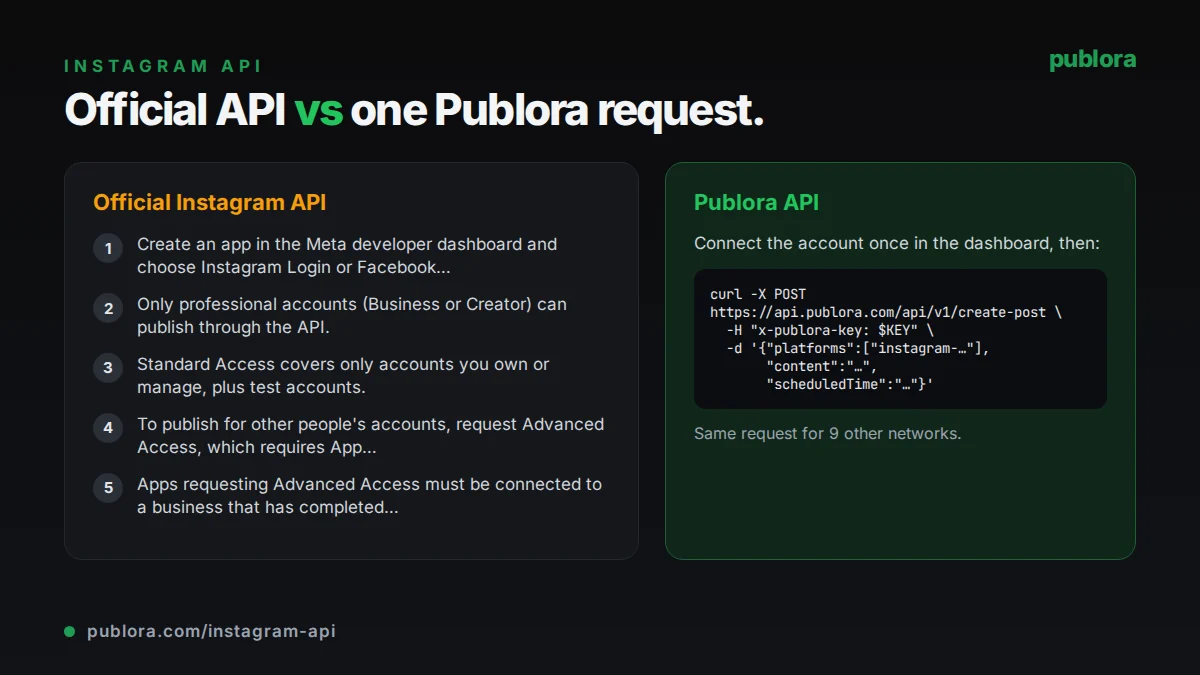
The official Instagram API
Publishing uses the Instagram Platform content publishing endpoints: create a media container with POST /{ig-user-id}/media, then publish it with POST /{ig-user-id}/media_publish. Apps can use Instagram Login (scopes instagram_business_basic and instagram_business_content_publish) for accounts that only exist on Instagram, or Facebook Login (instagram_basic, instagram_content_publish, pages_read_engagement) for accounts linked to a Facebook Page.
What posting requires
- Create an app in the Meta developer dashboard and choose Instagram Login or Facebook Login.
- Only professional accounts (Business or Creator) can publish through the API.
- Standard Access covers only accounts you own or manage, plus test accounts.
- To publish for other people's accounts, request Advanced Access, which requires App Review of each permission.
- Apps requesting Advanced Access must be connected to a business that has completed Meta Business Verification.
Cost: Meta's Instagram Platform documentation does not list usage fees for content publishing. The cost is the review process and the engineering work of the container flow, media hosting and token management.
Official limits
| API-published posts | 100 per account in a 24-hour moving period (a carousel counts as one) |
|---|---|
| Media containers | 400 per account in a rolling 24 hours; containers expire after 24 hours |
| Carousels | Up to 10 images, videos or a mix |
| Images | JPEG only, up to 8 MB, aspect ratio 4:5 to 1.91:1 |
| Reels | 3 seconds to 15 minutes, up to 300 MB |
| Story videos | Up to 60 seconds and 100 MB |
| Captions | 2,200 characters, 30 hashtags, 20 @ tags |
Common gotchas
- Media must be hosted on a publicly accessible server. Instagram fetches it by URL, so private, signed or expiring links fail.
- JPEG is the only accepted image format, so PNG and WebP files have to be converted first.
- Long-lived tokens last about 60 days. Instagram Login tokens can only be refreshed once they are at least 24 hours old and before they expire, so a missed refresh means the user signs in again.
- Shopping tags and filters are not supported through the publishing API.
- Meta renamed the Instagram scopes, and the old values were deprecated on January 27, 2025, so older tutorials may use scope names that no longer work.
Posting to Instagram through Publora
No App Review or Business Verification
Publora holds the Meta app and its approved permissions. You create an API key, and the account owner connects Instagram in the dashboard.
Instagram Login for Business, no Facebook Page
Publora connects directly with Instagram Login for Business, requesting instagram_business_basic and instagram_business_content_publish. The account does not need to be linked to a Facebook Page.
Media hosting and conversion handled
Send public https URLs in mediaUrls or upload files through a pre-signed URL. Publora hosts the files for Instagram to fetch and converts WebP images to JPEG.
Reels, carousels, Stories and covers
Videos publish as Reels by default. Set platformSettings.instagram.videoType to STORIES for a Story, attach 2 to 10 images for a carousel, and set coverUrl for a custom Reel cover.
Validation before scheduling
Instagram needs media on every post. A scheduled post without media is rejected with MEDIA_REQUIRED when you create it, not hours later when it tries to publish.
One queue for every network
The same create-post request can include TikTok, YouTube, Threads or any other connected account, with the status of each tracked under one postGroupId.
| Official Instagram API | Publora API | |
|---|---|---|
| Getting access | Meta app, App Review and Business Verification for accounts you do not own | Publora API key; users connect with Instagram Login for Business |
| Account types | Professional accounts only | Professional accounts only (same Meta rule) |
| Publishing flow | Create a media container, then publish it | One create-post request |
| Media hosting | You host files on a public server | Send URLs or upload; Publora hosts them |
| Image formats | JPEG only | JPEG, PNG or WebP (WebP converted to JPEG) |
| Carousels | Up to 10 items, images and videos can be mixed | 2 to 10 images; mixing images and videos is not supported |
| Scheduling | Build your own queue | scheduledTime on create-post |
| Comments, insights, messaging | Available with the right permissions | Not offered for Instagram |
| Video upload size | Reels up to 300 MB | 50 MB on Starter, 250 MB on Pro |
Post to Instagram via API
curl -X POST https://api.publora.com/api/v1/create-post \
  -H "Content-Type: application/json" \
  -H "x-publora-key: sk_YOUR_API_KEY" \
  -d '{
    "content": "Behind the scenes of launch week. #buildinpublic",
    "platforms": ["instagram-YOUR_ACCOUNT_ID"],
    "scheduledTime": "2026-10-09T17:00:00Z",
    "mediaUrls": ["https://example.com/launch-reel.mp4"],
    "platformSettings": {
      "instagram": {
        "videoType": "REELS",
        "coverUrl": "https://example.com/launch-cover.jpg"
      }
    }
  }'
import os
import requests
# A carousel: 2 to 10 image URLs, no video mixed in
resp = requests.post(
"https://api.publora.com/api/v1/create-post",
headers={"x-publora-key": os.environ["PUBLORA_API_KEY"]},
json={
"content": "Five things we learned shipping v2. Swipe through.",
"platforms": ["instagram-YOUR_ACCOUNT_ID"],
"scheduledTime": "2026-10-09T17:00:00Z",
"mediaUrls": [
"https://example.com/slide-1.jpg",
"https://example.com/slide-2.jpg",
"https://example.com/slide-3.jpg",
],
},
)
resp.raise_for_status()
print(resp.json()["postGroupId"])Or let an AI agent post
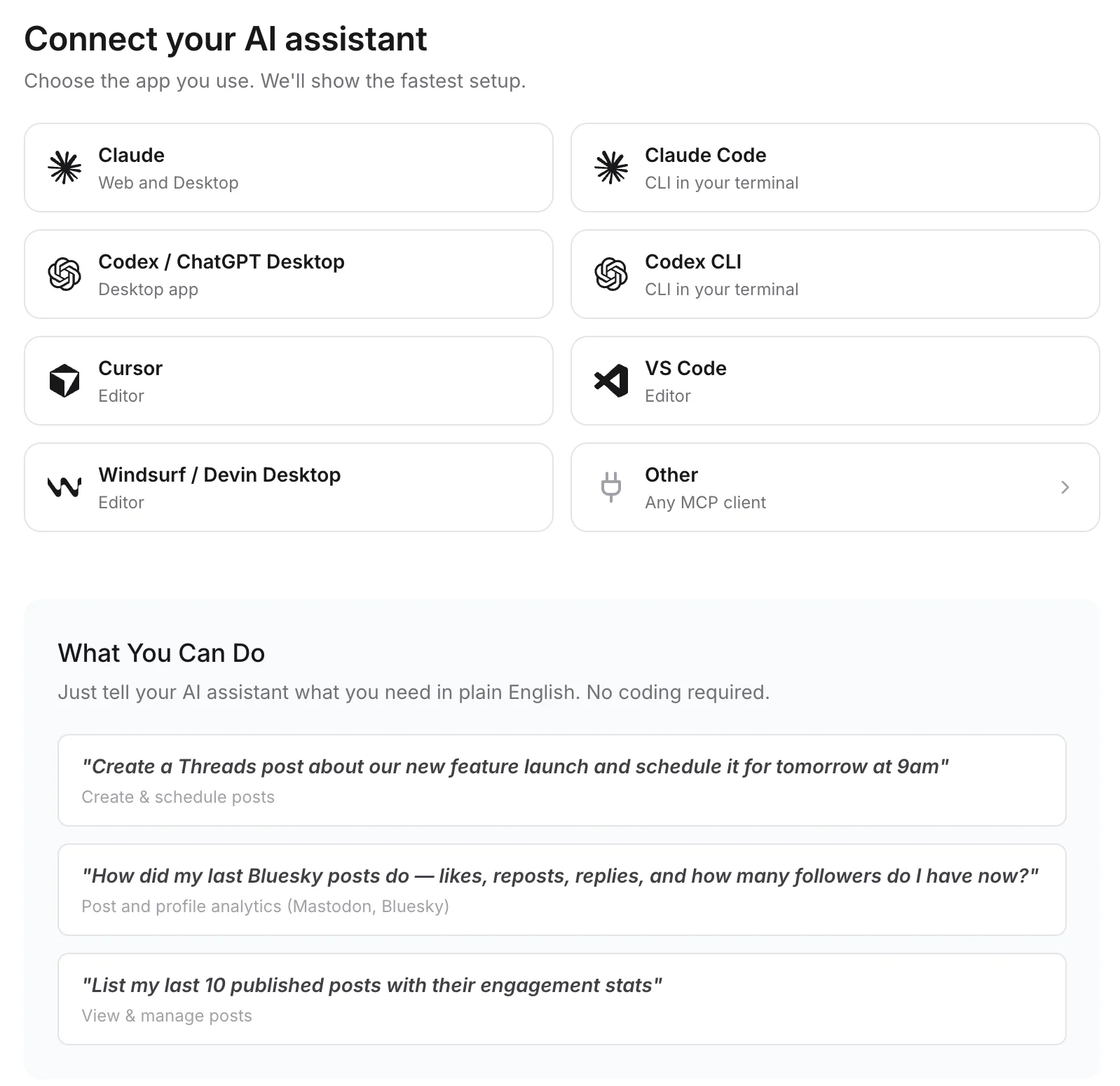
Connect any MCP client to mcp.publora.com:
- “Schedule this video as an Instagram Reel for Friday at 17:00 UTC with the caption below, and use cover.jpg as the cover.”
- “Post these four product photos to Instagram as a carousel tomorrow at 11:00 UTC.”
- “Share this image as an Instagram Story now, and schedule the same image to Threads with a caption.”
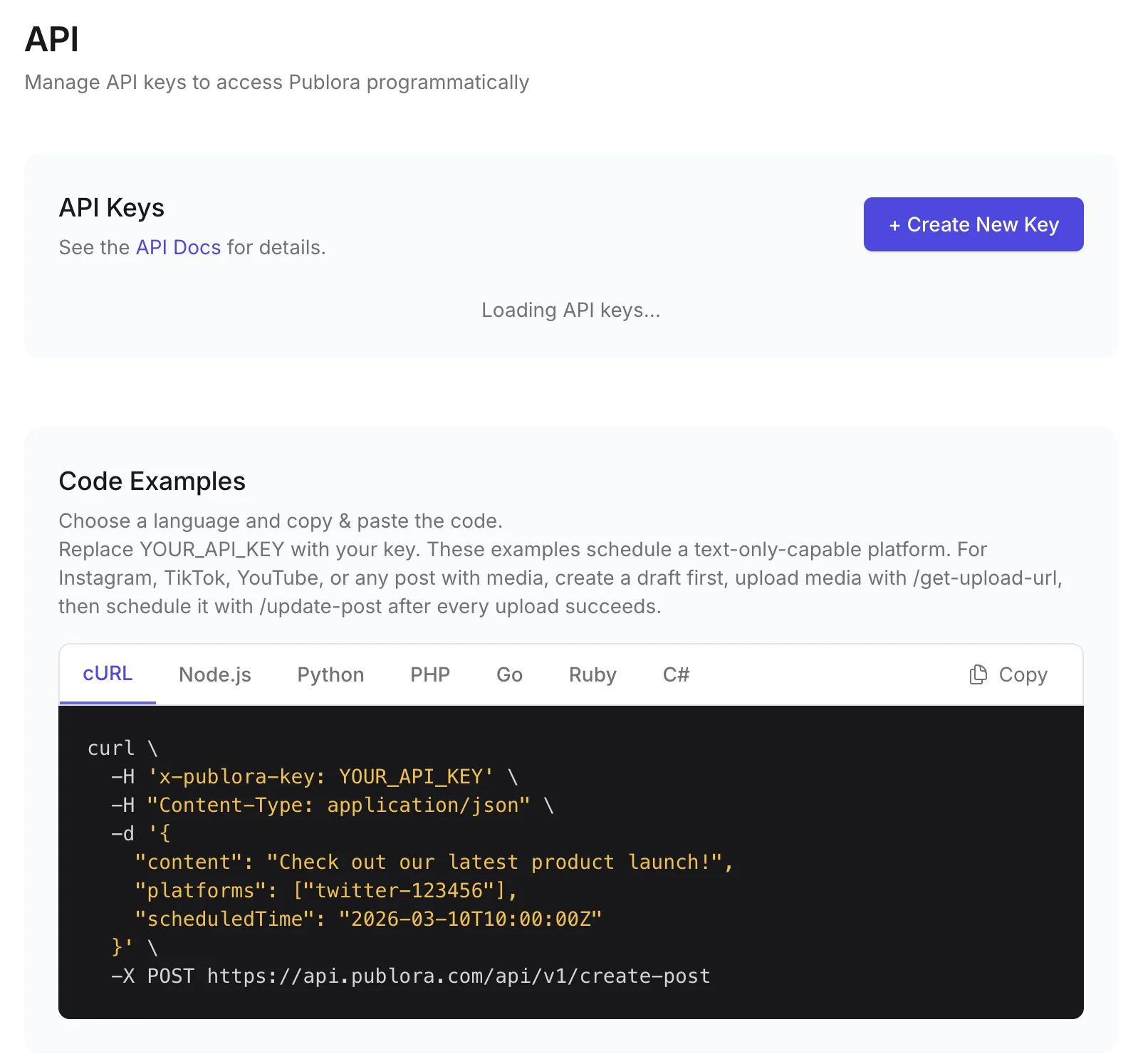
Where you get the key and connect agents
Instagram API FAQ
Can I post to a personal Instagram account via API?
No. Instagram only allows publishing through its API to professional accounts (Business or Creator). That applies to Publora too. You can switch a personal account to a professional one in the Instagram app.
Do I need a Facebook Page to post to Instagram via API?
Not with Publora. It connects through Instagram Login for Business, which does not require a linked Facebook Page. On the official API, the Facebook Login route does require one; the Instagram Login route does not.
How many posts can I publish to Instagram per day via API?
Instagram limits each account to 100 API-published posts in a 24-hour moving period, and a carousel counts as one post. Publora does not raise that limit; it reports the error on the post if Instagram rejects it.
Can I schedule Instagram Stories and Reels through the API?
Yes. Videos publish as Reels by default. Set platformSettings.instagram.videoType to STORIES to publish an image or video as a Story. Stories do not show a caption.
Can I post text-only content to Instagram?
No. Every Instagram post needs an image or video. Publora rejects a scheduled Instagram post without media with a MEDIA_REQUIRED error.
Guides
- OpenClaw Instagram Setup: Business Account + API
- Schedule Instagram Posts: Proven Tactics
- How to Schedule Instagram Stories: Save Time & Stay Consistent
- How to Automate Instagram with Manus AI Agent (2026)
Sources
- Instagram Platform: Content Publishing
- Instagram Platform Overview
- Instagram API with Instagram Login: Business Login
- IG User Media reference
- Meta Business Verification
- Long-Lived Access Tokens
Post to Instagram and 9 more networks with one API
API and MCP access are included on every plan, including the free Starter plan (posting to X requires Pro).