Connect Publora to 8,000+ apps with Zapier

TL;DR
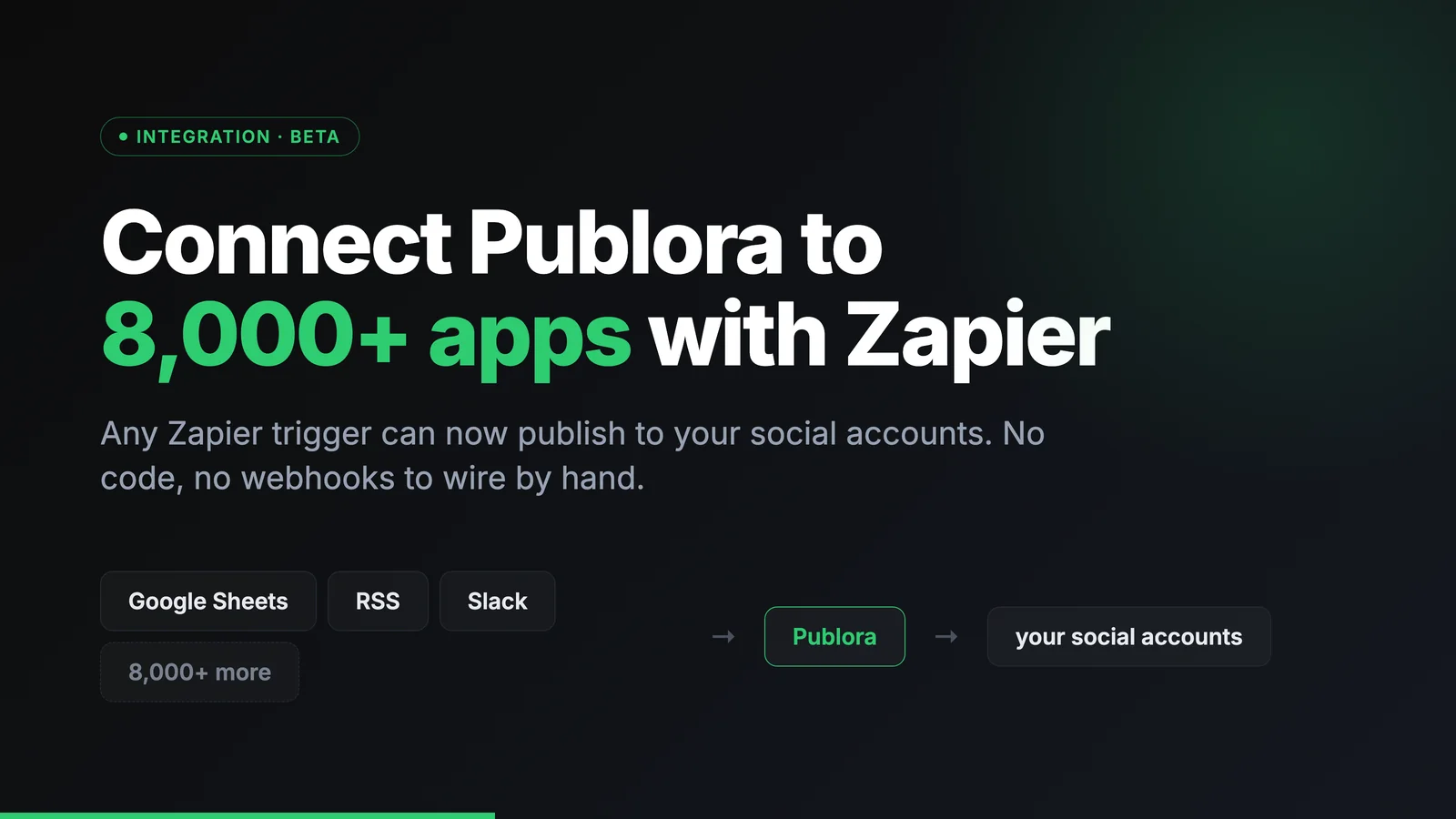
Connect Publora to 8,000+ apps with Zapier. Publish to social media from any Zapier trigger, with no code.
Publora is now on Zapier, which means anything that can start a Zap can also publish to your social accounts. A new row in a spreadsheet, a fresh item in an RSS feed, a message in Slack. Any of them can turn into a scheduled post across your connected platforms, without writing a line of code.
The integration is currently in beta. Everything below works today; the set of triggers and actions will grow.
Before you start
You'll need two things:
- A Publora account with at least one connected social account.
- A Zapier account (zapier.com/sign-up). The free plan is enough for single-step Zaps.
Step 1 — Get your Publora API key
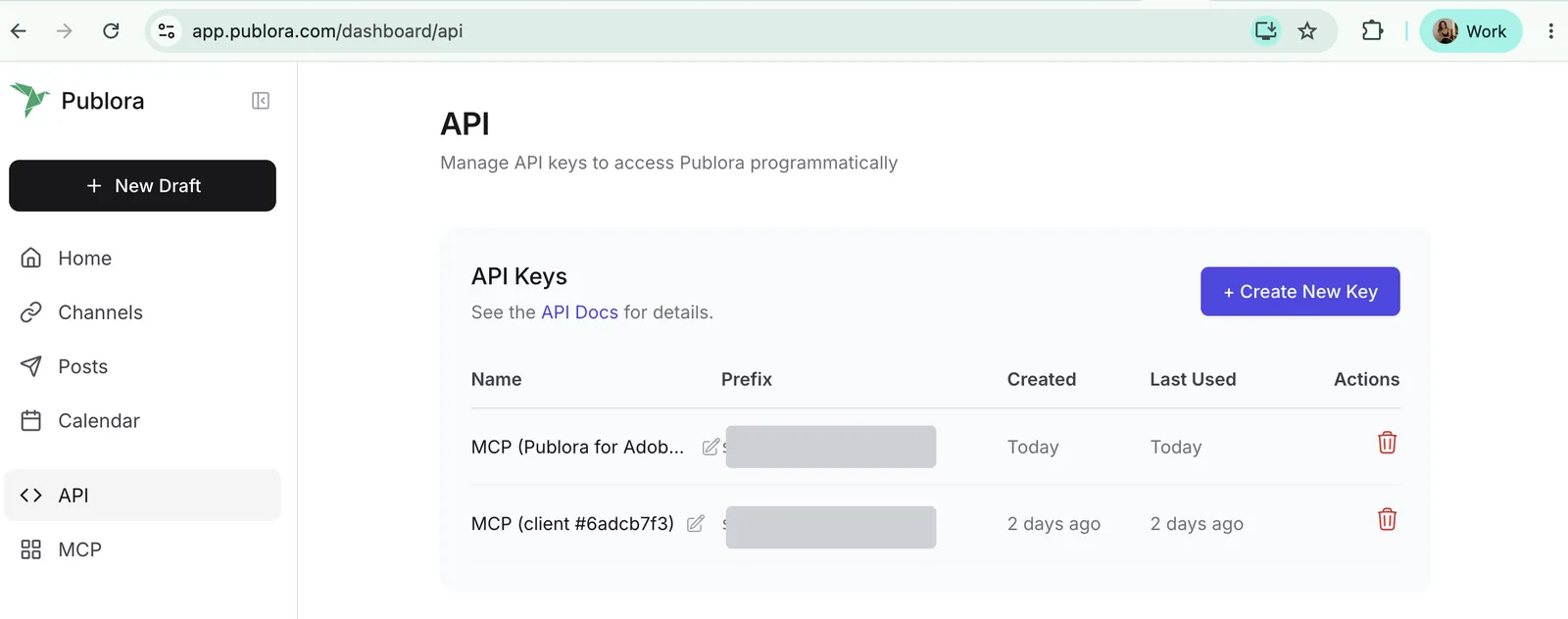
In the Publora dashboard, open API in the left sidebar (or go straight to app.publora.com/dashboard/api) and click + Create New Key. Copy it right away; the full key is shown once, and the list afterwards only keeps a short prefix so you can tell your keys apart.
Step 2 — Open the Publora app on Zapier
Go to zapier.com/apps/publora/integrations and pick a template, or start a Zap from scratch and search for Publora in the editor.
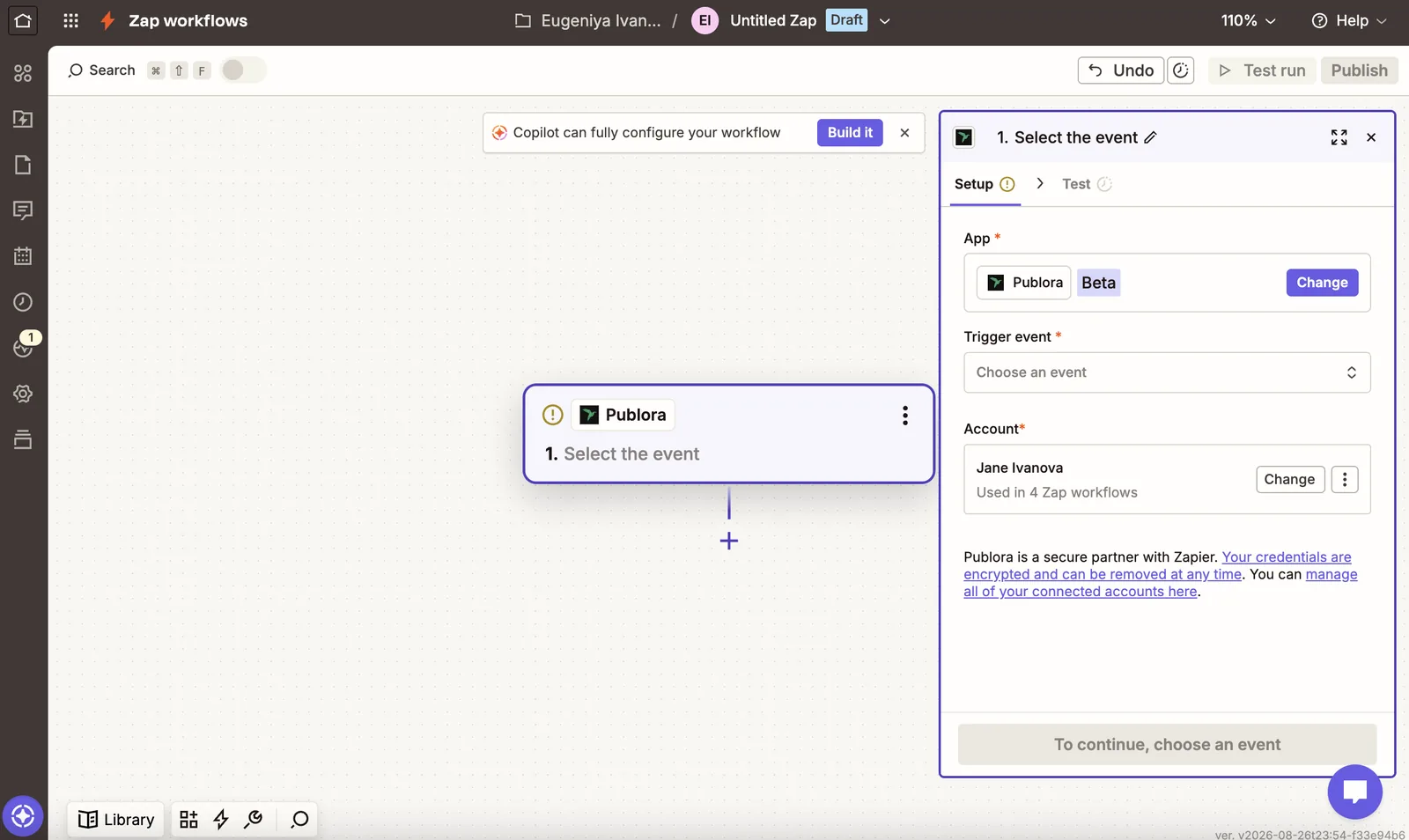
Step 3 — Connect your account
When Zapier asks to connect Publora, paste the key into the Publora API Key field and click Connect. Zapier checks it by fetching your connected accounts, so a wrong key fails immediately instead of later.
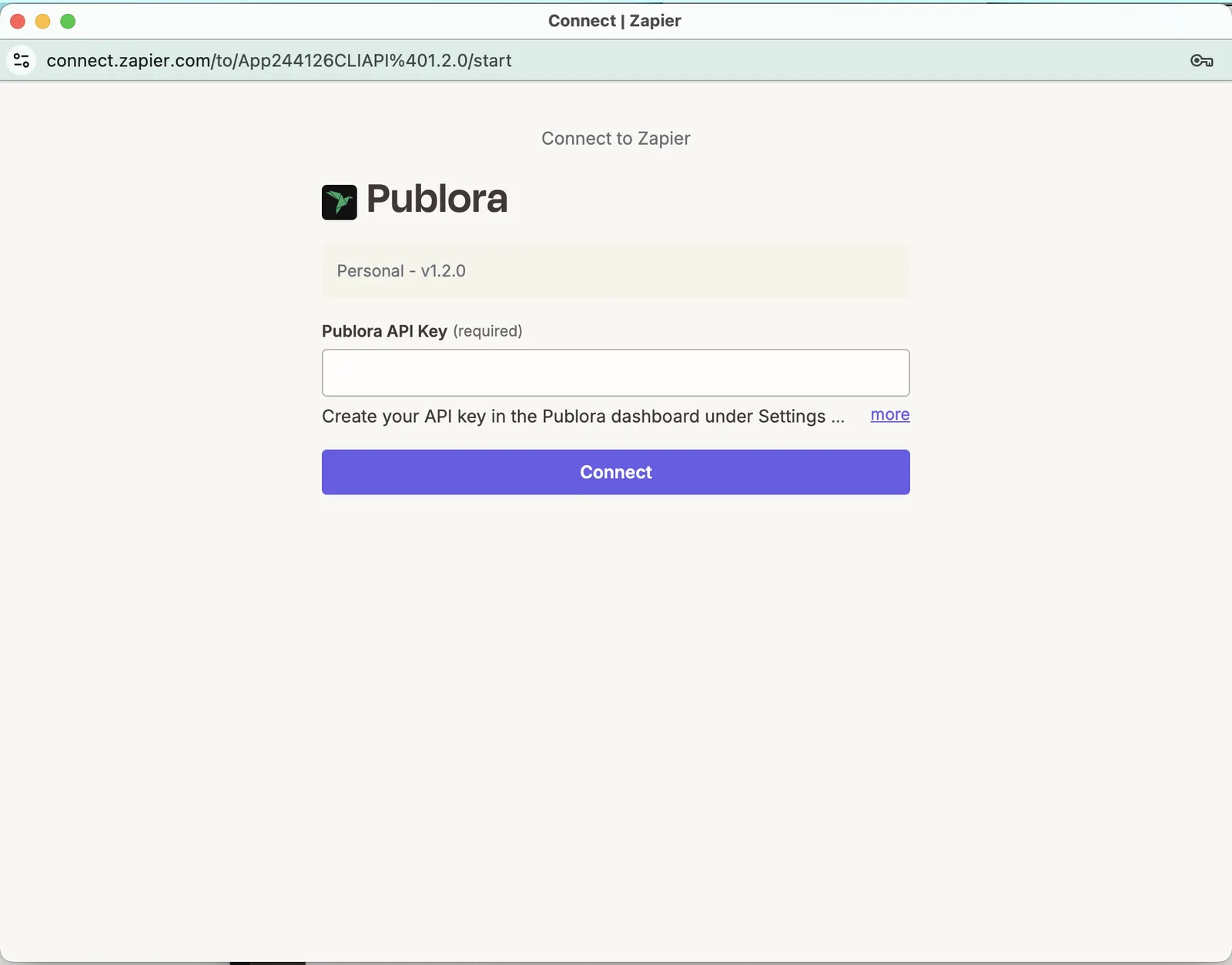
Once it goes through, the account shows up in the step and can be reused by every other Zap you build. You can manage the connection any time at zapier.com/app/connections.
Step 4 — What you can build
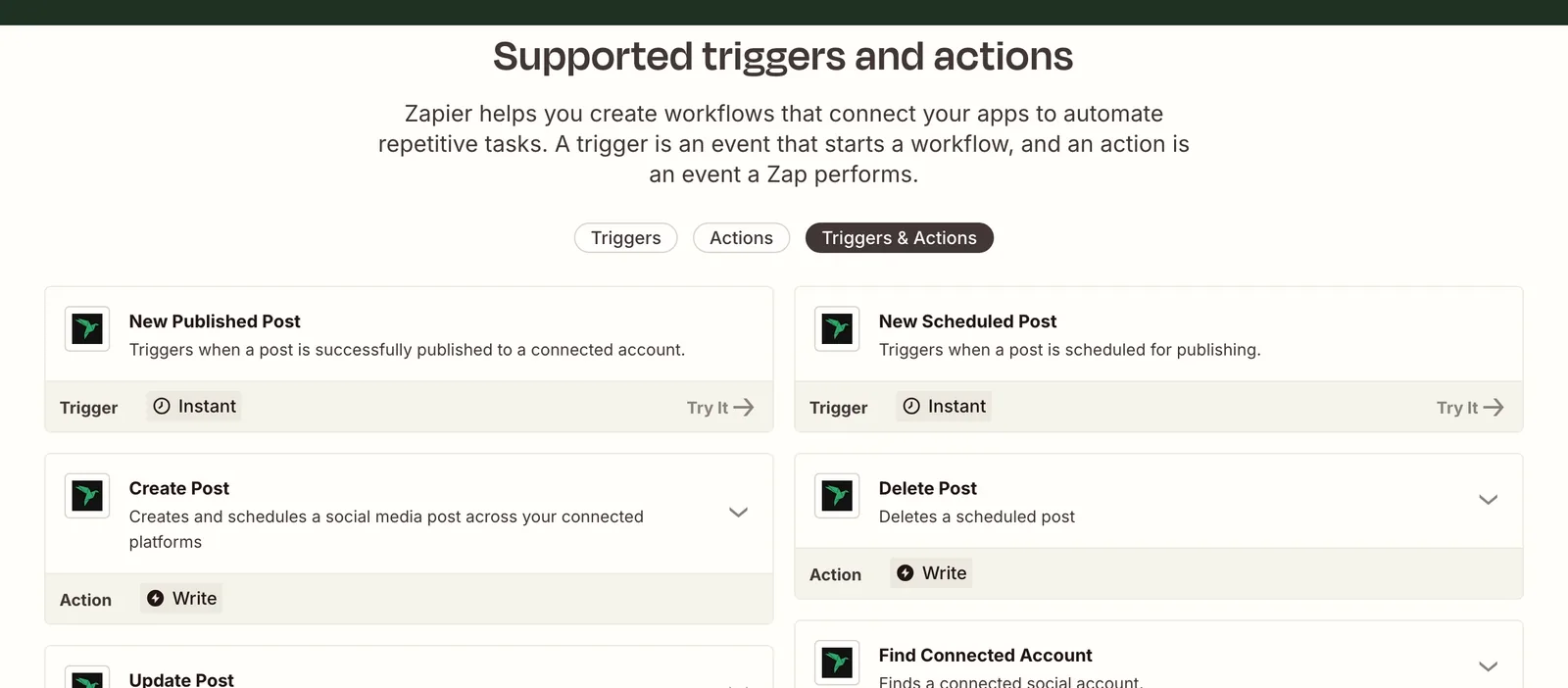
Triggers (Publora starts the Zap). Both are instant: Publora pushes the event to Zapier the moment it happens, instead of Zapier polling for changes on a schedule.
- New Published Post
- New Scheduled Post
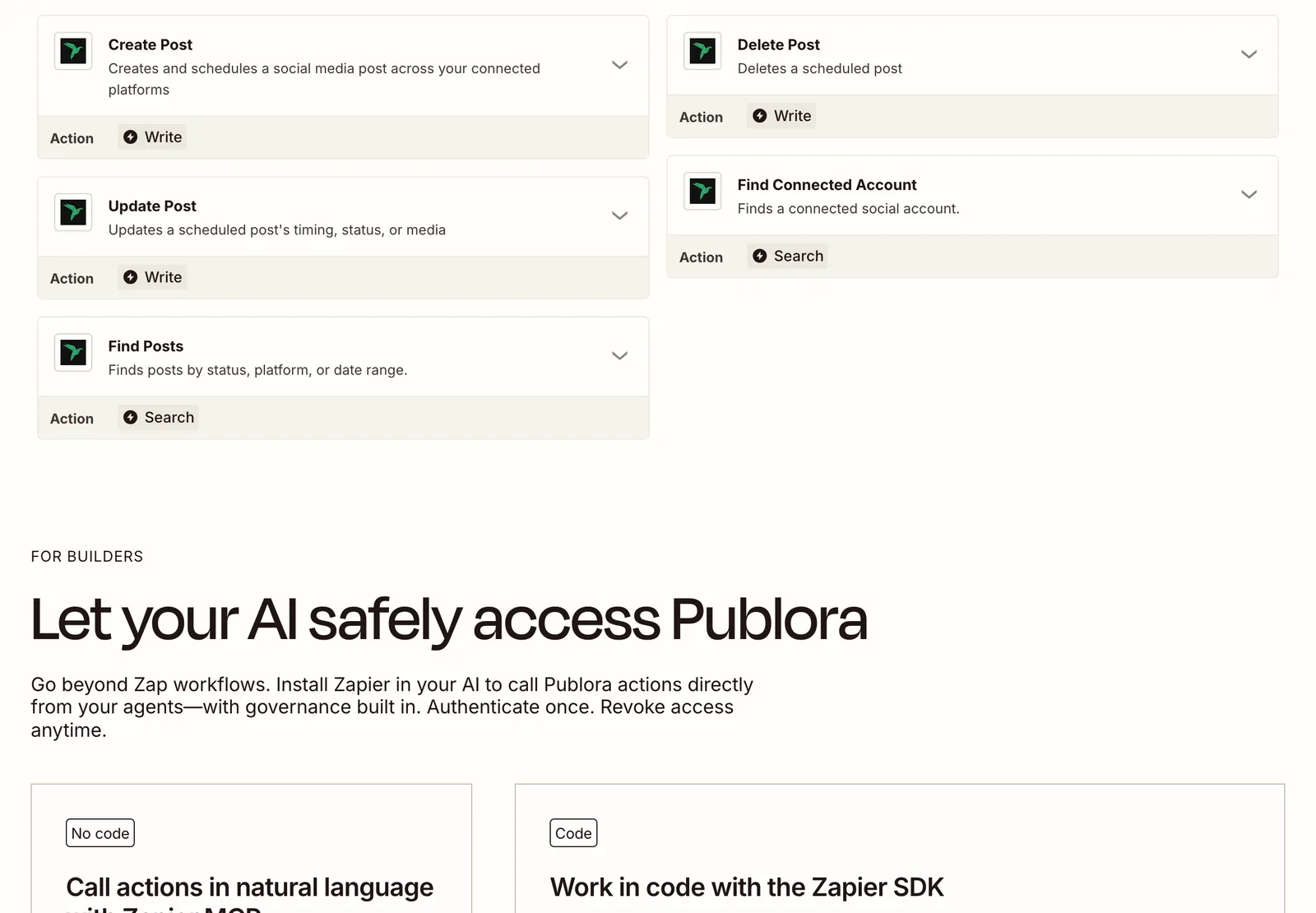
Actions (Publora does something):
- Create Post
- Update Post
- Delete Post
Searches:
- Find Connected Account
- Find Posts
Step 5 — Example: publish new blog posts automatically
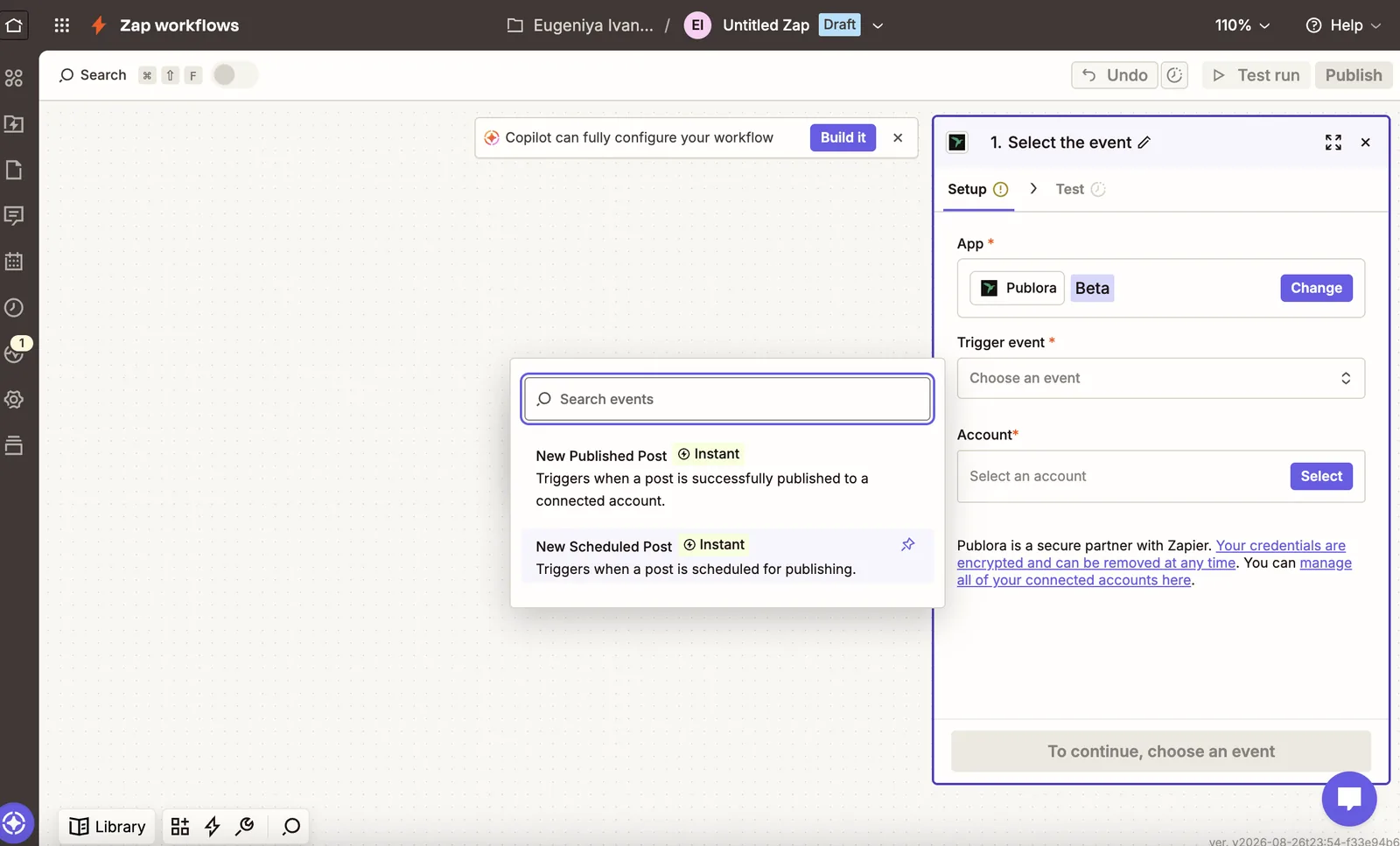
Wire up RSS by Zapier → New Item in Feed as the trigger, then Publora → Create Post as the action. Picking the event takes one click:
Create Post has four fields:
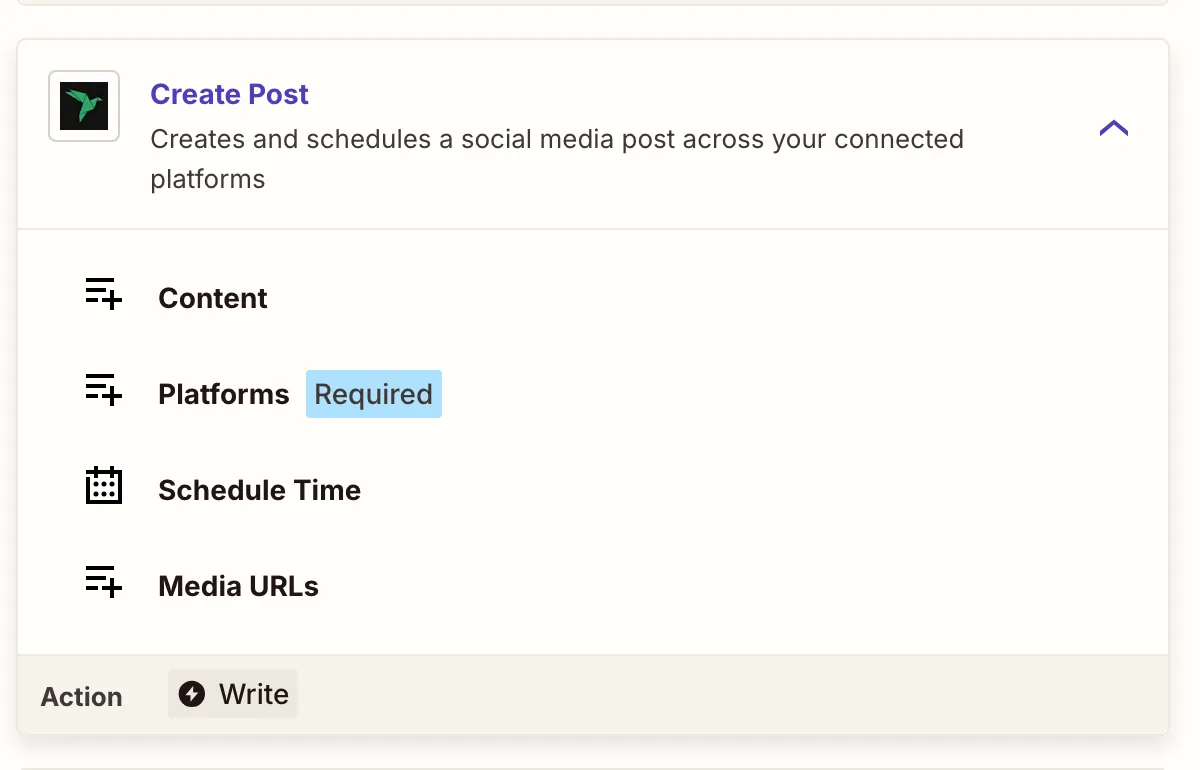
Pick your accounts under Platforms. The dropdown lists the accounts you've connected in Publora, so there are no IDs to copy by hand. Map the feed's title and link into Content, and either leave Schedule Time empty to create a draft or set a time to schedule it. Test the step, then publish the Zap. Every new post in the feed now becomes a post on your networks.
Step 6 — Example: get alerted when something publishes
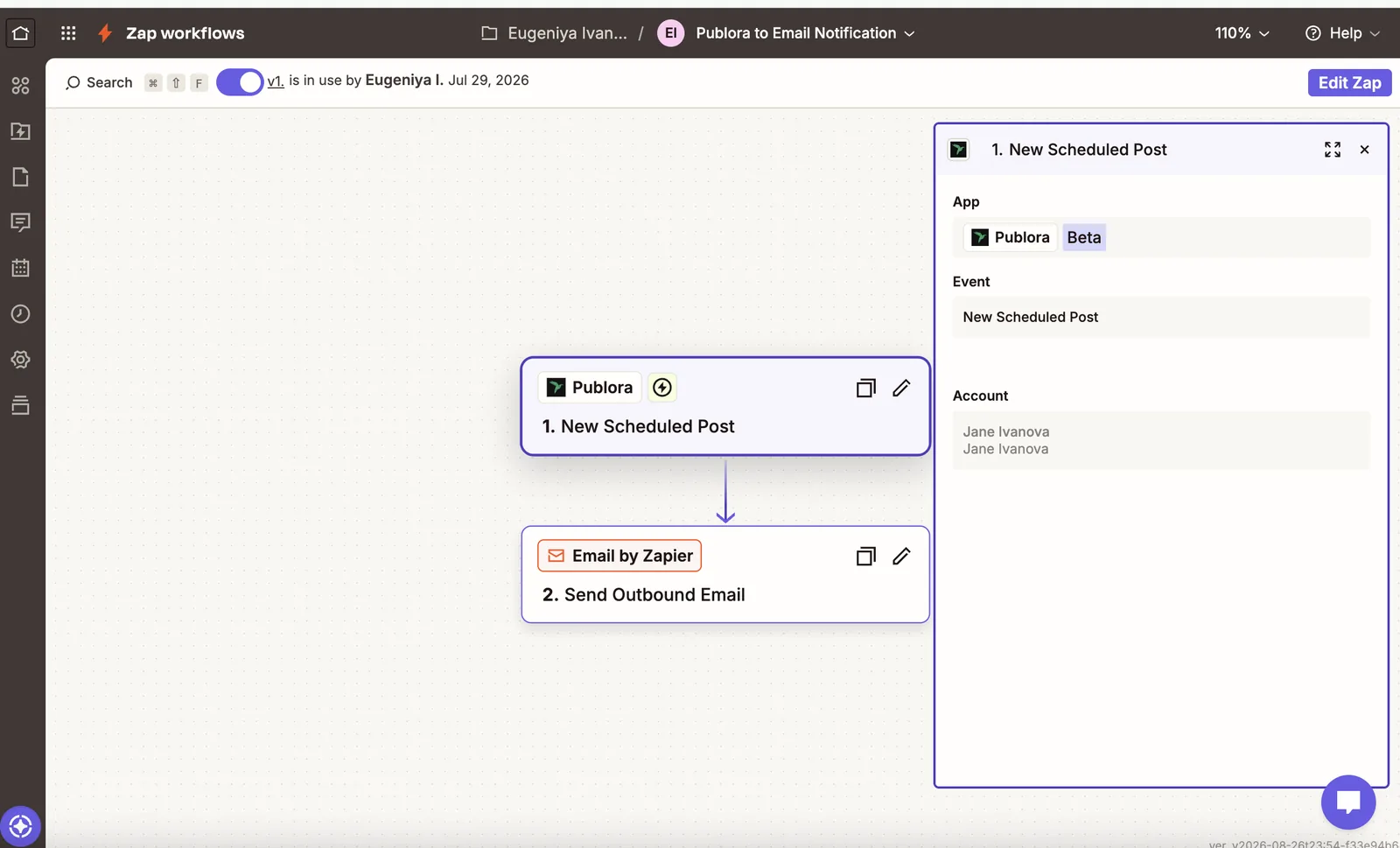
Use Publora → New Scheduled Post or New Published Post as the trigger, then send it wherever you keep an eye on things: Email by Zapier for a notification, Google Sheets → Create Row for a running log, or Slack → Send Channel Message for a ping.
Tips and troubleshooting
- Leaving Schedule Time empty creates a draft, not an immediate post.
- Instagram, TikTok, and YouTube require media. Pass public
httpsURLs in Media URLs. - You can't update or delete a post that has already published.
- Times are ISO 8601, in UTC.
- Full API reference: docs.publora.com
Related Articles
How to Publish to Social Media From Claude
Add the Publora connector from the Claude directory, then ask Claude to draft, schedule or publish to LinkedIn, X, Instagram and seven more networks.
How to Post a Figma Design to Social Media
Send a Figma frame to LinkedIn, Instagram, X and seven more networks without leaving Figma. Free plugin, works in Figma Design and Figma Slides.
How to Publish to Social Media From IFTTT
Connect Publora to IFTTT once, and anything IFTTT watches can go out to LinkedIn, X, Instagram and seven more networks. A feed, a webhook, your own code.
How to Auto-Share WordPress Posts to Social Media
Share every new WordPress post to Instagram, LinkedIn, X, Threads, Bluesky and five more networks automatically. Free plugin, about five minutes to set up.