Productivity & Tools
How to Publish to Social Media From Claude
Add the Publora connector from the Claude directory, then ask Claude to draft, schedule or publish to LinkedIn, X, Instagram and seven more networks.
62 articles in Productivity & Tools
How to Publish to Social Media From Claude
Add the Publora connector from the Claude directory, then ask Claude to draft, schedule or publish to LinkedIn, X, Instagram and seven more networks.
How to Post a Figma Design to Social Media
Send a Figma frame to LinkedIn, Instagram, X and seven more networks without leaving Figma. Free plugin, works in Figma Design and Figma Slides.
How to Publish to Social Media From IFTTT
Connect Publora to IFTTT once, and anything IFTTT watches can go out to LinkedIn, X, Instagram and seven more networks. A feed, a webhook, your own code.
How to Auto-Share WordPress Posts to Social Media
Share every new WordPress post to Instagram, LinkedIn, X, Threads, Bluesky and five more networks automatically. Free plugin, about five minutes to set up.
How to Publish to Social Media From ChatGPT
Connect the Publora plugin once, then ask ChatGPT in plain language to draft, schedule or publish to LinkedIn, X, Instagram and seven more networks.
How to Publish to Social Media From Adobe Express
Install the Publora add-on, sign in once, and send the Adobe Express design you are looking at to LinkedIn, Instagram, TikTok and seven more networks.
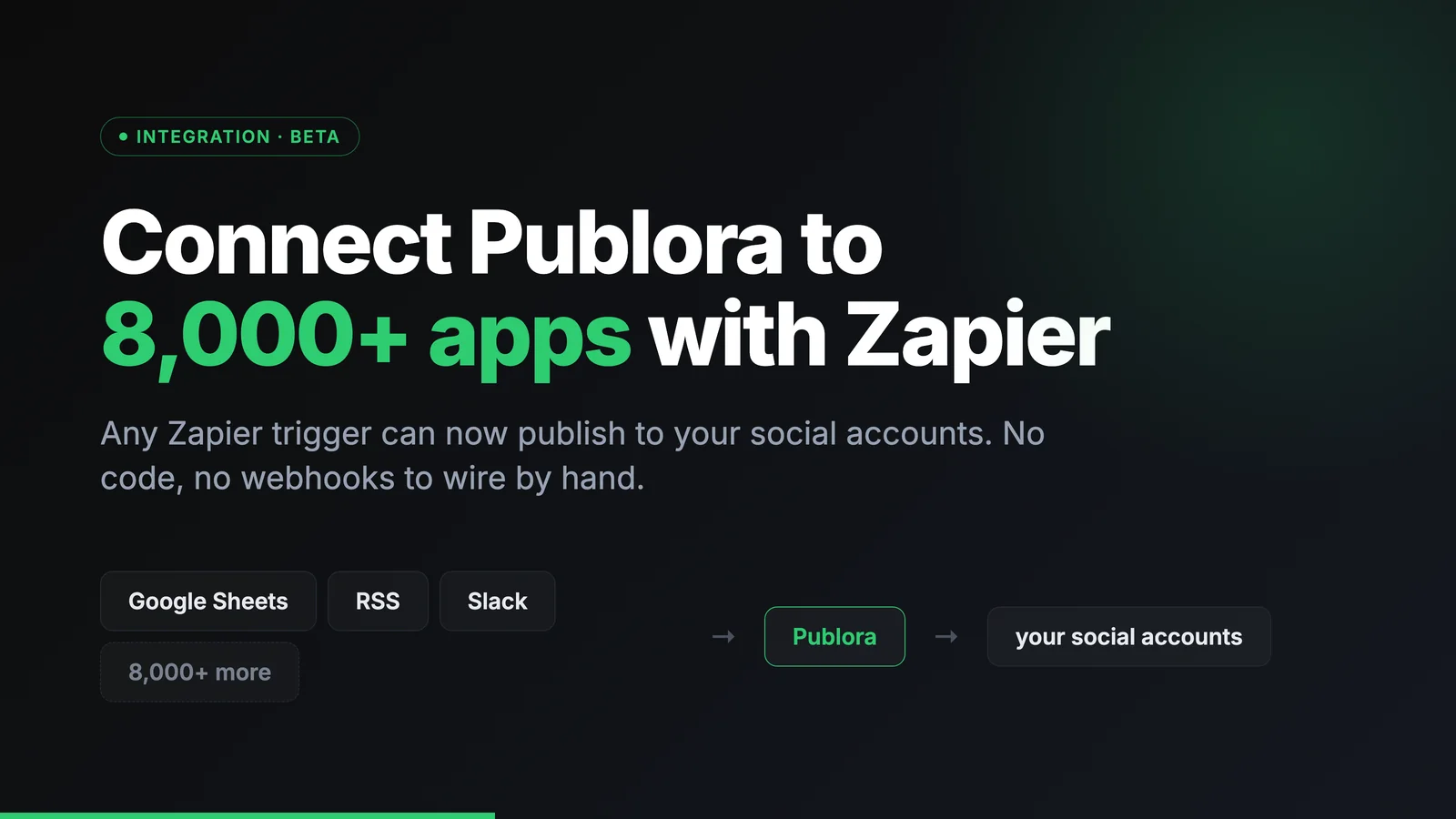
Connect Publora to 8,000+ apps with Zapier
Connect Publora to 8,000+ apps with Zapier. Publish to social media from any Zapier trigger, with no code.
How to Post to LinkedIn From Cursor
Add Publora as an MCP server in Cursor, approve it in the browser, and draft or schedule posts to LinkedIn and nine more networks from the chat. No API key.
How to Publish to Social Media From Obsidian
Install the Publora plugin, connect your account in the browser, and send any Obsidian note to LinkedIn, X, Instagram and seven more networks. No API key.