How to Publish to Social Media From IFTTT

TL;DR
Connect Publora to IFTTT once, and anything IFTTT watches can go out to LinkedIn, X, Instagram and seven more networks. A feed, a webhook, your own code.
Connect Publora to IFTTT once, and anything IFTTT watches can go out to LinkedIn, X, Instagram, Threads, TikTok, YouTube, Facebook, Bluesky, Mastodon or Telegram. A blog feed, a web request, a row someone adds somewhere: it lands in your Publora queue and goes out from there.
It also works the other way. When Publora publishes something, IFTTT can tell you about it: a notification on your phone, a line in your records, a request to an endpoint of yours.
There are ready-made applets for both directions, so you can see the whole thing work before building anything yourself.
Before You Start
You need an IFTTT account, a Publora account, and at least one social account connected inside Publora. IFTTT publishes through connections you already made, it does not create them. The Publora free plan covers 15 posts a month and three accounts and does not ask for a card.
On the IFTTT side, a free account runs two applets at a time.
Connect Publora
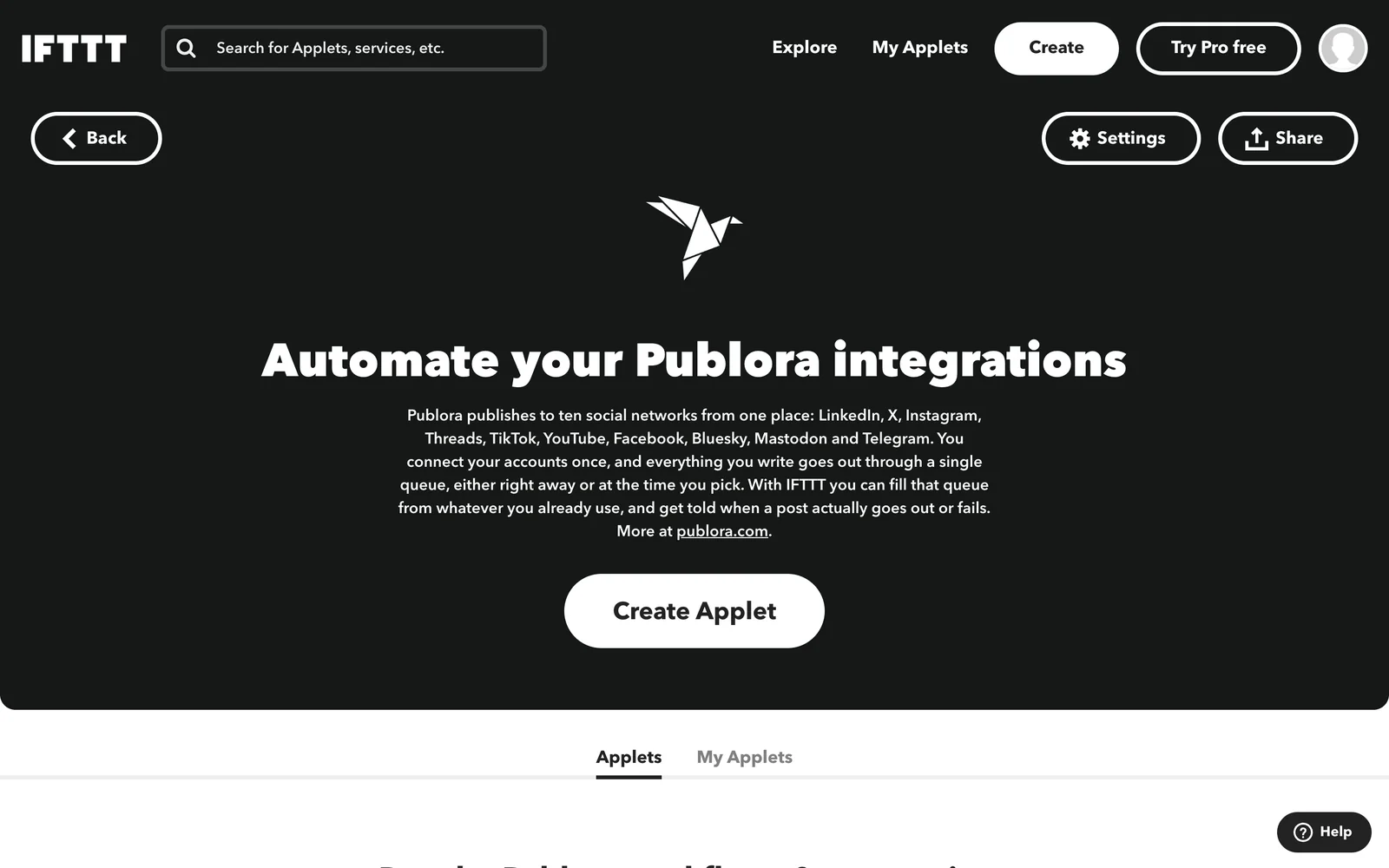
- Open ifttt.com/publora and press Connect.
- A Publora window opens, shows which account you are authorising, and closes itself once you press Approve.
That is the whole setup. There is no API key to copy and nothing to paste.
Turn On a Ready-Made Applet
Twelve applets are ready to turn on, six in each direction. Six of them feed Publora. Four watch an RSS feed:
- Publish new RSS feed items with Publora takes a new item from any feed and publishes it.
- Add new RSS feed items to your Publora queue does the same but queues it instead of publishing straight away.
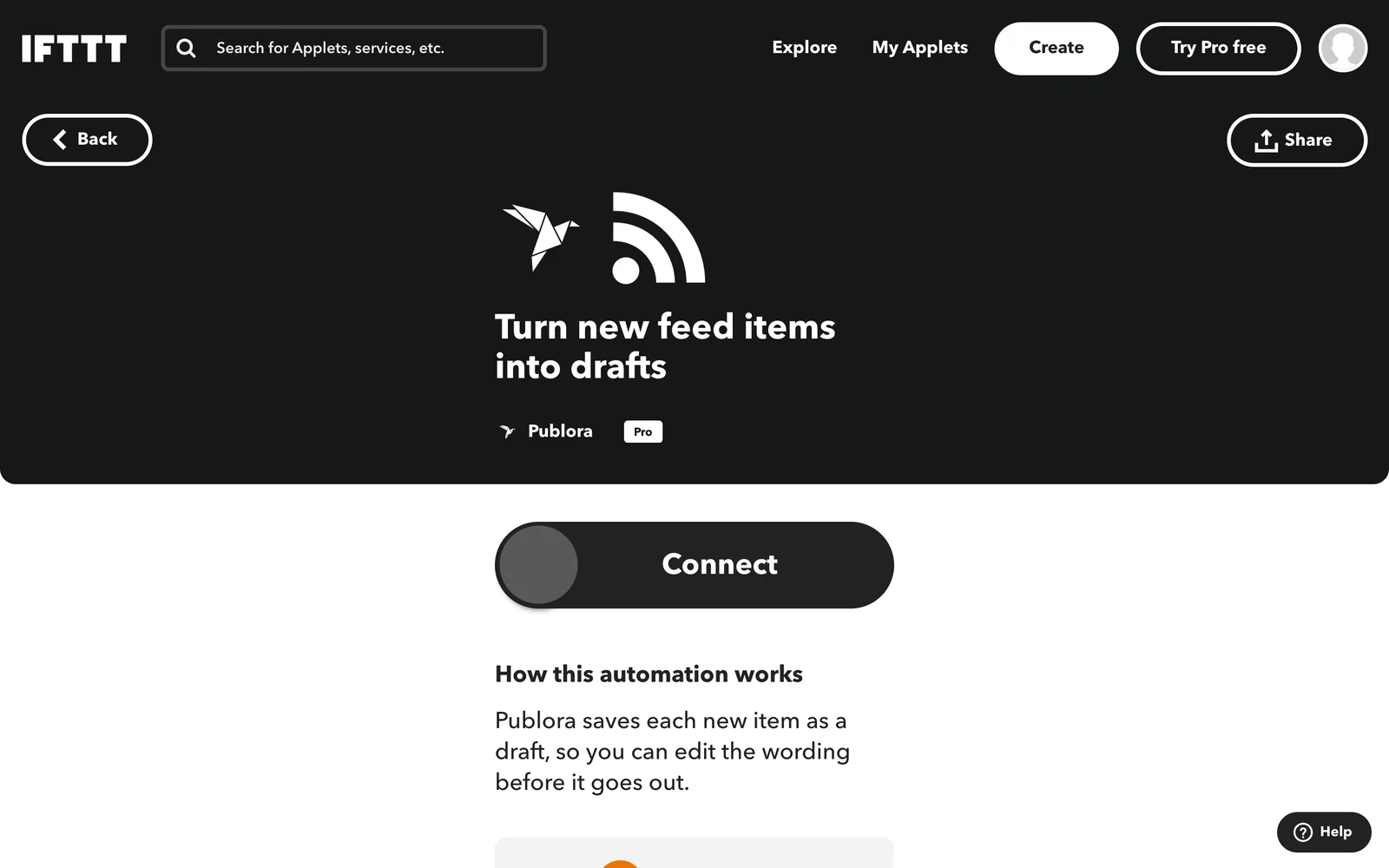
- Save new RSS feed items as Publora drafts saves them as drafts so you can edit the wording first.
- Publish RSS feed items that match a keyword with Publora watches a feed for one word.
Two more start from a webhook, which is the shortest path from your own code to a post:
- Publish a Publora post from a webhook request
- Queue a Publora post from a webhook request
The other six go the other way and report what Publora did: a notification when a post goes out or is queued, a daily or weekly email of everything published, and a web request to an endpoint of yours for record keeping.
Turning one on takes two fields: which feed to watch and which of your connected accounts to post to. The account list is read from your Publora account, so you pick a real channel, not a name you typed.
Build Your Own Applet
If none of the ready-made ones fit, Publora gives you three actions, two triggers and one query to combine with any other service on IFTTT.
Publish a post takes the text, the account, and an optional link to an image or video. The file has to be a public link: Publora downloads it on its side. Instagram, TikTok and YouTube always need one.
Schedule a post adds a delay before publishing: one hour, three, six, or a day. Useful when the trigger fires at an hour nobody reads.
Create a draft puts the post in Publora without a time on it. This is the one to use when the text needs a human pass before it goes out.
New post published fires when Publora publishes something. It gives you the text, the account, the network, the link to the attached file, the post id and the time. One post to three networks arrives as three separate events, so you can tell the channels apart.
New post scheduled fires when something lands in the queue. Handy when other tools fill your queue for you and you want to see what they added.
There is also one query, Recent published posts, which reads back what Publora has published rather than waiting for the next event. Queries are an IFTTT Pro+ feature.
Publishing events reach IFTTT within seconds rather than on the hourly check, because Publora tells IFTTT about them as they happen.
What Comes Out the Other End
The event fields become ingredients you can drop into any other action. {{Content}} is the post text, {{Account}} is the channel name as you see it in Publora, {{Network}} is the network in lower case, {{MediaUrl}} is the attached file when there is one, and {{OccurredAt}} is the time.
A spreadsheet row of everything you published, a message in a team chat when a post goes live, a note in your own database: all of it is a matter of picking the second half of the applet.
If Something Does Not Work
The account list is empty. IFTTT reads it from Publora at the moment you open the field. Connect a channel in Publora, then reopen the applet.
The post has no image. Check that the link is public and opens without a login. Publora fetches the file from that address, so anything behind a session will not reach it.
Instagram, TikTok or YouTube refuse the post. These three require media. A text-only post to them fails on their side, not ours.
The applet ran but nothing appeared. Open the post list in Publora. A failed post keeps its error there, and that message says which network refused it and why.
Put Publora behind your automations
Connect three accounts and post 15 times a month on the free plan. No card.
Start FreeOne Connection, Ten Networks
The point of putting Publora behind IFTTT is that the other services do not have to know anything about social networks. RSS knows about feeds, webhooks know about requests, your own code knows about your own events. Publora takes it from there.
If you would rather drive it from an editor or a chat than from an automation service, the same connections are reachable from ChatGPT, Cursor and Obsidian.
Further Reading
- The same thing from Adobe Express
- Every Publora MCP tool, explained
- Social Media API: The Complete Guide
About this article. Based on the Publora service pages on IFTTT, September 2026. Plan limits were read from IFTTT's own pricing page at the time of writing.
Related Articles
How to Publish to Social Media From Claude
Add the Publora connector from the Claude directory, then ask Claude to draft, schedule or publish to LinkedIn, X, Instagram and seven more networks.
How to Post a Figma Design to Social Media
Send a Figma frame to LinkedIn, Instagram, X and seven more networks without leaving Figma. Free plugin, works in Figma Design and Figma Slides.
How to Auto-Share WordPress Posts to Social Media
Share every new WordPress post to Instagram, LinkedIn, X, Threads, Bluesky and five more networks automatically. Free plugin, about five minutes to set up.
How to Publish to Social Media From ChatGPT
Connect the Publora plugin once, then ask ChatGPT in plain language to draft, schedule or publish to LinkedIn, X, Instagram and seven more networks.