End Social Media Chaos With One Tool
TL;DR
Overcome notification overload and regain control of your social media with one unified management tool.
Why Social Media Feels Overwhelming
Social media is meant to connect us, but too often, it leaves us feeling scattered and stressed. Understanding why these platforms overwhelm us is the first step in regaining control.
Notification Overload
Every time a phone buzzes or a screen lights up with a ping, our attention gets pulled away from whatever we’re doing. Social media apps are designed to send constant notifications—likes, comments, shares, friend requests, and breaking news. While staying updated is important, a continuous stream of alerts quickly becomes intrusive.
- This never-ending demand for attention can make it hard to focus, increasing anxiety and stress levels.
- Your brain has to switch from one task to the next after every notification, which is exhausting.
- Over time, you might find it tough to relax, even on your downtime, as you anticipate the next ping.
The pressure to check messages immediately and respond in real-time creates a cycle that drains both your productivity and your peace of mind.
Too Many Platforms, Too Little Time
Managing social media can feel like juggling flaming torches—one wrong move, and everything seems to tumble down. With so many platforms out there—Facebook, Instagram, Twitter, LinkedIn, TikTok, and more—it’s tough to keep up. Each platform has its own login, notifications, trends, and audience. Logging in and out, checking feeds, replying to comments, and posting updates means you’re constantly switching gears.
This digital multitasking quickly eats into your precious time. Instead of finishing tasks or enjoying downtime, your day gets swallowed up by endless scrolling and catch-up routines. The challenge isn’t just staying visible on each network; it’s about staying organized as you balance multiple accounts, each demanding regular attention. Unsurprisingly, most people feel overwhelmed just keeping up with the basics.
Content Juggling Act
It’s not enough to just be present on social media—you also have to regularly create new content, schedule posts at optimal times, and analyze what resonates. This juggling act can be a full-time job in itself. From brainstorming ideas and editing photos or videos to writing captions and choosing hashtags, every post requires thought and effort.
And it doesn’t end once the content goes live. There’s tracking performance, responding to comments, and tweaking future strategies. When you’re handling all these steps across several platforms, organization becomes a daily challenge. It’s easy to lose track of what’s next or feel like you’re falling behind. This chaotic cycle drains creativity and adds pressure, undermining the joy of sharing and connecting online.
The Secret: Centralized Control
In a world where social media platforms multiply and digital demands never sleep, managing it all can feel overwhelming. But what if you could simplify every aspect of your social media presence? The answer lies in centralized control—a smarter approach that lets you handle every account, message, and insight from a single, streamlined location.
Let’s dig into how centralizing your social media management brings order to chaos and clarity to every action.
What Centralization Really Means
Centralization in social media management goes beyond simply connecting your profiles. It means bringing all your platforms—Facebook, Instagram, Twitter, LinkedIn, and more—under one virtual roof. No more jumping between tabs or apps; everything lands in one dashboard. This unified hub lets you post updates, respond to messages, and track engagement metrics for all channels at once.
Imagine managing content calendars, scheduling posts, and measuring campaign performance with one set of tools. You get instant access to conversations and analytics, making it easy to spot trends, respond quickly, and keep your messaging consistent everywhere. It’s not about adding complexity—it’s about cutting it away, so you control your online presence with ease and confidence.
Key Centralization Features:
- Unified dashboards for all platforms
- Central content scheduling and publishing
- Single point for analytics and insights
From Chaos to Clarity
Having everything in one place does more than just tidy up your workflow—it gives you valuable time and supercharges your productivity. When you aren’t wasting minutes (or hours) toggling between platforms or hunting down the latest message, you have more energy for strategic work. Centralization dramatically reduces the mental clutter associated with social media multitasking.
You stay organized: updates are seamless, campaigns are easy to monitor, and no message falls through the cracks. Tangible benefits include faster response times, stronger audience engagement, and improved tracking of what works—and what doesn’t. In short, centralization turns daily social media chaos into predictable, actionable insights, allowing you to focus on what truly matters: growing your brand and building genuine connections online. For a detailed breakdown of these advantages, explore the 7 advantages of unified social media management.
Meet Your Game-Changer Tool
Modern businesses and creators crave simplicity and efficiency in managing their social media presence. A single platform that brings everything together can be a real game changer. In this section, let’s explore what makes a truly effective social media management tool stand out—and how it can transform your daily workflow.
Spotlight: A Unified Dashboard
Imagine logging in once and seeing all your social media accounts—Facebook, Instagram, Twitter, LinkedIn—side by side on one screen. The best social media management platforms offer this unified dashboard, acting as your control center.
You:
- Post, schedule, and respond to messages without switching between apps or tabs
- See a real-time content calendar
- Get alerts for messages or mentions
- Scan easy-to-read notification feeds
This setup not only saves valuable time but also helps you maintain consistency with your brand voice across every channel. No more scrambling to remember passwords or missing urgent DMs; with everything in one place, you stay organized and always in control.
Ease of Use First
An effective tool puts ease of use front and center. Clean layouts, drag-and-drop functionality, and step-by-step onboarding ensure that even team members new to social media management can get started quickly. Important actions—like creating a new post or checking notifications—should be only a click or two away. Support resources such as in-app tutorials, live chat, and interactive guides help users become experts in no time.
The result? Less time learning software, and more time crafting great content. When onboarding is seamless and daily tasks are made easy, your team can focus on what really matters: growing your presence and engaging your audience.
Not Just Scheduling: Beyond Basics
While scheduling posts is the foundation of most tools, the real difference comes with advanced features.
Features to look for include:
- Analytics for reporting on engagement and follower activity
- Automation to set rules for recurring posts or auto-responses
- Collaboration tools for assigning tasks, commenting, and approvals
With these advanced capabilities, your tool becomes a true partner in your social media strategy, helping you not only keep up but also consistently improve your results.
Real Wins: Business & Personal Stories
Organizing your social media can feel overwhelming, but with the right tool, businesses and individuals can transform their online presence.
Here are real-life stories showing just how much of a difference one platform can make for small businesses, content creators, and corporate teams.
Small Business, Big Impact
For local businesses, every minute and dollar count. Take Green Leaf Café, a neighborhood coffee shop that struggled to keep up with daily posts across multiple platforms while serving customers in-store. By switching to a unified social media tool, they scheduled all weekly promotions, daily specials, and customer appreciation posts in a single sitting.
Suddenly, Green Leaf’s owner, Maria, reclaimed over six hours each week and shifted that precious time back to her business and family. Not only did efficiency soar, but their audience grew fast thanks to more consistent, timely posts. With analytics at her fingertips, Maria learned what content performed best, tailoring future campaigns that drove real attendance at monthly events and doubled their online following in six months. For more on how centralizing your social media management leads to these kinds of measurable benefits, see these core features of social media management tools.
Creators Save Their Sanity
Content creators know the stress of juggling multiple deadlines and platforms. Jamie, a lifestyle vlogger, felt her creativity slipping through the cracks as she spent more time managing content calendars than actually making videos. After adopting an all-in-one social media tool, Jamie finally breathed a sigh of relief.
Automated publishing, content libraries, and a single dashboard for engagement let her focus on what she loved—creating. She found that with less manual labor, she could brainstorm fresh ideas and experiment with new formats. Jamie’s audience noticed the uptick in energy and originality, rewarding her channel with higher engagement and increased subscribers. By simplifying the complex, she found freedom, lower stress, and better results. Interested in more advantages for individuals and teams? Discover the benefits of all-in-one social media solutions.
Corporate Teams Collaborate Better
For larger teams, managing multiple campaigns can quickly turn chaotic. The marketing department at BrightTech faced repeated delays and communication lapses among global members. Once they integrated a centralized social media management platform, everything changed.
The entire team could:
- See content calendars
- Approve posts
- Share feedback in one place
This transparency helped them avoid duplicate work and missed deadlines. Collaboration became second nature, and campaign rollouts ran smoothly from concept to launch. As a result, BrightTech’s teams saved countless hours on emails and meetings, allowing them to focus on creative strategy. With everyone aligned, they drove more impactful campaigns and strengthened their brand voice online.
Switching Made Shockingly Simple
Making the leap to a new platform often sounds stressful, but with the right social media management tool, the process becomes surprisingly easy. Let’s walk through how you can move all your accounts, content, and team members without the usual headaches, and set up workflows that work smarter, not harder.

Plus, we’ll show you how quick onboarding gets everyone up to speed faster than you’d expect.
Migration Without Headaches
Switching platforms shouldn’t keep you up at night. The best tools offer seamless migration that guides you step by step. Start by connecting your existing social media accounts using secure integrations—no need to share your passwords or worry about losing access. Then, simply import your scheduled posts, past content, and even analytics data with just a few clicks.
Most platforms offer import wizards and customer support, making sure you don’t miss any important data. They also allow safe migration of team roles and permissions, so everyone gets set up in the right place from the start. With clear guides and live help just a chat away, you can avoid downtime or confusion and keep your entire marketing operation running smoothly.
Step-by-step migration typically looks like this:
- Connect social media accounts
- Import scheduled posts and content
- Transfer analytics data
- Migrate team roles and permissions
- Confirm everything with onboarding assistance
(This list helps clarify the migration journey).
Setting Up Smarter Workflows
Once your accounts are in place, it’s time to tailor the tool to match your team’s needs. Start by organizing your social channels and content calendars in a way that fits your strategy. Use built-in templates or drag-and-drop scheduling features so tasks never fall behind.
Automate your approval processes—assign posts to team members for review, create custom roles, and set up notifications for each step. This prevents bottlenecks and helps everyone stay aware of deadlines. By customizing dashboards and analytics reports, you ensure every team member sees only the information they need. The right setup not only saves time but empowers your marketing team to work more efficiently than ever.
Common workflow enhancements include:
- Automated post approvals
- Custom role assignments
- Personalized dashboards
Quick Training, Fast Results
One of the biggest surprises with a quality social media management tool is how quickly new users can learn the ropes. Most platforms now offer interactive tutorials, in-app guidance, and an intuitive interface. Even those who aren’t tech-savvy can master the basics—like scheduling posts, responding to comments, and tracking performance—within a single training session.
Additionally, onboarding checklists and demo content help users experiment in a risk-free environment. As a result, your team gains confidence and productivity right from day one. No more drawn-out workshops or complicated manuals—just straightforward tools that make fast, visible impact across your social channels.
Beyond Social: Unlocking Extra Benefits
Using a unified social media management tool brings more than just convenience. These platforms create real advantages that extend well beyond scheduling posts. Here’s how you can reap additional rewards for your business:
Consistent Branding Everywhere
A central social media tool ensures your brand’s personality and visuals shine through across every channel. By keeping all your content, graphics, and messaging in one place, you eliminate the risk of accidental off-brand posts or inconsistencies. When drafting content and scheduling posts ahead of time, you have a bird’s-eye view to maintain the same logo, color palette, and brand voice. This consistency fosters trust and recognition, making your business memorable and professional in the eyes of your audience. As your team collaborates in the same platform, everyone stays aligned on how your brand should sound and look—no more guesswork or clashing tones. With centralized control, even businesses with several team members can keep their presence polished across every profile. For more on these advantages, see the 10 benefits of using a social media management platform.
Never Miss a Message Again
When engagement happens across platforms, messages and comments can easily slip through the cracks. A unified tool brings all your social inboxes into one dashboard, making it impossible to overlook customer DMs, comments, and mentions. This all-in-one view helps your team respond swiftly, delighting followers who expect a prompt reply. No more jumping between apps or losing track of important queries—everything is organized and easy to manage. Quick, reliable responses don’t just solve questions, they build loyalty and make your customers feel valued. With better oversight, you can even track response times and measure customer satisfaction, ensuring your brand’s reputation remains strong. Tools that offer a central inbox and analytics can significantly boost customer engagement and satisfaction, as explained in this article on why use social media management tools.
One Login, Bulletproof Security
Managing multiple social accounts often means juggling several passwords—a security risk waiting to happen. Centralized tools reduce this risk by letting your team access every account through one secure login. This added layer of control means you can more easily manage permissions, revoke access, and keep tight security over who can post or view sensitive information. Many platforms support multi-factor authentication and keep a detailed log of account activities, making it easier to spot and respond to potential threats. By managing credentials in one place, you lower the odds of a breach, keeping your business and customer data safer.
Choosing Your Perfect Tool
With so many social media management platforms out there, it’s easy to feel overwhelmed by options. But finding the right tool boils down to understanding your unique needs and focusing on features that actually add value to your workflow. Let’s break down what matters most and how today’s top tools stack up.
Must-Have Features Checklist
Not all social media tools are created equal. When scouting for the ideal platform, keep an eye out for essentials that save you time, keep you organized, and help you grow online.
- Integration: Make sure the tool supports every network you use, from Facebook and Instagram to LinkedIn, TikTok, and even emerging channels. Smooth integration lets you manage everything in one place, streamlining your process.
- Content Scheduler: Look for a smart, flexible scheduler. You should be able to drag-and-drop posts, set up recurring content, and preview your calendar easily. Features like bulk uploading or auto-scheduling can be huge time-savers.
- Analytics: The best tools offer detailed insights on engagement, reach, and audience growth, going far beyond basic like and share counts.
- Mobile Support: A robust, user-friendly mobile app lets you handle urgent updates and monitor campaigns on the go—no more scrambling when you’re away from your desk.
If you ever feel overwhelmed by alerts and constant updates, it’s worth learning alert management techniques to eliminate stress that can help you regain control. The right checklist will help you zero in on tools that match your day-to-day needs.
Top Tools Compared: Honest Look
Let’s make your decision easier by comparing some of the most trusted social media management platforms out there:
| Tool | Standout Feature | Consider If… | Drawback |
|---|---|---|---|
| Hootsuite | Wide integrations & easy collaboration | You work on a team | Interface is dated, can be pricey |
| Buffer | User-friendly, easy scheduling | You’re a solo marketer or SMB | Lacks deep analytics |
| Sprout Social | Advanced analytics & listening tools | Data-driven brands | Premium-priced |
| Later | Visual focus, Instagram-first scheduler | You prioritize visual content | Weaker integration outside visuals |
Each of these tools brings different strengths to the table—so match features with your goals before you commit. Think about how your needs might change as you grow, and choose a tool that can scale with your ambitions.
Related Articles
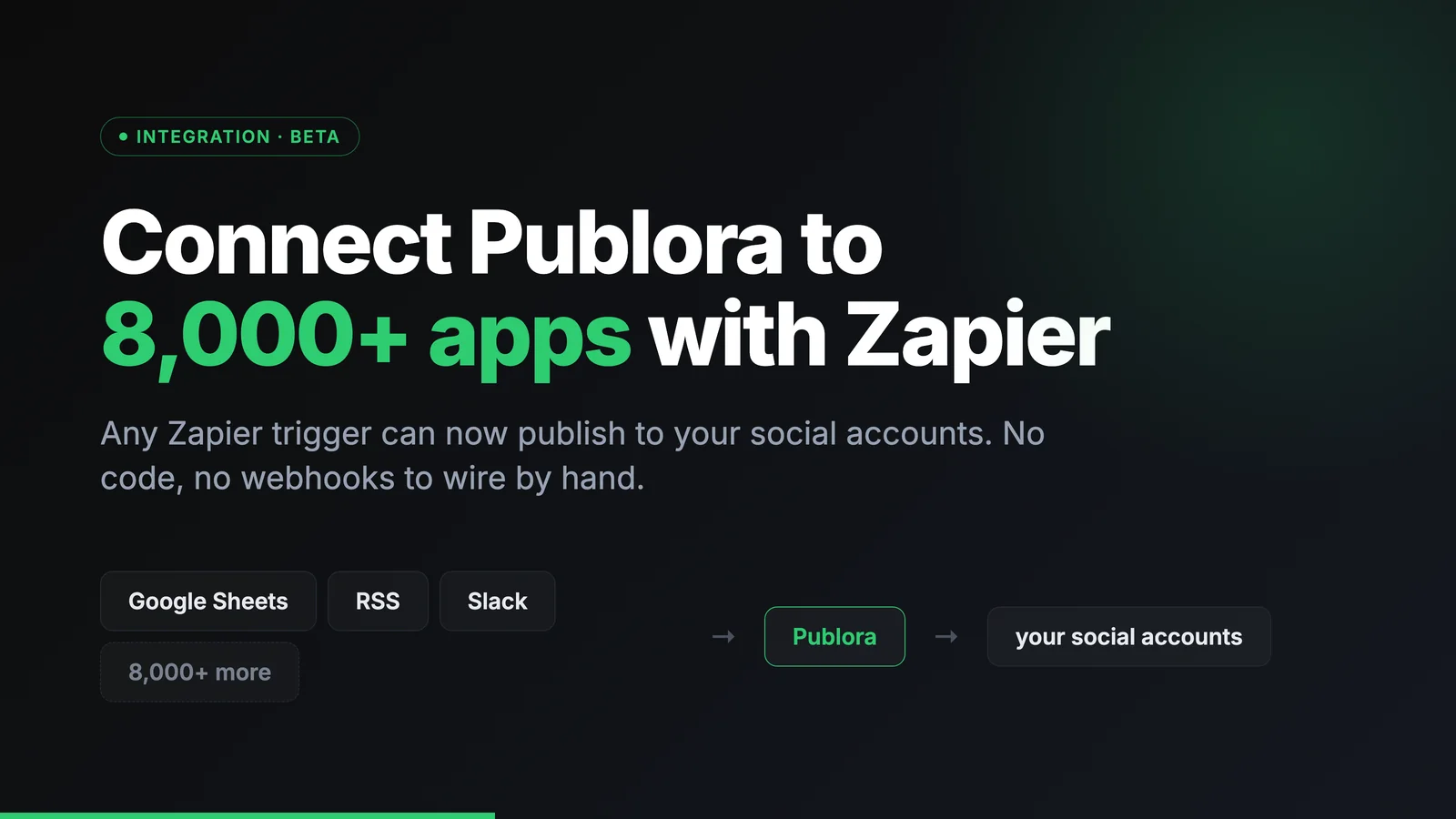
Connect Publora to 8,000+ apps with Zapier
Connect Publora to 8,000+ apps with Zapier. Publish to social media from any Zapier trigger, with no code.
How to Post to LinkedIn From Cursor
Add Publora as an MCP server in Cursor, approve it in the browser, and draft or schedule posts to LinkedIn and nine more networks from the chat. No API key.
How to Publish to Social Media From Obsidian
Install the Publora plugin, connect your account in the browser, and send any Obsidian note to LinkedIn, X, Instagram and seven more networks. No API key.
How to Connect All 16 Publora MCP Tools: Complete Guide
A complete reference to the 16 Publora MCP tools, what each one does, and how to connect the server so an AI agent can schedule, publish, and manage social media by prompt.