Unlock Time-Saving Social Media Resources

TL;DR
Identify hidden time sinks in social media and discover resources to reclaim your productivity.
Why Social Media Drains Time
Social media promises quick connection and instant updates, but using it often leaves our schedules in disarray. Understanding these time traps is the first step toward reclaiming your productivity.

The Hidden Time Sinks
It’s easy to underestimate just how much time social media quietly demands. You often log in to check a single notification, but before you know it, you’ve spent thirty minutes scrolling through endless feeds. Algorithms are designed to keep you engaged—suggesting more content with every swipe. Even necessary tasks, like researching hashtags or finding trending topics for a post, can pull you down a rabbit hole.
- These small pockets of distraction may seem harmless, yet they add up across your day, leaving you wondering where your productive hours went.
- By becoming aware of these subtle time drains, you can start to set clearer boundaries and regain control over your schedule.
Content Chaos Explained
Managing more than one social platform quickly encounters chaos. Each platform—whether Instagram, LinkedIn, TikTok, or Facebook—demands its own post style, image format, and timing. Juggling multiple accounts means tracking logins, monitoring analytics, and keeping up with ever-changing algorithms.
Without a system, your workflow gets scattered, making social media feel less like a powerful marketing tool and more like a daily juggling act. This multiplies the effort needed for planning, scheduling, and responding.
Decision Fatigue on Social
Social media puts you in the driver’s seat with endless choices: Which photo should you post? What caption fits best? Should you reply to that comment now or later? Over time, these small decisions pile up, wearing down your mental energy. This phenomenon, known as decision fatigue, makes it harder to focus on the bigger picture or create standout content. As your stamina fades, you may find yourself spending more time making less effective choices, slowing down your workflow even further. Recognizing the effect of constant micro-decisions can help you streamline your process and maintain better focus throughout your day.
Automate and Reclaim Hours
The world of social media moves fast, but that doesn’t mean you have to spend every free moment glued to your screens. Social media automation is a game-changer. Powerful tools and clever workflows help you save hours every week, giving you more time to focus on what truly matters—growing your brand and connecting authentically with your audience. Let’s explore the best resources, smart hacks, and integration tips to turbo-charge your strategy.
Scheduling Tools That Work
Scheduling tools have transformed the way brands manage their social presence. Leading options like Buffer, Hootsuite, and Later allow you to plan and post content across multiple platforms from a single dashboard. According to this overview of essential scheduling tools, features such as evergreen content scheduling, delegation, and optimization with analytics further streamline your workflow.
| Tool | Strengths | Limitations |
|---|---|---|
| Buffer | Clean interface, great analytics | Free plan has fewer features |
| Hootsuite | Wide platform support, collaboration | Can be overwhelming, pricier |
| Later | Visual planner for Instagram | Limited analytics |
These tools save you time by letting you batch-create posts in advance. Plus, with features like best time posting suggestions and post recycling, you can keep your channels active—even when you’re away.
Smart Automation Hacks
Beyond scheduling, there are clever automation tricks that even seasoned marketers may overlook.
- Create recurring posts for evergreen content—think weekly tips or seasonal reminders—so you maintain a regular presence with minimal effort.
- Many tools let you set these up once and they’ll auto-repeat according to your preferred schedule.
- Another powerful hack is auto-dm" class="glossary-link">DM responses. Custom bots on platforms like ManyChat or built-in options in Facebook and Instagram can send a warm welcome or provide helpful information instantly.
- Don’t forget automation triggers that send thank-yous or special offers after a user takes a key action, like mentioning your account or filling out a form. These workflows free up even more of your time, while keeping your followers happy and informed.
Integrating Across Platforms
Efficient social media management isn’t just about posting—it’s about seeing the big picture. Integration tools, such as Zapier and IFTTT, automate tasks between all your social channels and even your website or email marketing tools. For example, you can set up workflows to automatically share every new blog post to your Facebook, Twitter, and LinkedIn feeds. You can also sync analytics, collecting performance data from all platforms into one simple dashboard, such as Google Data Studio or Hootsuite’s analytics suite. As outlined in this list of time-saving social media tools, mapping workflows and integrating your tech stack can significantly boost your productivity.
Integration keeps your content and strategy unified. You’ll spend less time switching between apps or copying data, and more time discovering what’s working best. By connecting your tools, you ensure nothing slips through the cracks—and you’ll always have a clear view of your brand’s social impact.
Templates: Your Secret Weapon
Creating eye-catching social media content doesn’t have to eat up your entire day. With the right templates, you can work smarter and post faster, all while keeping your brand’s style consistent. In this section, we reveal how social media templates are the ultimate game-changer for time-strapped marketers and business owners.
Plug-and-Play Graphics
Visual content is the heart of engagement on platforms like Instagram, Facebook, and LinkedIn. But designing from scratch for each post? That’s a major time sink. This is where plug-and-play graphics come in—ready-to-use templates from tools like Canva and Adobe Express can give you a serious productivity boost. These platforms offer thousands of customizable templates for every type of post, from Stories to carousels to promotional banners.
- Search for a layout that suits your objective
- Swap in your own text and images
- Share in minutes
Many templates are already optimized for the latest platform sizes and best practices, so you won’t waste time adjusting details. Plus, you can save your favorites or create branded sets to reuse, helping you keep a cohesive look across all channels. Plug-and-play graphics are the shortcut to standing out online without the design overwhelm.
Caption and Hashtag Libraries
Even with the perfect graphic, crafting a compelling caption and choosing hashtags can slow you down. The solution? Build or download pre-written caption and hashtag libraries. Resources like Later, Planoly, or curated Pinterest boards provide inspiration and formulas for nearly every scenario—product launches, holidays, engagement prompts, and more.
Maintaining your own document of adaptable captions means you’ll always have a bank of ideas ready when you’re pressed for time. Pair these with researched hashtag lists specific to your niche or location; using a mix of popular and targeted hashtags boosts your reach and saves you the headache of starting from zero each time.
- Maintain adaptable caption documents
- Use researched hashtag lists specific to your niche/location
- Track which combinations drive engagement
Over time, you’ll notice which captions and hashtags drive better engagement, helping you refine your library for future posts. With these templates, you’ll spend less time searching for words and more time connecting with your audience.
Brand Kit Templates
Establishing and sticking to your brand identity is crucial on social media. Creating a reusable brand kit template is one of the smartest moves to keep your visual content on track and save hours each month. A digital brand kit outlines your brand’s color palette, logo variations, typographic choices, and preferred imagery styles. Tools like Canva Pro and Adobe Express allow you to save this brand kit and easily apply it to any template with a few clicks.
This ensures every post feels cohesive and on-brand without repetitive, manual tweaks. For even more efficiency, create theme templates for recurring content, such as weekly tips, testimonials, or product highlights. This approach dramatically cuts down design time and eliminates second-guessing.
With a solid brand kit template in your arsenal, you keep your workflow streamlined while projecting a confident, professional image online every single time.
Content Calendars That Stick
Content calendars are the backbone of an efficient social media strategy. Developing a well-planned calendar can save you hours every week, eliminate last-minute stress, and keep your team on the same page.
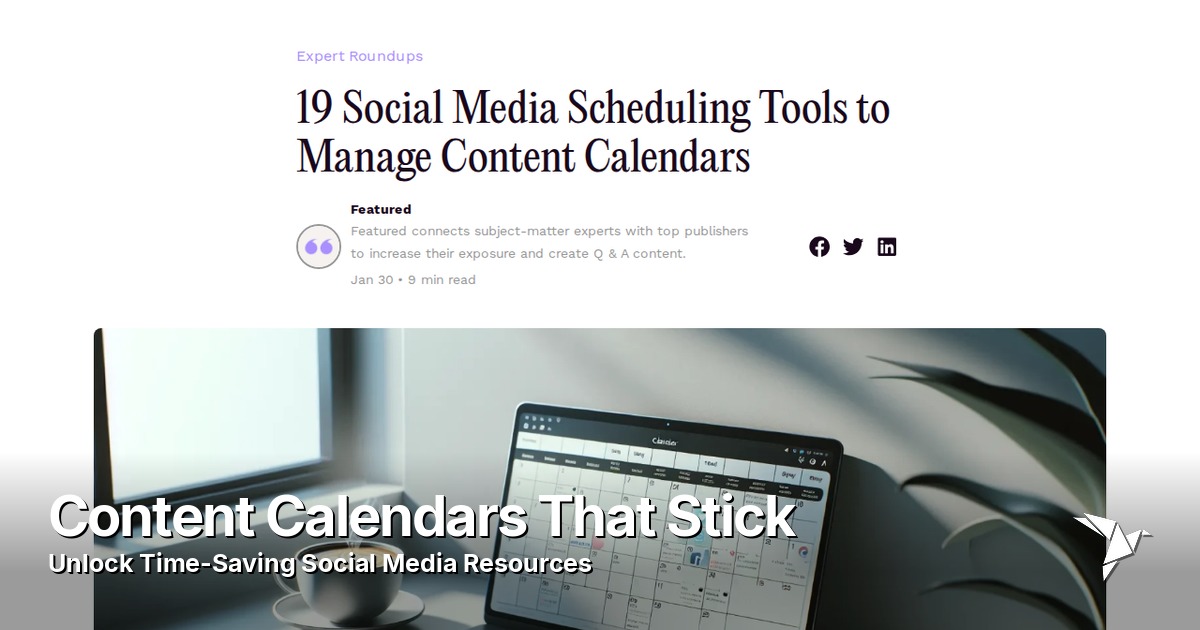
A strategic approach to scheduling not only streamlines execution but also maximizes your impact across platforms.
Weekly vs. Monthly Planning
When it comes to planning your social media content, the debate often centers on whether weekly or monthly calendars offer better time savings and flexibility. Weekly planning allows you to quickly adapt to trends, business updates, or changes in campaign plans. You can monitor engagement from previous posts and adjust your strategy accordingly. This agility can be a major advantage for brands that need rapid response and freshness in their social feeds.
On the other hand, monthly content calendars offer broader structure and reduce the need for constant planning meetings. You can batch-create and pre-schedule content, freeing up time to focus on engagement and analytics rather than always scrambling for what comes next. If you’re looking for expert guidance on structuring your calendars, consider these time management tips and tools for social media recommended by industry leaders.
Here’s a quick comparison:
| Planning Type | Benefits |
|---|---|
| Weekly Planning | Agile, responds to trends quickly |
| Monthly Planning | Structured, enables batch content creation |
| Hybrid | Strategy + adaptability |
Monthly planning works well for evergreen content, major campaigns, and consistent brand messaging. For many teams, a hybrid approach—mapping out the month and then fine-tuning weekly—offers the best of both worlds, delivering strategy without sacrificing spontaneity.
Tools for Real Collaboration
Social media teams today often span across different locations and include freelancers and part-time contributors. Collaborative content calendar tools can make a significant difference in productivity and organization. Tools such as Trello, Asana, and Google Calendar let you assign tasks, set deadlines, and comment directly on specific content pieces. This transparency keeps everyone in the loop and reduces the risk of miscommunication.
- Assign tasks and set deadlines
- Comment directly on content pieces
- Centralize resources and track progress
For teams needing more specialized social media functions, platforms like CoSchedule, Hootsuite, and Buffer offer shared calendars with post-approval workflows, built-in analytics, and integration with various social channels. These tools centralize your resources and allow everyone—whether solo creators, small businesses, or large marketing departments—to pitch ideas, review content, and track progress in one accessible space. Investing in the right tool can drastically reduce the time spent on emails, meetings, and tracking updates.
Syncing With Trending Events
A successful social media presence balances scheduled posts with the ability to jump on trends and breaking news. To keep your calendar agile, start by regularly tracking trending hashtags, industry news, and relevant cultural events. Dedicate time each week to revisit your calendar, allowing for quick swaps or additions when a relevant trend arises.
Many tools now feature social listening functions that alert you to trends as they unfold. Use these signals to slot in timely posts between your evergreen content, capitalizing on increased visibility and engagement. Having a flexible placeholder in your schedule for real-time updates ensures you don’t miss out when something big happens. Blending planned content with agile, trend-driven posts keeps your brand fresh while still saving you from daily content creation chaos. For a deeper dive into effective scheduling platforms, check out these social media scheduling tools to manage content calendars.
Stop Wasting Time on Engagement
Social media engagement is important, but it shouldn’t eat up your whole day. With the right strategies and tools, you can manage comments and direct messages efficiently, grow your community, and boost your brand—without burning out.
Batch Reply Strategies
Batch reply strategies help you take control of your time when managing comments and DMs. Instead of replying to every message the moment it arrives, set dedicated periods each day for engagement. For example, you can reserve 20-minute sessions in the morning and afternoon to reply to comments and direct messages in bulk. This focused approach reduces constant interruptions, helps you get into a flow, and actually shortens your overall engagement time.
- Use platform features, such as quick replies on Instagram or canned responses on Facebook, to streamline your process.
- Try scheduling tools with inbox capabilities to organize and prioritize replies in one place.
By batching your engagement, you’ll stay responsive while freeing up hours for content creation or strategy.
Efficient Community Management
Managing a lively online community can be overwhelming without a solid system. Thankfully, most social platforms offer moderation tools that can do the heavy lifting for you. Use automated filters to catch spam, offensive language, or off-topic posts before they hit your feed. Delegating moderation tasks to trusted team members or community moderators is another way to maintain healthy engagement without being on call 24/7.
Consider:
- Facebook Group Insights for analyzing group activity
- Discord moderation bots for automating FAQs and monitoring
- Highlighting trending discussions to foster engagement
For further tips on leveraging automation tools to support community management, check out these expert social media management tips.
Setting clear group rules and guidelines keeps conversations productive and ensures everyone is on the same page. By putting smart processes in place, you can foster a thriving community while minimizing your workload.
Repurpose, Don’t Reinvent
There’s no need to start from scratch with every social reply or piece of content. Repurposing is a secret weapon for busy social media managers. Save your best replies, FAQs, and witty one-liners in a swipe file. When similar questions come up, you can easily tweak and reuse them. This not only saves time but also keeps your brand messaging consistent.
Create a library of response templates for:
- Common customer queries
- Community welcomes
- Customer service questions
Beyond replies, revisit your most popular past posts and update them for new audiences or platforms. Repurposing posts, captions, and even comment threads maximizes your existing efforts and helps keep your social feeds fresh with less hustle.
Unexpected Time-Savers
Discovering new ways to save time on social media management can transform your daily workflow. Beyond the common automation tools, there are smart, lesser-known strategies that help you reclaim precious hours each week.
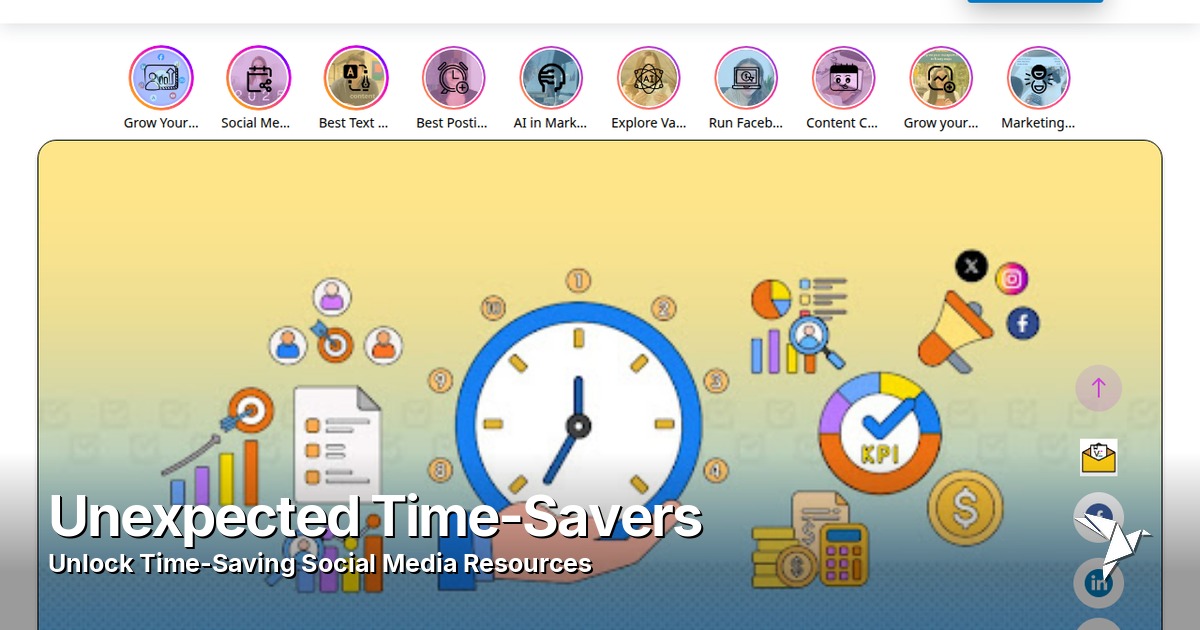
In this section, we’ll uncover some unexpected time-savers that can dramatically streamline your process and free up your schedule for more impactful work.
Outsourcing Without Hassle
Managing every social media task yourself can quickly become overwhelming. Luckily, micro-task platforms and virtual assistants (VAs) offer a simple way to outsource repetitive chores without the headache of complex onboarding. Platforms like Fiverr and Upwork host talent who are well-versed in social media content scheduling, basic graphic design, and even daily engagement moderation.
- Carefully select specialists with strong reviews and portfolios
- Delegate one-off tasks or recurring duties
- Provide clear instructions and check-ins for quality control
With these steps, you can ensure quality while freeing up your own time to focus on bigger-picture strategy and creativity.
Smart Alerts and Reporting
Drowning in notifications is a common problem for social media managers. Smart use of alerts can help you stay on top of what matters without constant interruption. Most major social platforms and third-party tools like Sprout Social or Hootsuite allow you to set up custom notifications for high-priority mentions, comments, or messages. You can opt to receive summaries at specific times or only be notified when posts receive a spike in engagement.
For more ideas on how to leverage powerful analytics and reporting features, take a look at these time-saving tools for social media managers.
Setting up automated daily or weekly digest reports puts all your key metrics and updates in one place, so you can scan and act quickly. This system ensures you only react to meaningful activity, slashing wasted time spent checking every ping and keeping your focus on growth and engagement.
Automated Analytics Deep Dive
Analyzing social media results used to require hours of manual data pulling and report-building. Today, smart dashboards and analytics platforms can do the heavy lifting. Services like Google Data Studio, DashThis, and native analytics tools can be configured to pull in real-time metrics, highlight important shifts in engagement, and even suggest strategic actions. Once set up, these dashboards refresh automatically, acting as a command center for your brand’s social performance.
You can save favorite views, schedule automated email summaries, and share insights directly with your team—all with minimal effort. This not only saves time but also surfaces trends and opportunities you might otherwise miss, letting you act faster and make data-driven decisions that elevate your social strategy.
Related Articles

Connect Publora to 8,000+ apps with Zapier
Connect Publora to 8,000+ apps with Zapier. Publish to social media from any Zapier trigger, with no code.
How to Post to LinkedIn From Cursor
Add Publora as an MCP server in Cursor, approve it in the browser, and draft or schedule posts to LinkedIn and nine more networks from the chat. No API key.
How to Publish to Social Media From Obsidian
Install the Publora plugin, connect your account in the browser, and send any Obsidian note to LinkedIn, X, Instagram and seven more networks. No API key.
How to Connect All 16 Publora MCP Tools: Complete Guide
A complete reference to the 16 Publora MCP tools, what each one does, and how to connect the server so an AI agent can schedule, publish, and manage social media by prompt.