
Facebook API for Posting to Pages
How posting through the Facebook Graph API works, what it asks of you, and how to publish and schedule Page posts with one Publora request instead.
Posting to Facebook through code means the Graph API: a Meta app, the pages_manage_posts permission, a Page access token and a request to the Page feed. It works well once it is set up. Getting there, and keeping it working as Graph API versions and tokens expire, is the part most teams underestimate.
Publora is a publishing API that already holds the Meta app approval. You connect your Facebook Pages in the Publora dashboard, then post and schedule to them with an API key and one request. The same request can also go to Instagram, LinkedIn, Threads and the other networks Publora supports.
One scope note up front: the Graph API only publishes to Pages, and Publora does the same. Personal profiles cannot be posted to by third-party apps, and Meta removed the Groups API in 2024, so neither route can post to Facebook groups.
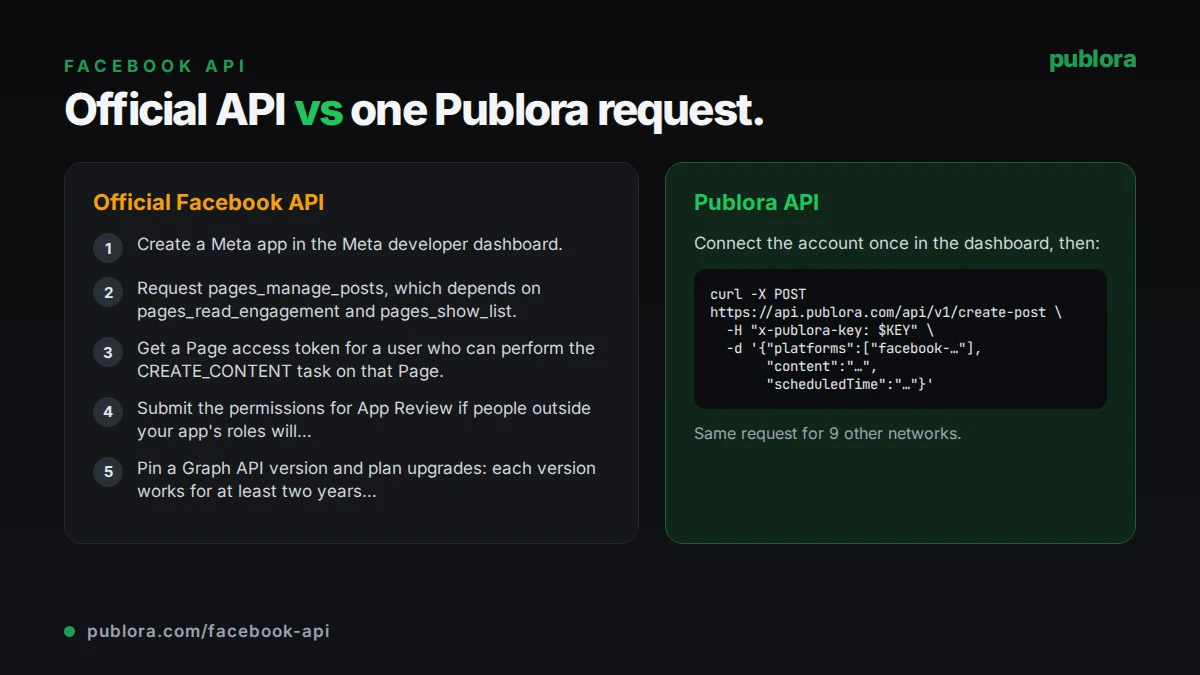
The official Facebook API
Facebook Page posts are created with POST /{page-id}/feed on the Graph API, using a Page access token. The request takes a message, an optional link, and a published flag for immediate or unpublished posts. Publishing for someone else also means an app that Meta has reviewed and a token that stays valid.
What posting requires
- Create a Meta app in the Meta developer dashboard.
- Request pages_manage_posts, which depends on pages_read_engagement and pages_show_list.
- Get a Page access token for a user who can perform the CREATE_CONTENT task on that Page.
- Submit the permissions for App Review if people outside your app's roles will connect Pages they manage. Meta requires review for access to data you do not own or manage.
- Pin a Graph API version and plan upgrades: each version works for at least two years after the next version ships, then calls fall back to the oldest usable version.
Cost: Meta's Pages API documentation lists no per-call fee for publishing. The cost is building and maintaining the app, review, token handling and version upgrades.
Official limits
| Endpoint | POST /{page-id}/feed with a Page access token |
|---|---|
| Required permission | pages_manage_posts (plus pages_read_engagement, pages_show_list) |
| Page rate limit | 4,800 calls x number of engaged users per 24 hours |
| Rate limit error | Error code 80001; usage in the X-Business-Use-Case-Usage header |
| Groups publishing | Groups API and publish_to_groups removed for all versions on April 22, 2024 |
| Version lifetime | At least 2 years after the next version is released |
Common gotchas
- Personal profiles cannot be posted to by apps, and group posting is gone since the Groups API was deprecated in v19.0.
- The Page rate limit scales with engaged users, so a small or new Page gets a small budget.
- User tokens, Page tokens and their lifetimes are easy to mix up; a scheduled job fails when a token quietly expires.
- A single post cannot mix images and a video; Facebook rejects the combination.
- Every Graph API version eventually expires, so an integration needs a version upgrade at least every couple of years.
Posting to Facebook through Publora
Meta approval already in place
You log in with Facebook from Publora Channels and pick the Pages you manage. Publora requests pages_manage_posts, pages_show_list and pages_read_engagement under its own reviewed app.
Page tokens refreshed for you
Facebook Page tokens have a 59-day lifespan. Publora refreshes them automatically; you reconnect only if Facebook revokes the Page permissions.
One request, several Pages
Each Page gets its own ID, such as facebook-112233445566. List several in the platforms array and each Page gets its own published post at the scheduled time.
Media in the same call
Pass up to 10 public https image or video URLs in mediaUrls. Publora downloads them, uploads them to Facebook and publishes the post, with WebP converted to JPEG.
Version upgrades are Publora's job
Publora tracks Graph API versions. Your integration keeps calling the same api.publora.com endpoint.
| Official Facebook API | Publora API | |
|---|---|---|
| Setup | Meta app, OAuth, App Review | Connect Pages in dashboard, create API key |
| Auth | User token, then Page access token | x-publora-key header |
| Token lifetime | You track and refresh tokens | Publora refreshes Page tokens |
| Destinations | Pages only | Pages only (no profiles or groups) |
| Media | Media handled in your own code | mediaUrls or presigned upload, same post |
| Scheduling | Your own queue or the published flag | scheduledTime in UTC |
| Other networks | Facebook only | 10 networks in one request |
| Coverage | All Graph API features (ads, insights, comments) | Publishing and scheduling Page posts |
Post to Facebook via API
curl -X POST https://api.publora.com/api/v1/create-post \
  -H "Content-Type: application/json" \
  -H "x-publora-key: sk_YOUR_API_KEY" \
  -d '{
    "content": "New opening hours from Monday: 8:00 to 20:00, every day. See you soon!",
    "platforms": ["facebook-112233445566", "facebook-778899001122"],
    "scheduledTime": "2026-10-05T13:00:00.000Z",
    "mediaUrls": ["https://example.com/images/new-hours.jpg"]
  }'
# { "success": true, "postGroupId": "...", "scheduledTime": "2026-10-05T13:00:00.000Z" }
import requests
response = requests.post(
"https://api.publora.com/api/v1/create-post",
headers={
"Content-Type": "application/json",
"x-publora-key": "sk_YOUR_API_KEY",
},
json={
"content": "New opening hours from Monday: 8:00 to 20:00, every day. See you soon!",
"platforms": ["facebook-112233445566", "facebook-778899001122"],
"scheduledTime": "2026-10-05T13:00:00.000Z",
"mediaUrls": ["https://example.com/images/new-hours.jpg"],
},
)
print(response.json()) # {'success': True, 'postGroupId': '...', 'scheduledTime': '...'}Or let an AI agent post
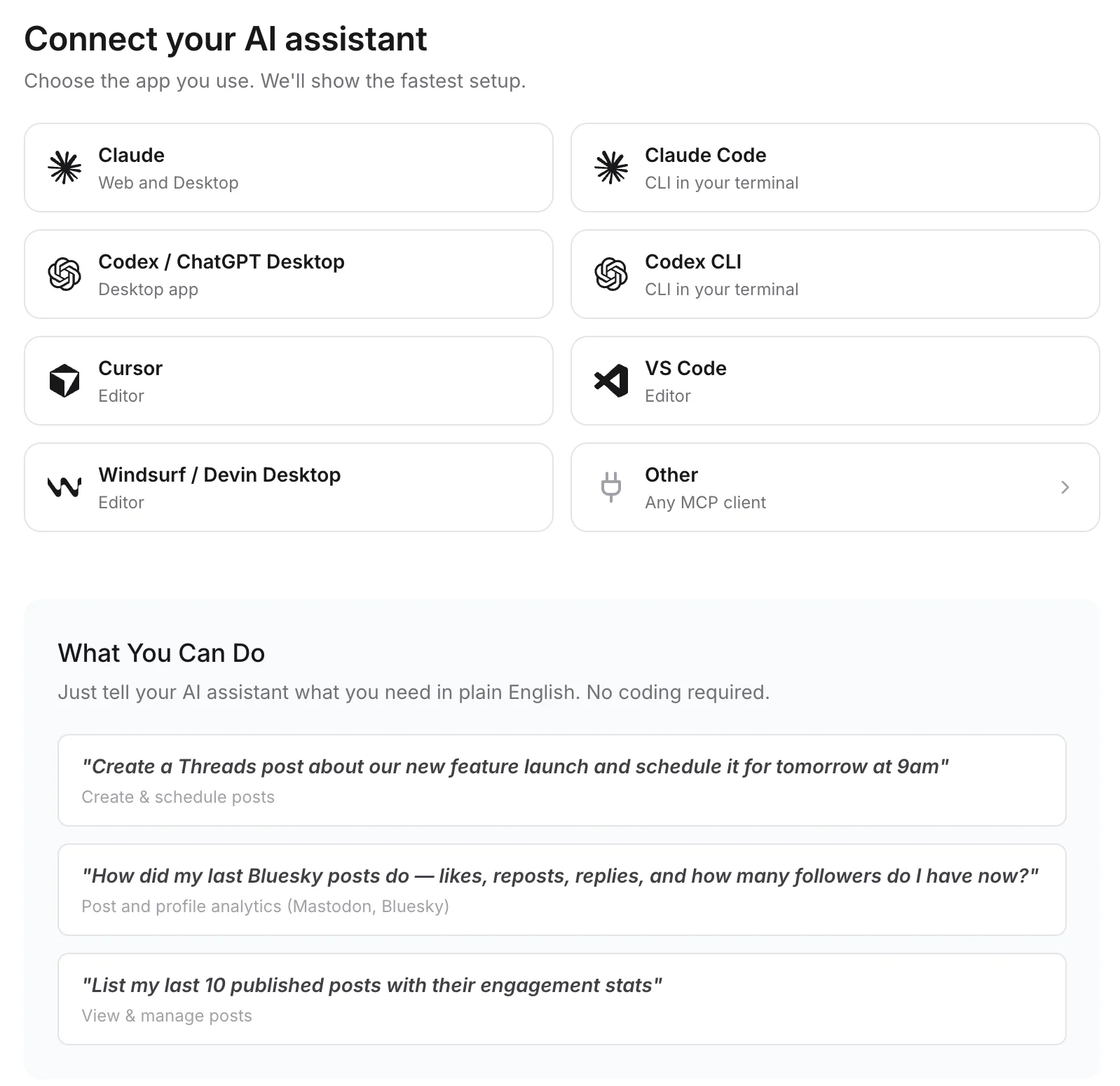
Connect any MCP client to mcp.publora.com:
- “List my connected Facebook Pages and schedule this holiday notice to all of them for Friday at 13:00 UTC.”
- “Create a Facebook Page post with these four product photo URLs and a short caption, and schedule it for next Monday morning Berlin time.”
- “Show me everything scheduled to my Facebook Pages next week and move the Wednesday post to Thursday at the same time.”
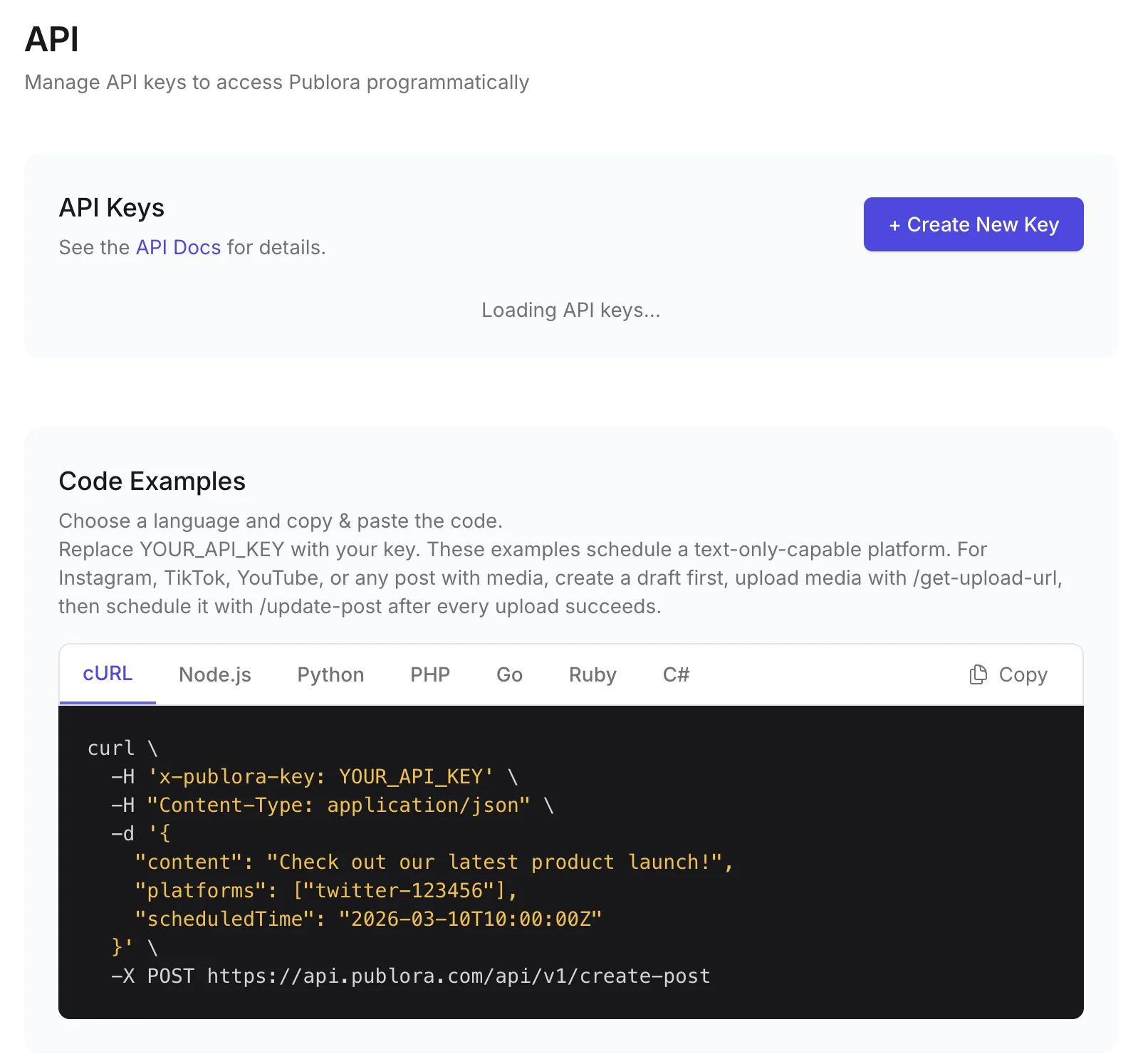
Where you get the key and connect agents
Facebook API FAQ
Can I post to a Facebook group via API?
No. Meta deprecated the Groups API and the publish_to_groups permission in Graph API v19.0 and removed them for all versions on April 22, 2024. Publora publishes to Facebook Pages only.
Can I post to a personal Facebook profile via API?
No. Facebook does not let third-party apps publish to personal profiles. Both the Graph API and Publora post to Pages.
Which permission do I need to post to a Facebook Page?
pages_manage_posts, which depends on pages_read_engagement and pages_show_list, plus a Page access token from someone who can create content on the Page. With Publora, these are granted when you connect the Page.
What is the Facebook Pages API rate limit?
Meta allows 4,800 calls times the number of engaged users per Page per 24 hours and returns error code 80001 when you exceed it.
Is the Publora Facebook API free?
The free Starter plan includes the REST API and MCP server: 3 connected accounts (each Page counts as one), 15 posts per month, up to 3 scheduled posts at a time and scheduling up to 7 days ahead. Pro is $5.99 per account per month, $3.99 billed yearly, with graduated discounts from the 6th account.
Guides
- How to Crosspost on Facebook The Smart Way
- Facebook Post Image Size: Boost Your Reach
- Social Media Scheduling API: Post to 10 Platforms with One Call (2026)
- Social Media API: Rate Limits, Tokens, and Webhooks Explained
Sources
- Pages API: Posts
- Permissions reference
- Graph API rate limiting
- Graph API v19.0 changelog (Groups API deprecation)
- Graph API versioning
Post to Facebook and 9 more networks with one API
API and MCP access are included on every plan, including the free Starter plan (posting to X requires Pro).