
X API for Posting and Scheduling
Publish and schedule posts and threads on X from your code or an AI agent, without setting up an X developer app or paying per request.
To post to X via API you normally create an app in the X Developer Console, buy API credits, implement OAuth 2.0 for each account, and handle media uploads and threads yourself. X now bills its API per request, so every post you publish through it has a price.
Publora is a posting API that already has the X integration. The account owner connects X once through OAuth in the Publora dashboard, and your code posts with one create-post request. Long text is split into a numbered thread automatically, and the same request can go to LinkedIn, Threads, Bluesky and the other supported networks.
X posting is part of Publora Pro; the free Starter plan covers every network except X. If you mainly need to read data from X, such as searching posts or pulling timelines, the official X API is the tool for that. Publora is for publishing.
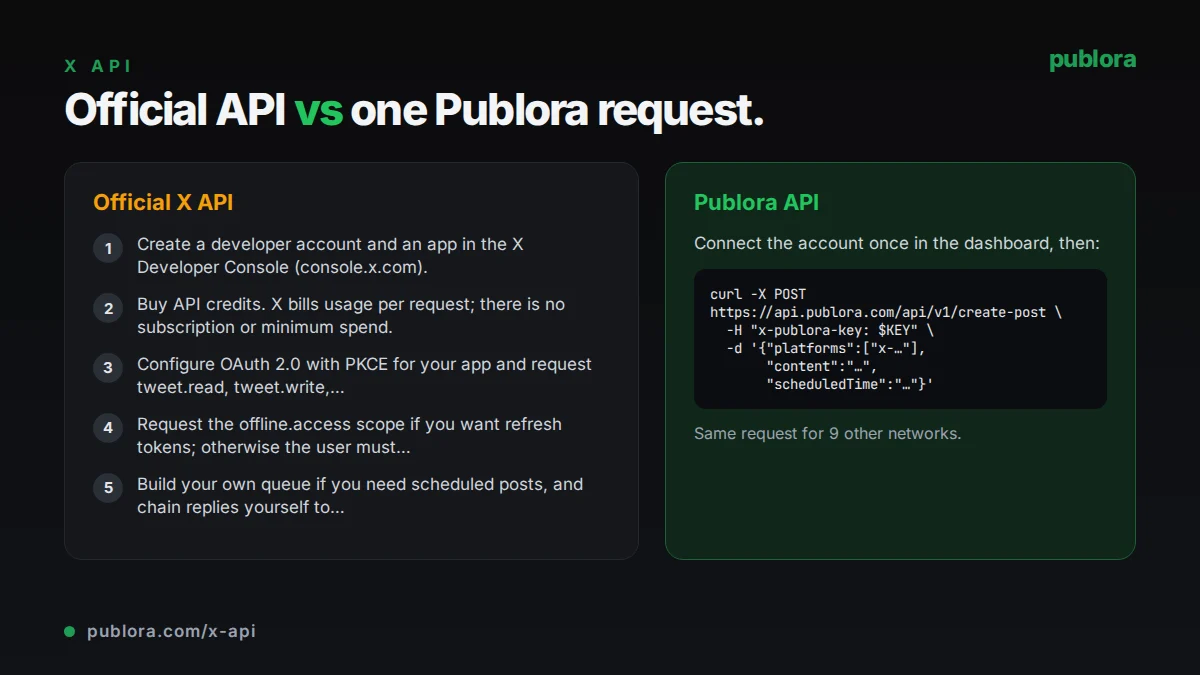
The official X API
Posts are created with POST /2/tweets using OAuth 2.0 user context with the tweet.read, tweet.write and users.read scopes. Images and video are uploaded first through the chunked media endpoints (/2/media/upload/initialize, append and finalize), which need the media.write scope, and the returned media ID is attached to the post.
What posting requires
- Create a developer account and an app in the X Developer Console (console.x.com).
- Buy API credits. X bills usage per request; there is no subscription or minimum spend.
- Configure OAuth 2.0 with PKCE for your app and request tweet.read, tweet.write, users.read and media.write.
- Request the offline.access scope if you want refresh tokens; otherwise the user must sign in again after two hours.
- Build your own queue if you need scheduled posts, and chain replies yourself to publish threads.
Cost: The X API uses pay-per-usage pricing with no subscriptions. Creating a post costs $0.015 per request, and a post that contains a URL costs $0.200. Post reads cost $0.005 per resource, capped at 3 million reads per monthly billing cycle on pay-per-usage plans. X's pricing page lists no free tier.
Official limits
| POST /2/tweets | 100 requests per 15 minutes per user; 10,000 per 24 hours per app |
|---|---|
| Media upload | 500 requests per 15 minutes per user; 50,000 per 24 hours per app |
| Images | 5 MB per image; GIFs up to 15 MB |
| Video | Up to 20 minutes and 8 GB (125 minutes and 16 GB for Premium) |
| Upload chunks | 5 MB recommended, 8 MB maximum |
| Access tokens | 2 hours unless offline.access is granted |
Common gotchas
- Posts that contain a URL cost more than ten times a plain post at X's listed prices, which adds up for link-heavy accounts.
- X's docs state that quote posts via quote_tweet_id require an Enterprise plan and are not available on self-serve pay-per-use access.
- A media upload can succeed and still be rejected with a 403 when you attach it to the post, for example when the video is longer than that user is allowed to post.
- Without offline.access, access tokens expire after two hours and the user has to authorize again.
Posting to X through Publora
No X developer app or credits
Publora runs the X integration. You do not register an app, buy credits or track per-request costs. X posting is included in Pro, priced per connected account.
Threads from one request
Send the full text. If it is longer than the account allows, Publora splits it at paragraph or sentence breaks, numbers the parts (1/N) and publishes them as a reply chain. Put a line with --- between paragraphs to choose the breaks yourself.
Standard and Premium limits applied for you
Publora reads the account type when you connect: 280 characters for standard accounts, 25,000 for Premium and PremiumPlus. Emojis count as two characters and URLs at their full length.
Media without the chunked upload flow
Pass up to 4 image URLs or one video URL in mediaUrls, or upload files through a pre-signed URL. Publora converts images to PNG and uploads everything to X before posting.
Scheduled replies
Set platformSettings.twitter.replyTo to a post URL or ID to publish as a reply. X only accepts programmatic replies when the target post mentions or quotes the connected account, or when the account wrote it.
Same call for other networks
Add LinkedIn, Threads, Bluesky or Mastodon connection IDs to the platforms array and the same content goes out there too, checked against each network's limits before it is scheduled.
| Official X API | Publora API | |
|---|---|---|
| Getting access | Developer Console app, OAuth 2.0 setup and prepaid credits | Publora API key; users connect X with OAuth in the dashboard |
| Pricing | $0.015 per post, $0.200 per post with a URL | Pro at $5.99 per account per month ($3.99 yearly), unlimited posts under fair use |
| Threads | Post each part and reply to the previous one yourself | Automatic splitting and numbering, or --- break markers |
| Scheduling | Build your own queue | scheduledTime on create-post |
| Video length | Up to 20 minutes (125 with Premium) | Up to 2 minutes 20 seconds and 512 MB, one video per post |
| Images | Uploaded as sent, within size limits | Up to 4, converted to PNG and resized to 1,000 px wide; GIFs lose animation |
| Reading data | Search, timelines, users and more | Not offered; publishing and post status only |
| Other networks | X only | 10 networks from one request |
Post to X via API
curl -X POST https://api.publora.com/api/v1/create-post \
  -H "Content-Type: application/json" \
  -H "x-publora-key: sk_YOUR_API_KEY" \
  -d '{
    "content": "We moved our scheduler to a single queue. Three lessons.\n\n---\n\n1. Retries need idempotency keys.\n\n---\n\n2. Store every time in UTC.",
    "platforms": ["twitter-YOUR_USER_ID"],
    "scheduledTime": "2026-10-06T15:00:00Z"
  }'
import os
import requests
resp = requests.post(
"https://api.publora.com/api/v1/create-post",
headers={"x-publora-key": os.environ["PUBLORA_API_KEY"]},
json={
"content": "Release notes for v2.4 are live. Short thread on what changed.",
"platforms": ["twitter-YOUR_USER_ID"],
"scheduledTime": "2026-10-06T15:00:00Z",
"mediaUrls": ["https://example.com/release-card.png"],
},
)
resp.raise_for_status()
print(resp.json()["postGroupId"])Or let an AI agent post
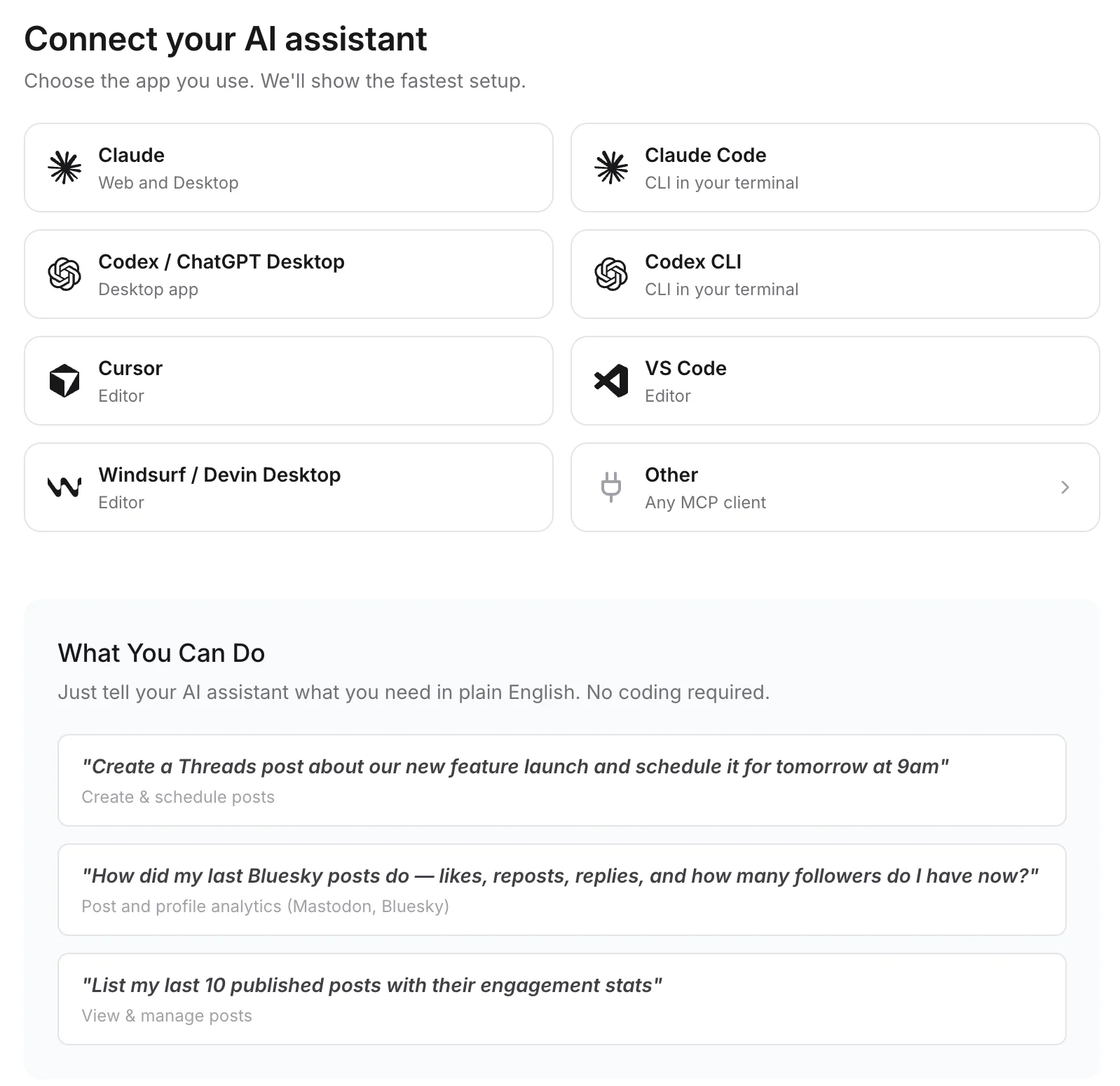
Connect any MCP client to mcp.publora.com:
- “Turn this blog post into an X thread of five or six posts and schedule it for Wednesday at 15:00 UTC.”
- “Schedule this announcement to X and LinkedIn for tomorrow at 13:00 UTC, with a shorter version for X.”
- “List my scheduled X posts for this week and delete the one about the webinar.”
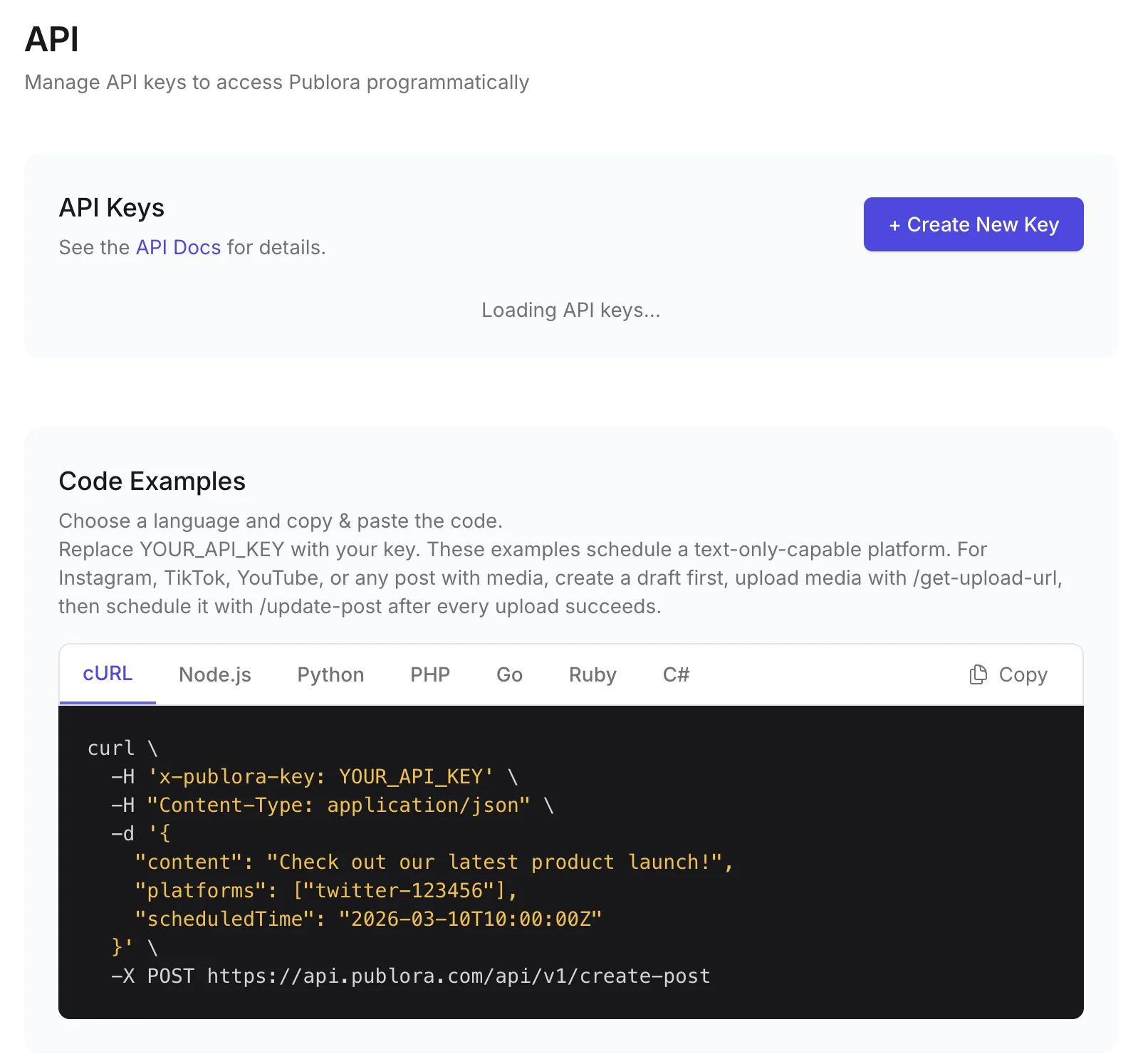
Where you get the key and connect agents
X API FAQ
Is the X API free?
No. X's API pricing page describes pay-per-usage billing with no free tier: $0.015 per post created and $0.200 for a post containing a URL. With Publora you do not pay X directly; X posting is included in the Pro plan, priced per connected account.
How do I post to X via API without a developer account?
Use a posting API that holds its own X app. With Publora, you connect your X account in the dashboard, create an API key, and send create-post with your twitter- connection ID. No X developer account is needed.
Can I schedule tweets and threads via API?
Yes. Add scheduledTime to create-post. Text over the account's limit becomes a numbered thread, and each part is published as a reply to the previous one. Media goes on the first post of the thread.
Can I reply to any post through the API?
Not on self-serve X API access. X only accepts programmatic replies when the target post mentions or quotes the connected account, or when the account wrote it. Publora follows the same rule, and reports X_REPLY_NOT_AUTHORIZED if X rejects the reply.
Is X included in Publora's free plan?
No. The free Starter plan covers every supported network except X. X needs Pro, which costs $5.99 per account per month or $3.99 billed yearly.
When should I use the official X API instead?
When you need to read from X (search, timelines, user lookups), post videos longer than 2 minutes 20 seconds, or run volumes where X's per-request prices work out cheaper than a per-account plan.
Guides
- How to Schedule Tweets in 2026 (Posts, Threads, and API)
- X (Twitter) Character Limit in 2026: The Complete Reference
- Best Social Media API for AI Agents 2026 (LinkedIn, X, Threads)
- How to Automate Social Media Posts with Python and the Publora API
Sources
- X API: Create Post
- X API Pricing
- X API Rate Limits
- X API Chunked Media Upload
- OAuth 2.0 Authorization Code Flow with PKCE
Post to X and 9 more networks with one API
API and MCP access are included on every plan, including the free Starter plan (posting to X requires Pro).