
YouTube API for Uploading and Scheduling Videos
Upload videos to YouTube from your code or an AI agent, with title, privacy, tags, playlist and thumbnail, without setting up the YouTube Data API yourself.
Uploading to YouTube through its official API means a Google Cloud project, the YouTube Data API v3, an OAuth consent screen, and a compliance audit. Without that audit, every video uploaded from a project created after 28 July 2020 is locked to private, and uploads are capped by a daily quota.
Publora already has a YouTube integration. The channel owner connects YouTube once through Google OAuth in the Publora dashboard, and your code uploads a video with one create-post request: the post text becomes the description, and platformSettings.youtube carries the title, privacy, tags, category, made-for-kids flag and playlist.
The trade-off is file size. The official API accepts files up to 256 GB, while Publora video uploads are capped at 50 MB on Starter and 250 MB on Pro. For long, high-resolution videos, upload through YouTube directly. Publora fits short videos, clips and Shorts that you also want on TikTok, Instagram or other networks.
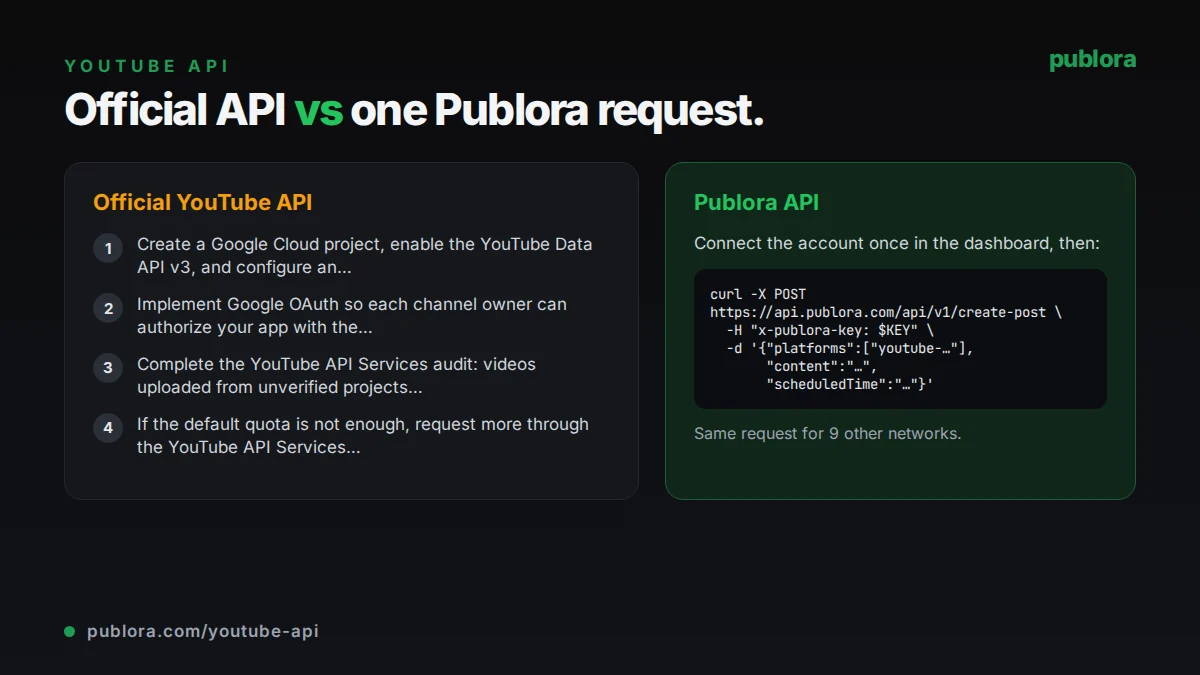
The official YouTube API
Videos are uploaded with the videos.insert method of the YouTube Data API v3, authorized with an OAuth scope such as youtube.upload. The request carries the video file plus a snippet (title, description, tags, category) and a status (privacy, made for kids).
What posting requires
- Create a Google Cloud project, enable the YouTube Data API v3, and configure an OAuth consent screen.
- Implement Google OAuth so each channel owner can authorize your app with the youtube.upload scope.
- Complete the YouTube API Services audit: videos uploaded from unverified projects created after 28 July 2020 are restricted to private viewing.
- If the default quota is not enough, request more through the YouTube API Services Audit and Quota Extension Form.
Cost: Google's YouTube Data API documentation measures usage in daily quota units and lists no per-call fee. The practical limits are the quota and the audit.
Official limits
| Uploads | 100 videos.insert calls per day by default, 1 unit each in a separate uploads bucket |
|---|---|
| Other endpoints | 10,000 quota units per day combined, plus 100 search.list calls |
| File size | Up to 256 GB per video |
| Refresh tokens | 100 per Google Account per OAuth client; the oldest is revoked beyond that |
Common gotchas
- Older guides say an upload costs 1,600 quota units. Google's current quota table gives videos.insert its own bucket of 100 calls a day at 1 unit each.
- While the OAuth consent screen is in Testing status for external users, refresh tokens expire after 7 days, so connections break every week.
- Refresh tokens also stop working after six months without use, or when the user revokes access.
- Invalid requests still cost at least one quota unit.
Posting to YouTube through Publora
No Google Cloud project or audit
Publora runs the YouTube integration and its OAuth app. Channel owners connect in the dashboard and your code uses a Publora API key.
Metadata in one object
Set title (up to 100 characters), privacy (public, unlisted or private), tags, categoryId, madeForKids and a playlist in platformSettings.youtube. If the title is empty, Publora uses the first 70 characters of the post text.
Custom thumbnails
Upload a JPEG or PNG thumbnail (up to 2 MB, at least 640x360) and attach it with update-post. YouTube only accepts custom thumbnails from verified channels; if it rejects one, the video still publishes.
Token refresh handled
Publora refreshes the YouTube access token before each publish. platform-connections reports the connection as valid unless the channel needs to reconnect.
Same video to other networks
Add TikTok, Instagram or other connection IDs to the platforms array and the same video goes out there too, each with its own settings.
| Official YouTube API | Publora API | |
|---|---|---|
| Getting access | Google Cloud project, OAuth consent screen and compliance audit | Publora API key; channel owners connect with Google OAuth in the dashboard |
| Public uploads | Private-only until the project passes the audit | public, unlisted or private per video |
| Quota | 100 uploads a day per project by default | No YouTube quota to manage; YouTube errors are reported on the post |
| File size | Up to 256 GB | 50 MB on Starter, 250 MB on Pro |
| Metadata | Full snippet and status fields | Title, description, tags, category, made for kids, playlist, thumbnail |
| Scheduling | Build your own queue | scheduledTime on create-post |
| Other YouTube features | Comments, captions, analytics and more | Uploads only |
| Other networks | YouTube only | TikTok, Instagram and 7 more from one request |
Post to YouTube via API
curl -X POST https://api.publora.com/api/v1/create-post \
  -H "Content-Type: application/json" \
  -H "x-publora-key: sk_YOUR_API_KEY" \
  -d '{
    "content": "How we schedule posts to 10 networks from one API call. Code and docs linked below.",
    "platforms": ["youtube-YOUR_CHANNEL_ID"],
    "scheduledTime": "2026-10-12T16:00:00Z",
    "mediaUrls": ["https://example.com/api-walkthrough.mp4"],
    "platformSettings": {
      "youtube": {
        "title": "Scheduling to 10 social networks with one API call",
        "privacy": "unlisted",
        "tags": ["api", "social media", "tutorial"],
        "categoryId": "28",
        "madeForKids": false
      }
    }
  }'
import os
import requests
resp = requests.post(
"https://api.publora.com/api/v1/create-post",
headers={"x-publora-key": os.environ["PUBLORA_API_KEY"]},
json={
"content": "How we schedule posts to 10 networks from one API call.",
"platforms": ["youtube-YOUR_CHANNEL_ID"],
"scheduledTime": "2026-10-12T16:00:00Z",
"mediaUrls": ["https://example.com/api-walkthrough.mp4"],
"platformSettings": {
"youtube": {
"title": "Scheduling to 10 social networks with one API call",
"privacy": "public",
"tags": ["api", "social media", "tutorial"],
"madeForKids": False,
}
},
},
)
resp.raise_for_status()
print(resp.json()["postGroupId"])Or let an AI agent post
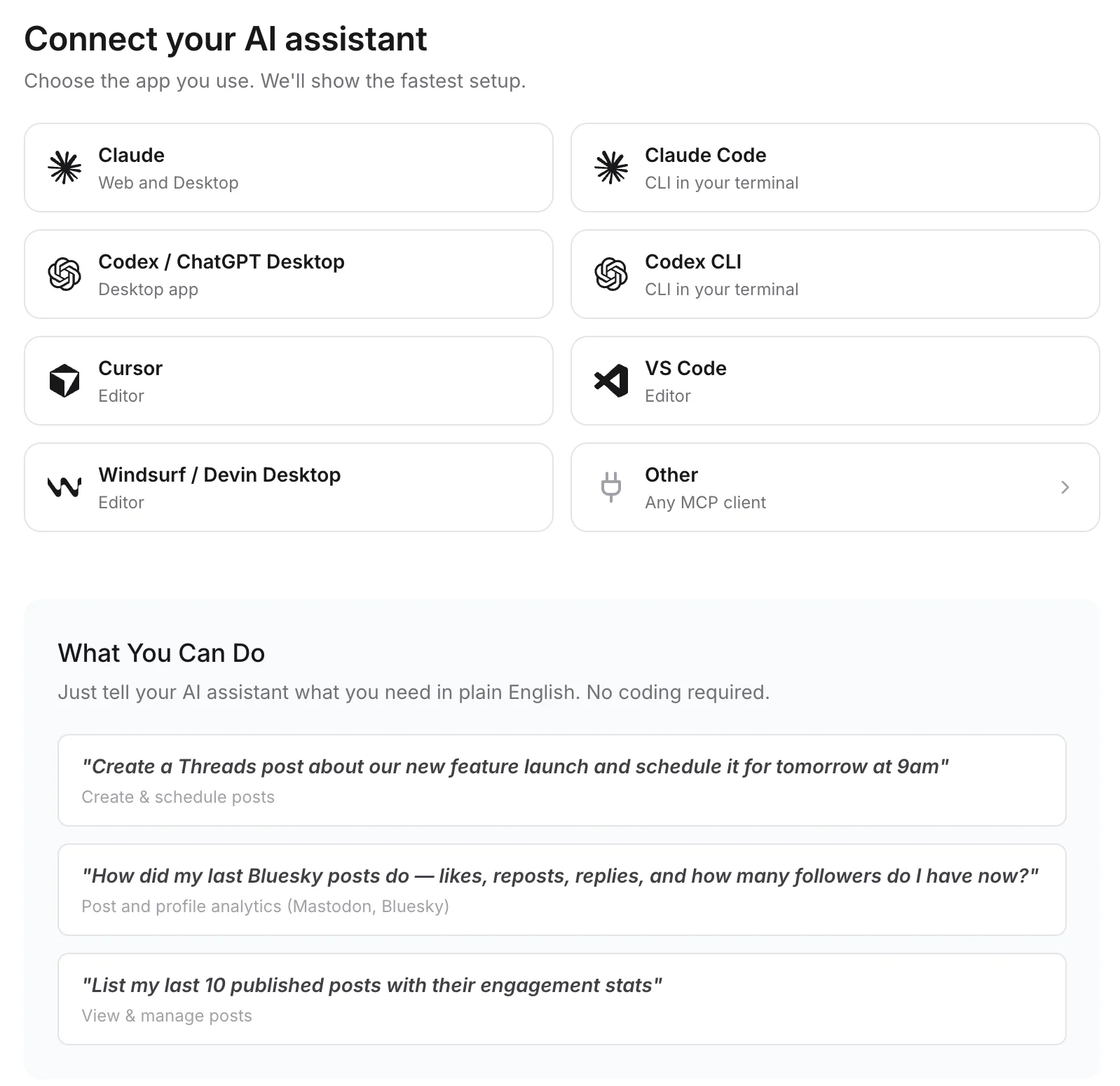
Connect any MCP client to mcp.publora.com:
- “Upload this video to YouTube as unlisted tomorrow at 16:00 UTC with the title "Q3 product update" and add it to my Updates playlist.”
- “Schedule this vertical clip to YouTube and TikTok for Saturday at 15:00 UTC, public on both.”
- “Show my scheduled YouTube uploads for next week and change the Friday video to private.”
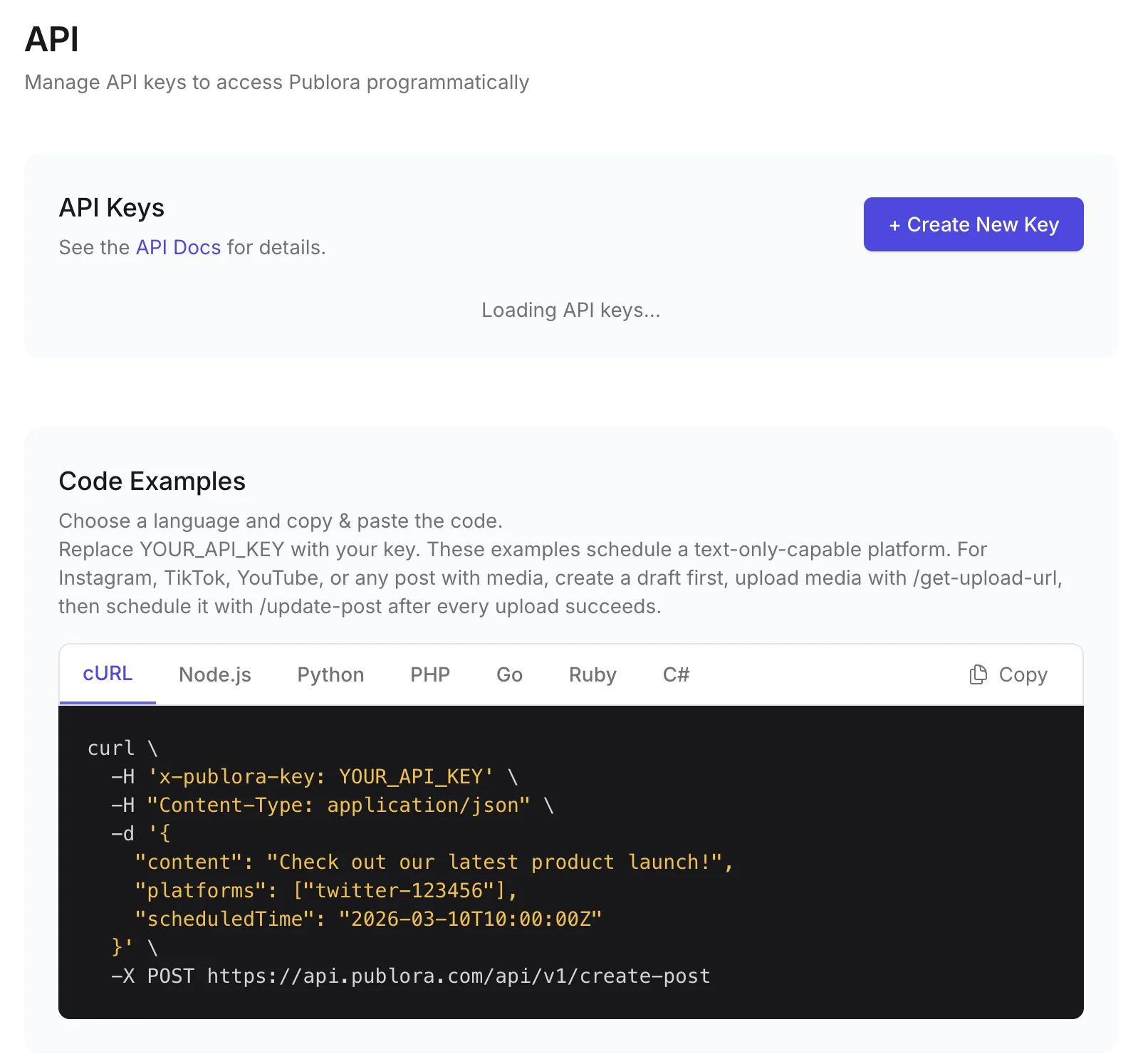
Where you get the key and connect agents
YouTube API FAQ
Why are my YouTube API uploads private?
Google restricts videos uploaded through videos.insert from unverified API projects created after 28 July 2020 to private viewing. The project has to pass a YouTube API Services audit before uploads can be public. With Publora you upload through its existing integration and set privacy per video.
How many videos can I upload per day with the YouTube Data API?
By default, 100 videos.insert calls per day per project. Each call costs 1 unit in a separate uploads bucket, apart from the 10,000 units for other endpoints. More quota requires an audit and a quota extension request.
Can I upload YouTube Shorts via API?
There is no separate Shorts upload. You upload the video like any other, and YouTube decides whether a short vertical video appears as a Short. Publora works the same way.
Can I set a custom thumbnail through Publora?
Yes. Create the post, upload the thumbnail with the upload-youtube-thumbnail endpoint, and attach it with update-post. The channel must be verified on YouTube for custom thumbnails.
Is YouTube included in the free plan?
Yes. The free Starter plan includes YouTube with 15 posts a month and video uploads up to 50 MB. Pro raises uploads to 250 MB and removes the scheduling horizon.
Guides
- Social Media API: How to Post Programmatically
- Cross-Platform Posting: One API Call to Publish Everywhere
- Social Media API: Rate Limits, Tokens, and Webhooks Explained
- MCP vs REST API: When to Use Each for Social Media Automation
Sources
- YouTube Data API: Videos: insert
- YouTube Data API: Quota Calculator
- Quota and Compliance Audits
- YouTube Data API: Getting Started
- Using OAuth 2.0 to Access Google APIs
Post to YouTube and 9 more networks with one API
API and MCP access are included on every plan, including the free Starter plan (posting to X requires Pro).