Social Media Tools for E-commerce: What to Look for in 2026

TL;DR
What actually matters when picking a social media tool for an online store in 2026: multi-platform reach, automation from your product feed, and pricing that scales.
An online store lives or dies on the same feeds as everyone else, but with higher stakes: every post is a chance to move product, and every hour spent hand-building posts is an hour not spent on the store. Picking a social tool for e-commerce isn't about the longest feature list. It's about four things that actually change your day. Here's the checklist.
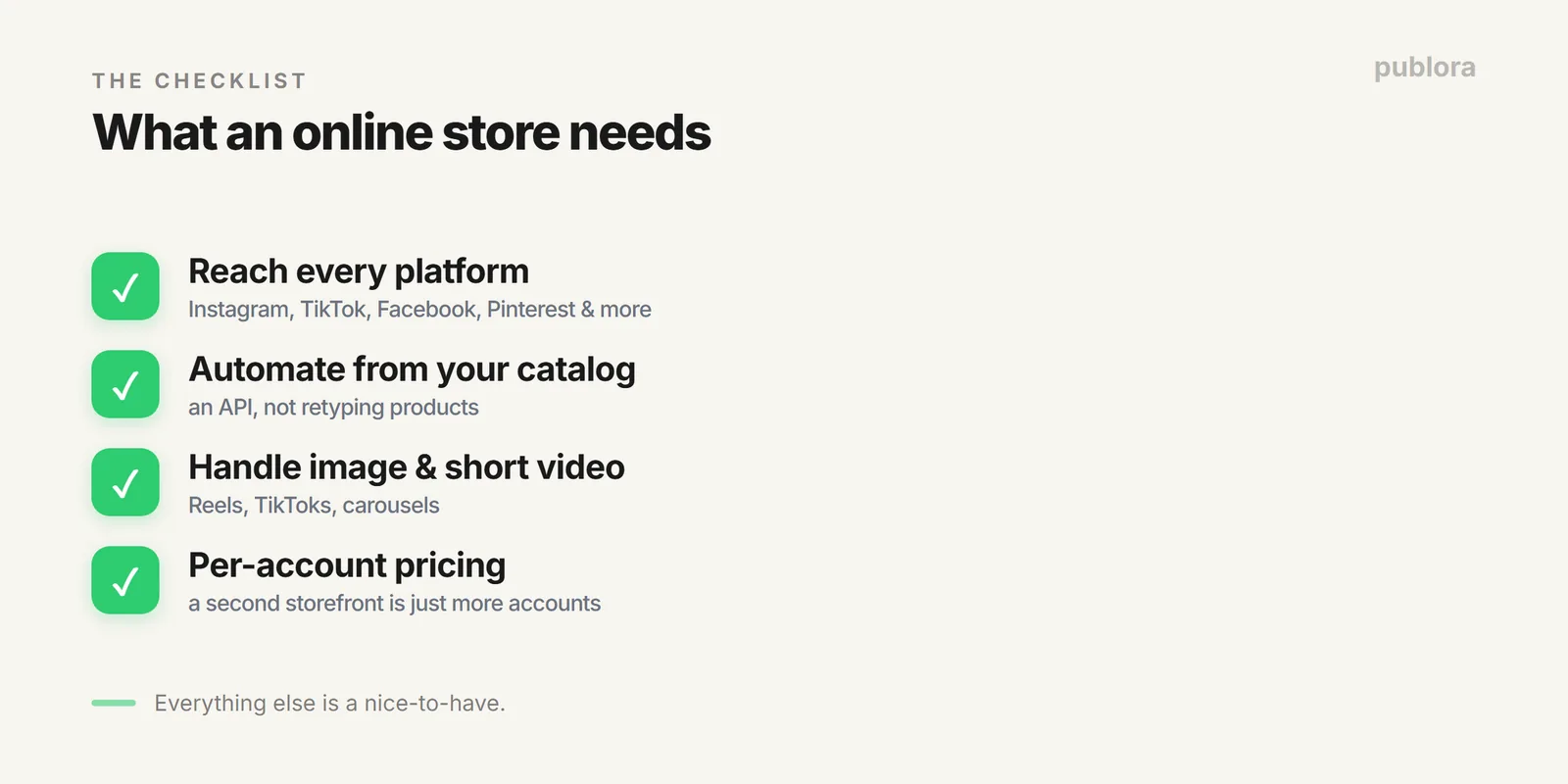
1. Reach Every Platform Your Buyers Are On
E-commerce is visual and spread out: Instagram and TikTok for discovery, Pinterest for intent, Facebook for retargeting audiences, plus wherever your niche congregates. A tool that covers three networks forces you into a second tool for the rest. Start with coverage. Publora publishes to ten platforms, including Instagram, TikTok, Facebook, Threads, Bluesky, and more, from one place, so your product drop hits every channel in one action.
2. Automate From Your Catalog, Don't Retype It
This is the one that separates a tool built for the AI era from one that isn't. Your products already live in a feed, your catalog, a CSV, a Shopify export. If your social tool has an API, you never retype a product into a post again. Read the item, generate a caption, publish. A new arrival can announce itself across every channel without you touching a composer.
The pattern is identical to a content bot: catalog in, caption out, post published. We walk through the mechanics in building a content bot, the same loop works for a product feed. And because Publora's API is on every plan, including the free one, you can automate before you're a big brand.
3. Handle the Formats Stores Actually Use
E-commerce is images and short video, product shots, Reels, TikToks, carousels. A scheduler that treats media as an afterthought will fight you. Look for proper media upload (Publora uses a request-an-upload-URL step so images and video go through the API cleanly) and support for the vertical-video formats that drive product discovery now. If you can't schedule a Reel or a TikTok, you can't run modern e-commerce social.
4. Pricing That Survives a Second Storefront
Plenty of brands run more than one store, a main line and a spinoff, or several niche shops. Per-seat and per-tier pricing punishes that: each brand nudges you toward another subscription or a higher plan. Per-account pricing doesn't. You pay for the accounts you connect, and a second storefront is just more lines on the same bill.
| Situation | Per-tier tool | Per-account tool |
|---|---|---|
| One store, 4 networks | Fine, until you add more | 4 accounts, flat rate |
| Add a second brand | New plan or tier jump | Just more accounts |
| Seasonal pop-up store | Pay for a full period | Connect, then disconnect |
The One-Line Version
For an online store, the right social tool covers every platform your buyers use, lets you automate posts straight from your catalog through an API, handles image and short-video formats without a fight, and charges per account so growth doesn't spike your bill. Everything else is a nice-to-have.
FAQ
What should an e-commerce brand look for?
Broad platform coverage, an API to automate posts from your product catalog, solid media and short-video support, and per-account pricing that doesn't punish a second storefront.
Can I automate posts from my product feed?
Yes, with an API. Read a product, generate a caption, publish, the same loop as an RSS bot. Publora's API is on every plan, so a new drop can post itself across every channel.
Do I need a separate tool per store?
Not with per-account pricing. Manage every store from one place and pay only for the accounts you connect; a second storefront is just more accounts on the same bill.
One tool for every storefront
Publora reaches 10 platforms, automates posts from your catalog through the API, and charges per account, so a second store is just more accounts. Free to start.
Start FreeFurther Reading
- Build a Content Bot: Feed to Caption to Auto-Publish
- What Is a Social Media Scheduling API?
- Publora Pricing: Per-Account Rates
About this article. Platform coverage and API details reflect the live Publora product.
Related Articles
Social Media Tools for Nonprofits: What to Look for in 2026
Nonprofits need social tools that cost little and survive volunteer turnover. What matters when picking one, and how to keep a full calendar on a tiny budget.
Social Media Manager Salary in 2026 (US Data by Experience)
US social media manager salaries in 2026 range from about $45k entry-level to $95k senior. Figures by experience, why sources disagree, and what moves the number.
From 1 Account to 50: How Publora Scales Without Scaling Your Bill
Most tools make growth expensive with tier jumps and per-seat fees. Here's how graduated per-account pricing lets you go from 1 account to 50 without a plan jump, with the rate per account dropping as you grow.
Social Media Management for Small Teams: 5 Accounts Under $20/Month
How a small team can run up to five social accounts for under $20 a month on Publora Pro (billed yearly, one login), when per-account pricing beats per-seat, and the habits that keep everyone in sync.