LinkedIn Character Limit in 2026 (Posts, Comments, Profile)

Reviewed by Jane Ivanova, CEO, Publora
TL;DR
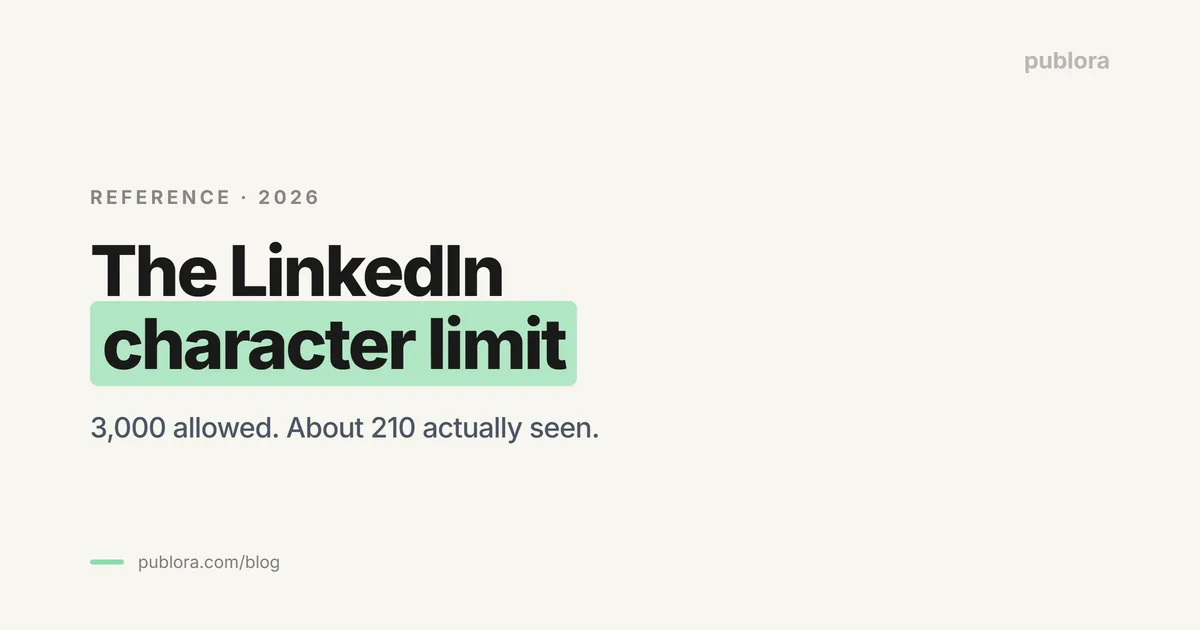
The LinkedIn post character limit is 3,000, but only the first 210 characters show before 'see more'. Every limit that matters, and how to write for the cut-off.
LinkedIn gives you 3,000 characters for a post, and shows about 210 of them. That second number is the one that shapes how you write. Everything before the "see more" cut has to do the work of earning the click; everything after it is for the people already convinced. Here are all the limits, and what to do with the one that counts.
Every LinkedIn Character Limit
| Where | Limit |
|---|---|
| Post | 3,000 characters |
| Visible before "see more" | about 210 characters |
| Comment | 1,250 characters |
| Headline | 220 characters |
| About / summary | 2,600 characters |
| Article body | 110,000 characters |
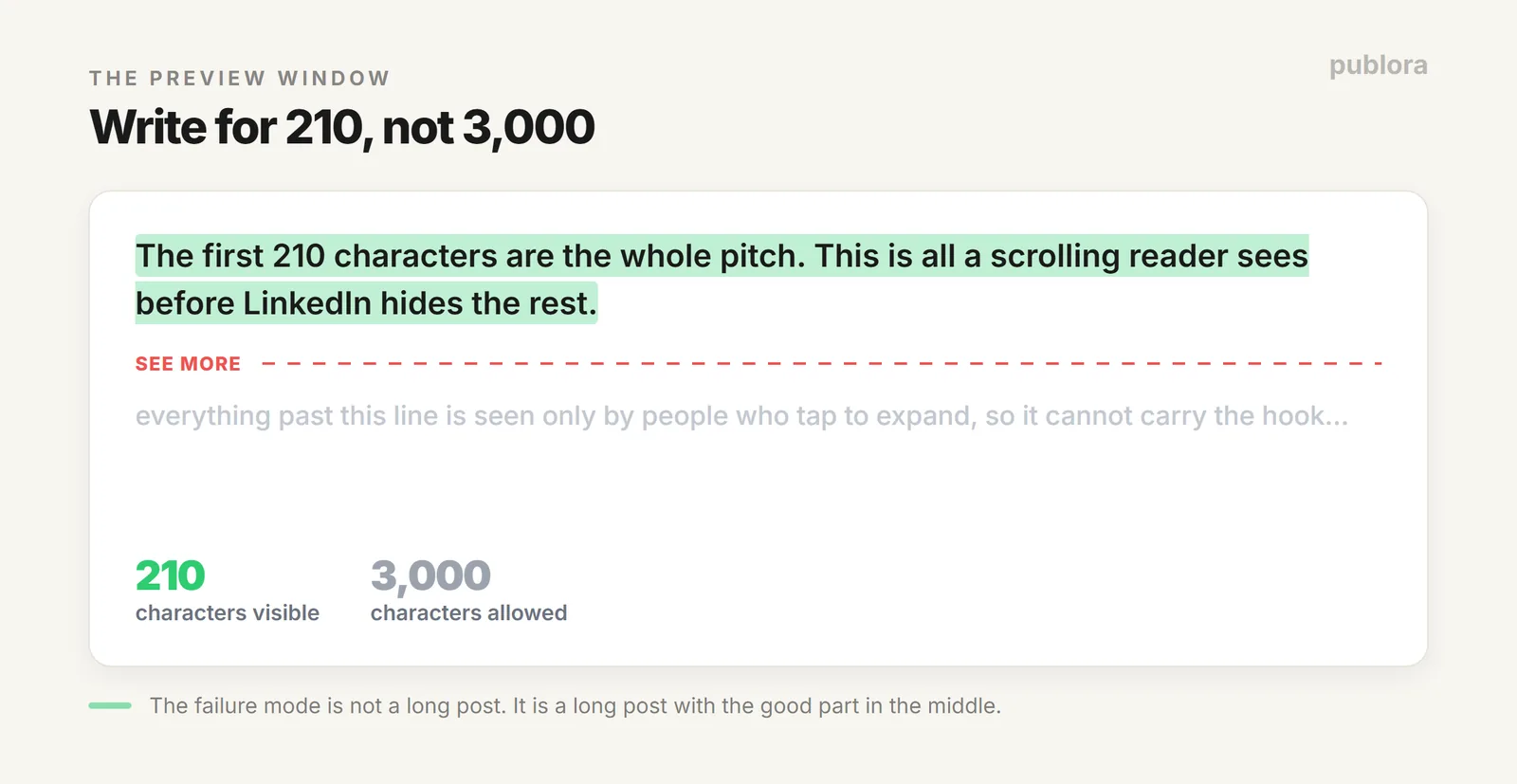
Write for 210, Not 3,000
A LinkedIn post in the feed is a preview with a button. Roughly 210 characters appear, then "see more" hides the rest. Someone scrolling decides in that window whether to expand, so the opening carries the entire cost of the post.
What that means practically:
- Lead with the point or the tension. Not a warm-up sentence, not context. The thing that makes someone want the rest.
- Don't spend the preview on a greeting. "Excited to share that..." burns a quarter of your visible space saying nothing.
- Break the line early. A short opening line followed by white space reads better in a cramped preview than a dense paragraph.
- Put links at the end. They add length without adding pull in the preview window.
Comments Have Their Own Ceiling
A comment allows 1,250 characters, which is enough for a real reply rather than a one-liner. If you automate engagement, that's the cap to respect: Publora enforces the same 1,250 when posting comments through the API, so a longer draft will be rejected rather than silently cut.
If You Post to Several Networks at Once
LinkedIn's 3,000 is generous next to X, which stops at 280. When the same text goes to both, X sets the floor: keep it under 280 and the message lands identically everywhere, or accept that each platform handles the overflow its own way. The comparison is in the X character limit reference, and the cross-posting mechanics in posting to every network from one API.
FAQ
What's the LinkedIn post character limit?
3,000 characters. But only about 210 show before the "see more" cut, so that's the number to write against.
How long should a LinkedIn post be?
Whatever length the idea needs, with the hook inside the first 210 characters. Long posts work when the opening earns the expand.
What's the comment limit?
1,250 characters per comment, and that's the cap Publora enforces when posting comments through the API.
Schedule LinkedIn posts and comments
Publora publishes to LinkedIn profiles and company pages, handles comments through the API, and reaches nine other platforms from the same place. Free to start.
Start FreeFurther Reading
About the author. Written by the Publora team. Post, preview, and comment limits reflect the live Publora LinkedIn integration documented at docs.publora.com; platform limits can change.
Related Articles
Bluesky Scheduler: How to Schedule Bluesky Posts in 2026
How to schedule Bluesky posts in 2026: the 300-character limit, automatic links and hashtags, image rules, and posting to Bluesky alongside your other networks.
Instagram Post Size and Dimensions in 2026 (Every Format)
Every Instagram post size and dimension in 2026 - feed photos, carousels, Stories, and Reels - with exact pixels, aspect ratios, and the specs to upload in.
LinkedIn Image Size and Specs in 2026
LinkedIn image sizes for 2026: post images, profile banner, company cover, and logo, plus the file-size and media rules that decide whether a post publishes.
Can You Schedule Posts on Instagram? (2026 Guide)
Yes, you can schedule Instagram posts, with limits. What Instagram allows natively, what it doesn't, and how to schedule feed posts, Reels, and Stories properly.