LinkedIn Image Size and Specs in 2026

Reviewed by Jane Ivanova, CEO, Publora
TL;DR
LinkedIn image sizes for 2026: post images, profile banner, company cover, and logo, plus the file-size and media rules that decide whether a post publishes.
LinkedIn is more forgiving than Instagram about image shape, and stricter about what you can put in one post. Get the dimensions right and your image fills the feed instead of sitting in a letterboxed strip. Get the media rules wrong and the post simply won't publish. Both are below.
LinkedIn Image Sizes
| Where | Size (px) | Ratio |
|---|---|---|
| Post image, square (recommended) | 1200 x 1200 | 1:1 |
| Post image, portrait | 1200 x 1500 | 4:5 |
| Post image, landscape | 1200 x 627 | 1.91:1 |
| Personal profile banner | 1584 x 396 | 4:1 |
| Company page cover | 1128 x 191 | 5.9:1 |
| Profile photo | 400 x 400 | 1:1 |
| Company logo | 300 x 300 | 1:1 |
Square and portrait take more vertical space on a phone, which is where most of the feed is read. The 1.91:1 landscape shape is worth using when your image is a wide graphic or you want it to match the look of a link preview.
The Media Rules Underneath
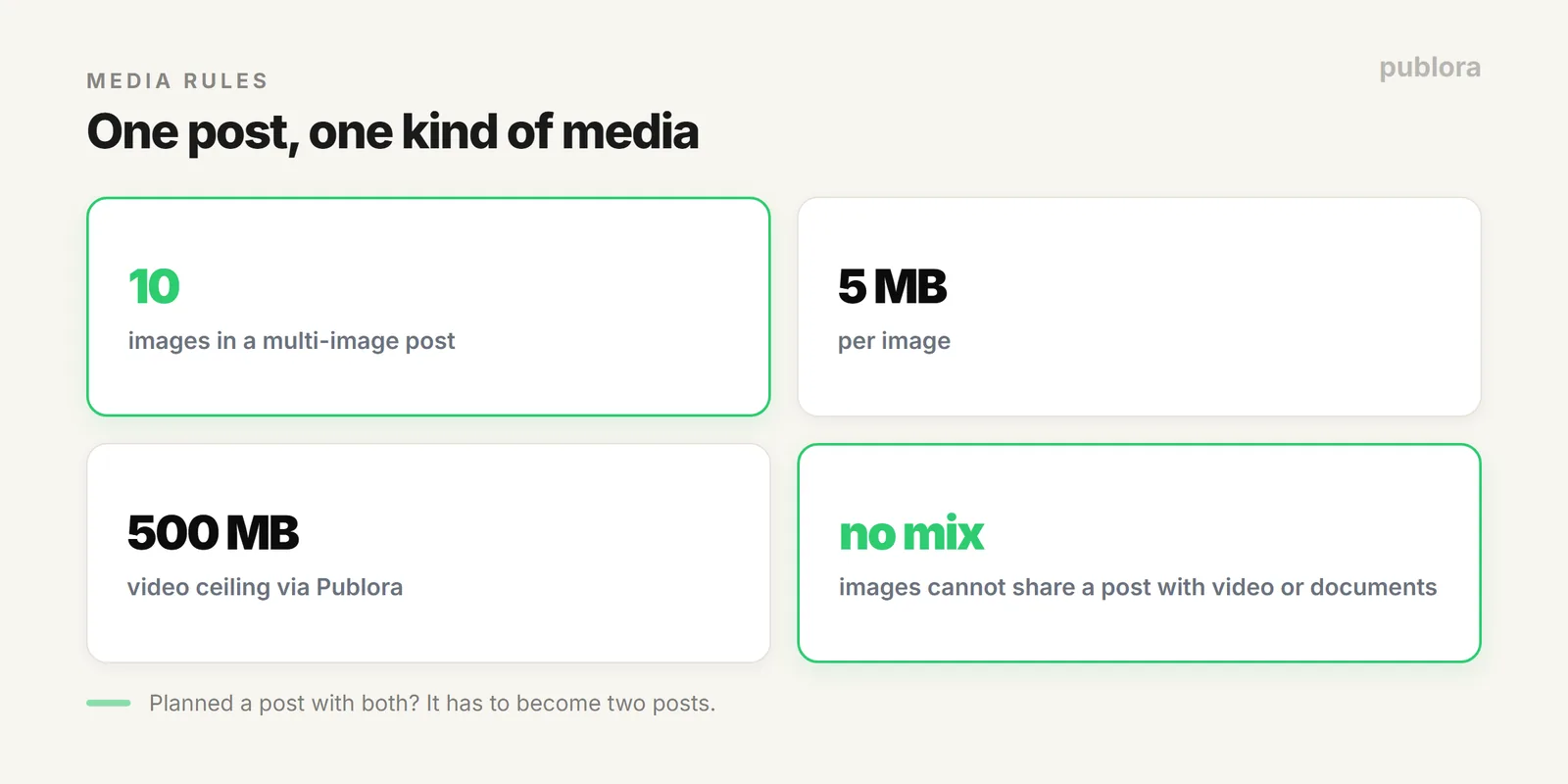
| Rule | Value |
|---|---|
| Images per post | Up to 10 (multi-image post) |
| Max image size | 5 MB each |
| Max video size | 500 MB through Publora (LinkedIn native allows 5 GB) |
| Mixing media types | Not allowed: images can't be combined with video or documents |
The Text Side of the Same Post
Images decide whether someone stops scrolling; the first line decides whether they read on. A LinkedIn post allows 3,000 characters, but only the first 210 show before the "see more" cut, so the hook has to live in that opening. Full detail in the LinkedIn character limit reference.
Practical Defaults
- Default to 1200 x 1200. Safe everywhere, no awkward cropping in the feed or in notifications.
- Go portrait when you want presence. 1200 x 1500 owns more of a phone screen.
- Keep files under 5 MB. Export sensibly rather than at maximum quality.
- Decide the media type before you write. Since you can't mix, the choice shapes the post.
FAQ
Best image size for a LinkedIn post?
1200 x 1200 square or 1200 x 1500 portrait for feed presence; 1200 x 627 for landscape. Banner 1584 x 396, company cover 1128 x 191, profile photo 400 x 400.
How many images can one post have?
Up to 10 at 5 MB each. You can't mix images with video or documents in the same post.
What's the video size limit?
500 MB through Publora, below LinkedIn's native 5 GB ceiling. Compress very large files before scheduling.
Schedule LinkedIn without the media guesswork
Publora handles LinkedIn images, video, and multi-image posts, for personal profiles and company pages, from one place. Free to start.
Start FreeFurther Reading
About the author. Written by the Publora team. File-size caps, image counts, and media-mixing rules reflect the live Publora LinkedIn integration documented at docs.publora.com; platform specs can change.
Related Articles
Can You Schedule Posts on Instagram? (2026 Guide)
Yes, you can schedule Instagram posts, with limits. What Instagram allows natively, what it doesn't, and how to schedule feed posts, Reels, and Stories properly.
How Do I Schedule Posts on Facebook? (2026 Guide)
How to schedule Facebook posts in 2026: what you can queue on a Page, why personal profiles don't work, and how to schedule several Pages at once or from an API.
The Best Time to Post on X (Twitter) in 2026
Four published studies agree on Tuesday to Thursday mornings for X. The exact windows, the sample sizes behind them, and how to find your own best time.
The Best Time to Post on Threads in 2026
Buffer's analysis of 2.5 million Threads posts puts Thursday at 9am on top. The published windows, how much data sits behind them, and how to find your own.